




 Affiliate Disclaimer
 Finding out who lives on your street can go a long way, from checking local directories to studying census data. However, there are reverse address lookup services on the Internet.
Maybe you want to know who lives in your community for safety reasons or to establish a better relationship with your neighbors. Whatever the reason, there are legal and free methods to find out who lives on your street while maintaining anonymity.
Moreover, you don’t need to hire a private detective, as most methods of finding out who lives on your street are legal and ethical. In this guide, we’ll show you different ways how you can legally and freely find out who lives on your street. Even though you want to search through public records, a good guide can simplify the process.
Don’t conduct time-consuming and challenging investigations, HeyLocate’s free search methods and special address lookup services can do the work for you. Read on to discover who lives on your street, legally and free.
Top Pick Based on Our Research
You can read this review to the end, but if you’re short on time, here’s a quick way to know who lives on your street with our top-3 reverse address lookup services due to our findings:
It is a home evaluation website that can look up the value of any home. Therefore, it will pull up information related to an address, including the owner’s name.
It is a searchable database of public records. You can use it to search for property owners and explore available details on people living on your street.
🥉 Intelius
With this reverse address search engine, you can dig up information related to the property, including the ownership history, possible current and past residents, and crime statistics in that area.
Start with an Online Search
The obvious method of doing a free address lookup for who lives on your street is by typing in your street name and city on Bing or Google. It will turn up results of public records or directories in your area.
You can also use quotation marks to search for the exact address. For example, “123, Main Street.” In addition, it’s possible to add filters on Google or Bing, like search by location.
You can use the information you find to search for more information on social media sites like Facebook or Instagram. This will help to verify the personal details of your neighbor.
Check the Mailbox
An easy method to find out who lives on your street is by getting your neighbors’ names from their mailboxes. Many residents have their names on curbside mailboxes to help couriers know they are delivering mail to the right address. As such, you can walk up to any mailbox, get a name, and use it to search the owner’s details using a people search engine like TruthFinder, Intelius, or HeyLocate.mobi.
Enter Address and Discover Information About the Owner Right Now
- Address Lookup
- People search
Use Public Records
A public records search can reveal important information about the people who live on your street. It can give you insights into people, so you know who you’re interacting with in the neighborhood.
Public Property Records
You can search property records in person at your county government building or use your town, municipality, or county government website. Start at the county clerk, auditor, recorder, or state registry of deeds. These offices can allow you to search their records online.
A public records search will give you information about current and past owners, lot area, plat subdivision, council district, and assessed land value, among other information.
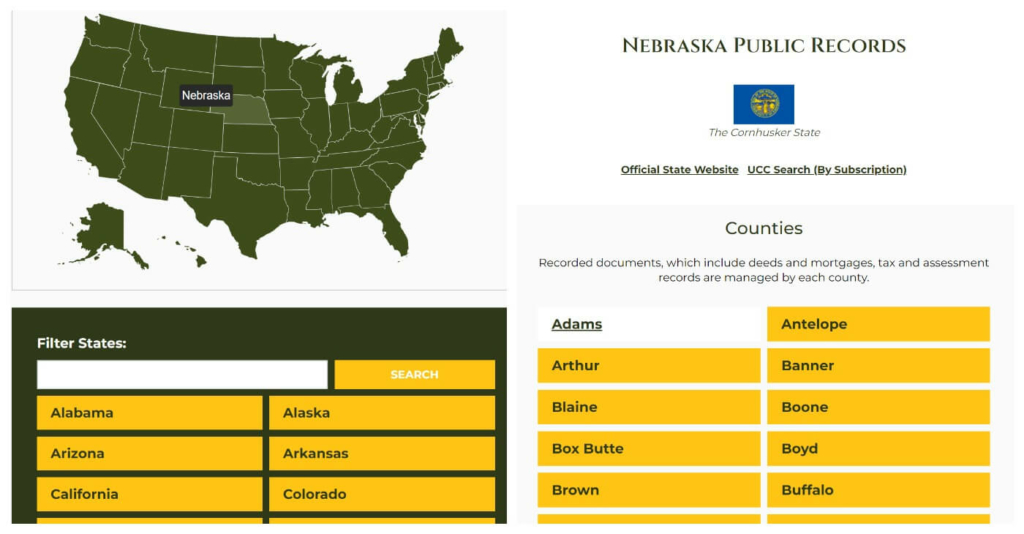
Our findings showed that laws regarding public property records vary by state. Still, many states have some public access to public property records. Public property records are open and free to search in some states like California, Florida, Texas, and New York.
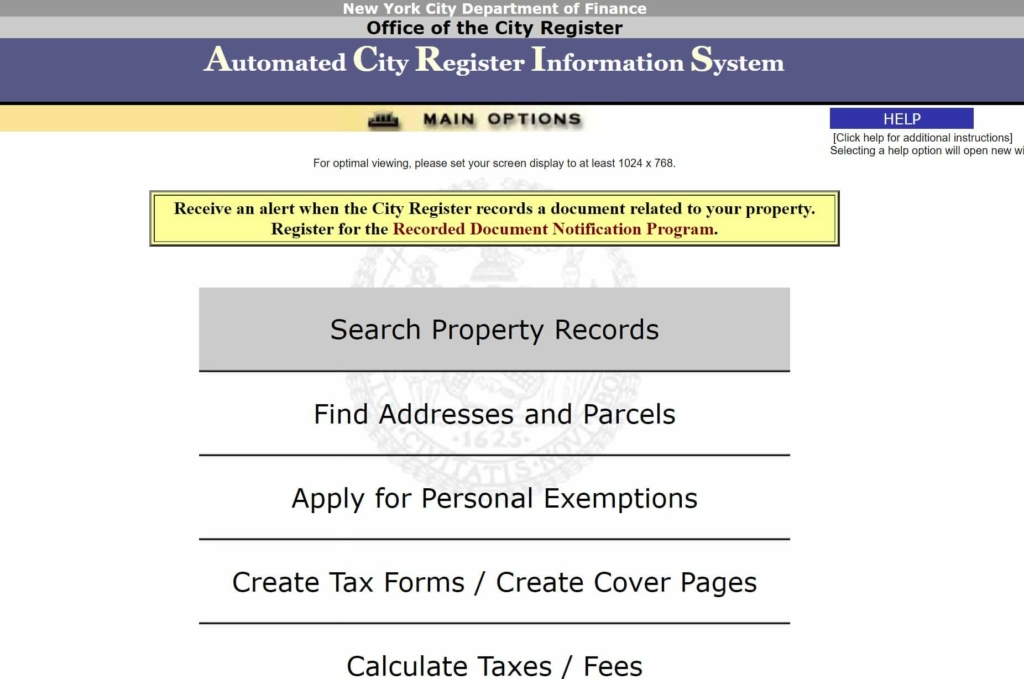
Nonetheless, restrictions or fees may be associated with accessing certain property records, and the details available can also vary. It’s best to check with your state or the county office responsible for maintaining property records to determine the availability and access to public property records.
If you live in Texas, you can find ownership public records through the Texas County Appraisal Districts website. You can search your county’s website for property ownership information by owner name, property address, or parcel ID number.
The Texas Secretary of State’s website also provides access to property ownership records for certain types of properties, such as oil and gas leases.
Voter Registration Records
A person’s voter registration records include valuable identifying information that you can use to know who lives on your street. You can access a voter’s file for free or paid according to the laws of your state.
The voter file can be accessed for free in New York and North Carolina, but according to our research, in Alabama, it will cost you up to $37,000. Hence, this method is only viable if you can access the voter file for free or cheaply.
Some information you can get from a voter’s file is full names of the past, past and current addresses, contact information, and miscellaneous information such as prior felony conviction and last date of jury duty.
Census Data
Census data captures key information about households in a particular geographical area. The last census in the US was in 2020, so if your neighbor has been living in their home since before 2020, you may find details about them using census data. But honestly, navigating census data can be a bit tricky.
Tax Records
Property tax records are valuable for finding out who lives on your street. You can access your area’s property tax records by searching your town or municipality online using Public Records Online Directory.
Then search for the property’s address. You must search for the right street and match it to the correct name. Review the information in the record with the property owner’s name.
Land Records
Land records are the most complete type of record in the USA. This is because they contain information from when colonialists settled on a particular land.
Land records show the time period when an individual settled on the land. They may also include the person’s age, spouse’s name, parents, other relatives, and heir.
Every state’s public land records office is in the Department of Land Records in the County Circuit Court Clerk’s office. You can access the details of a property’s deed by visiting the land records office in your state physically or online through the US Land Records site.
Contact the Local Government
If you have the time and patience, you can do a who lives on my street public records search using your local county building at the county assessor. This office can help you look up a property and find out who owns it. In addition, you can visit the county recorder’s or clerk’s office. You’ll be able to find out who lives at an address and the history of the property owners.
Use Online Directories
Based on our experience, directories are a good stop for searching who lives in your neighborhood while maintaining perfect anonymity. Websites like White Pages provide free and paid services to discover who lives on your street.
I tested out several online directories, and most, like, whoeasy.com, findoutthetruth.com, and zabasearch.com, don’t work. These are the free online directories that yielded actual results.
White Pages
White Page listings offer free address lookup by name for fraud screening, identity verification, and background checks.
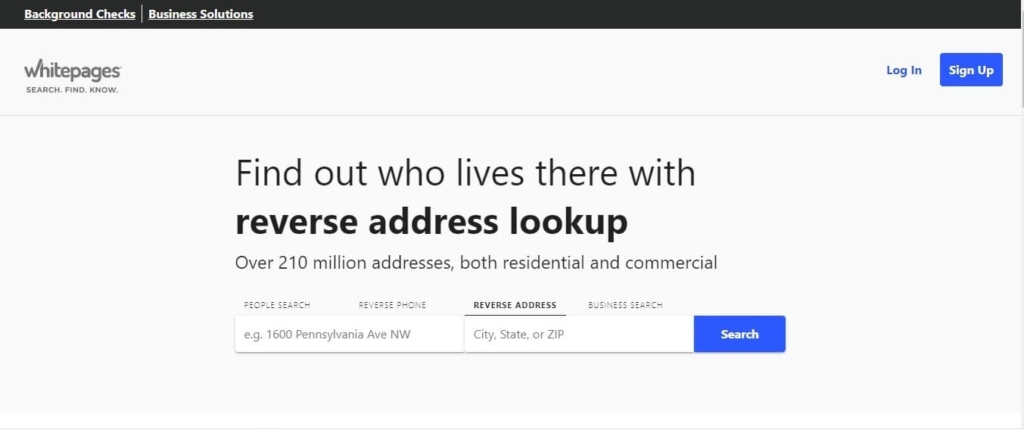
What Info User Can Get with Address Lookup:
- current residents;
- phone numbers;
- past locations;
- relatives and associates.
User Experience:
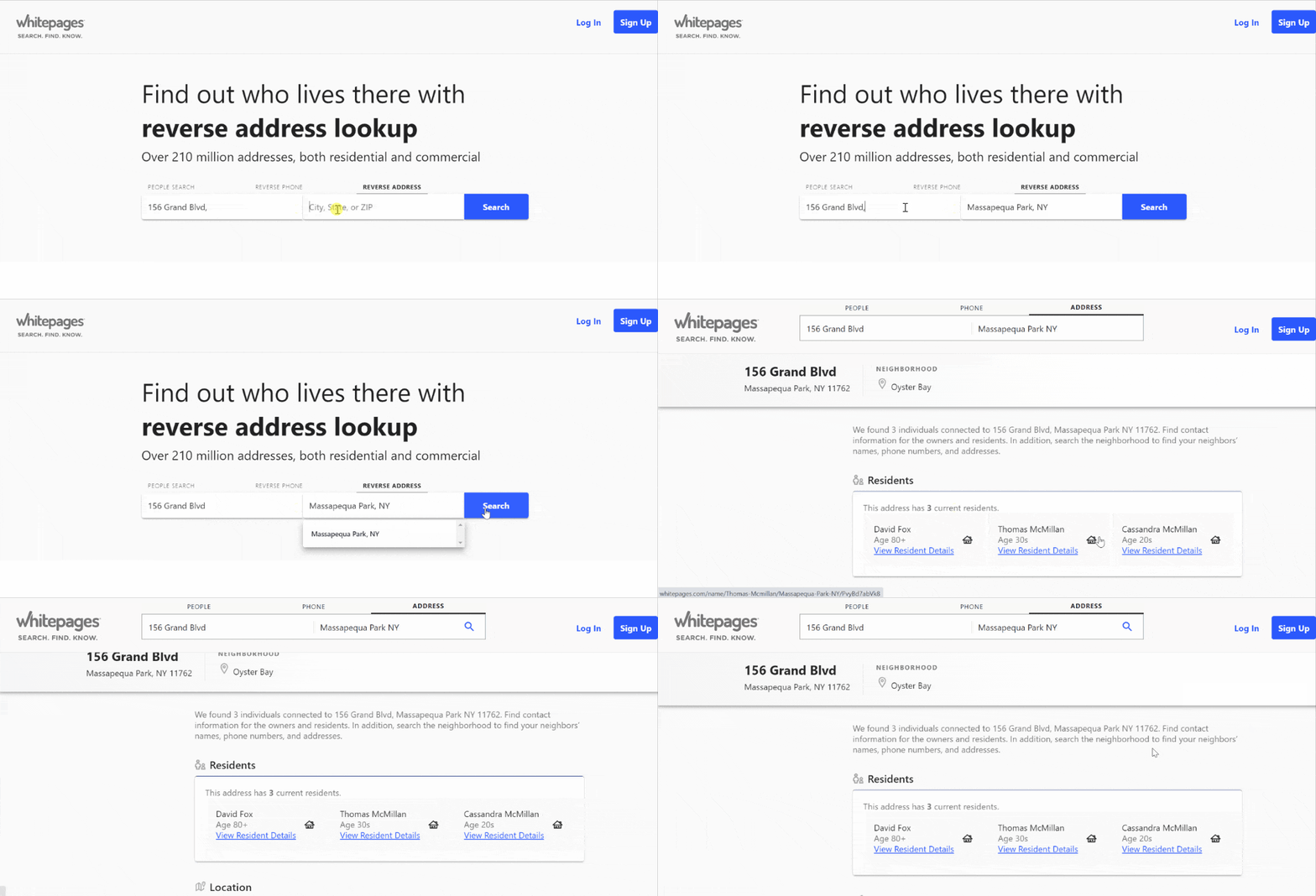
After entering the address, street, and city name, this search engine returned results with the residents’ names. I could click on one of the names and get additional information about them.
White Pages also had options for doing a background check, although this is a paid feature for $9.99 for each report. There’s also a 5-day trial for $1. The premium access will give you access to landline information, property records, etc. However, the free White Pages can be helpful for basic information related to an address.
| Quickness | Simplicity | Effectiveness | Safety |
|---|---|---|---|
| 4.8 | 5 | 4.8 | 5 |
Pros:
- useful free results;
- shows current residents;
- shows occupied homes in the neighborhood;
- results are fast and accurate.
Cons:
- full address history is not free;
- works only for US address searches.
That’sThem
That’sThem uses social networks to find out information about people. You can perform address searches to know the owner of a property.
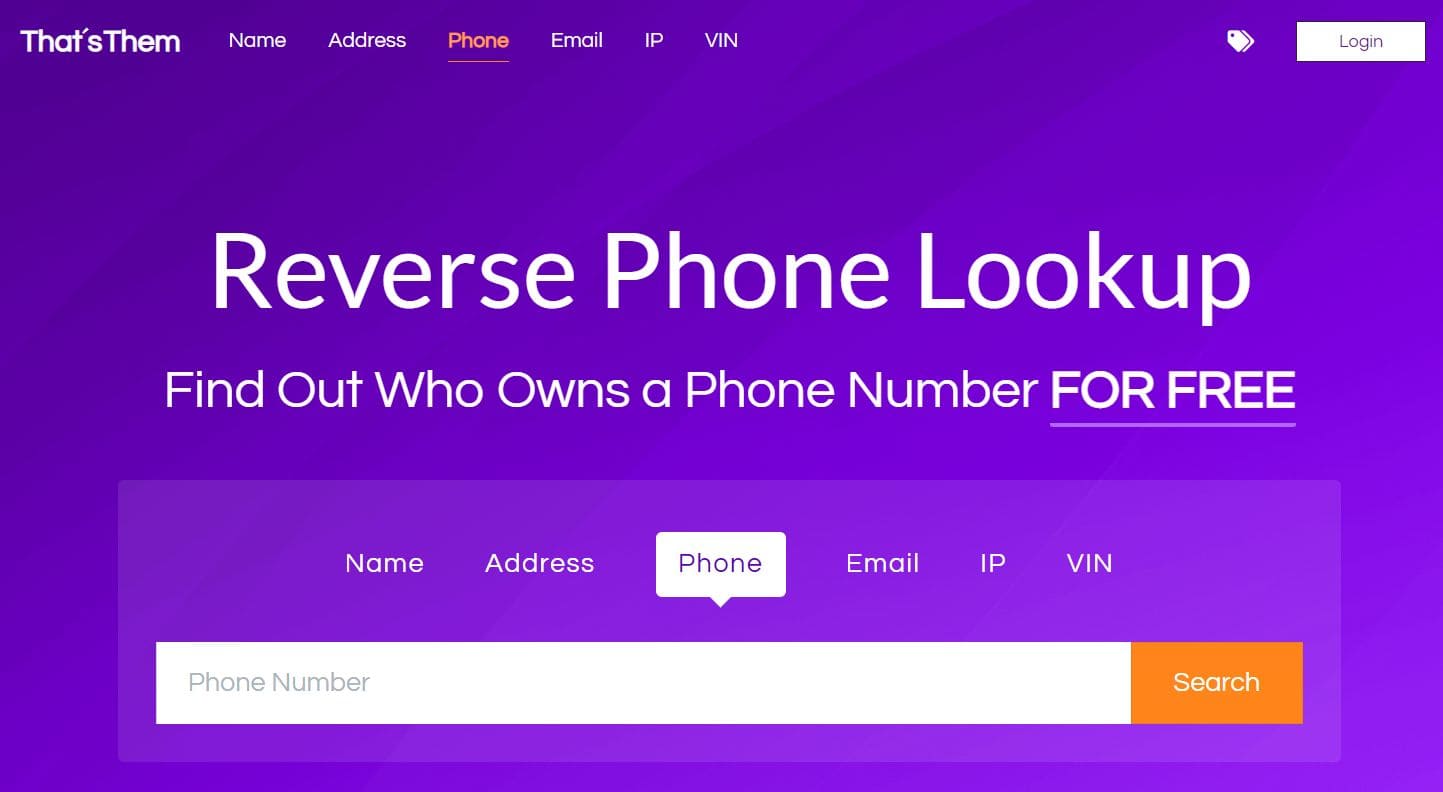
What Info User Can Get with Address Lookup:
- full names of the property owner;
- owner’s details;
- phone numbers;
- associates;
- residents.
User Experience:
That’sThem has free lookup of phone numbers, names, and addresses. If you’re not looking to perform a background check, this website can help you know your neighbors. I typed in the address I desired to search on That’sThem, which gave me results with the full names of the owner, the residents, and their personal details.
That’sThem showed when the information was updated, indicating whether the information is current or not. I found it accurate and could use it to reach out to my neighbors confidently — the only drawback with That’sThem is that users find too much information for free. They feel anyone could use the information on this website for identity theft.
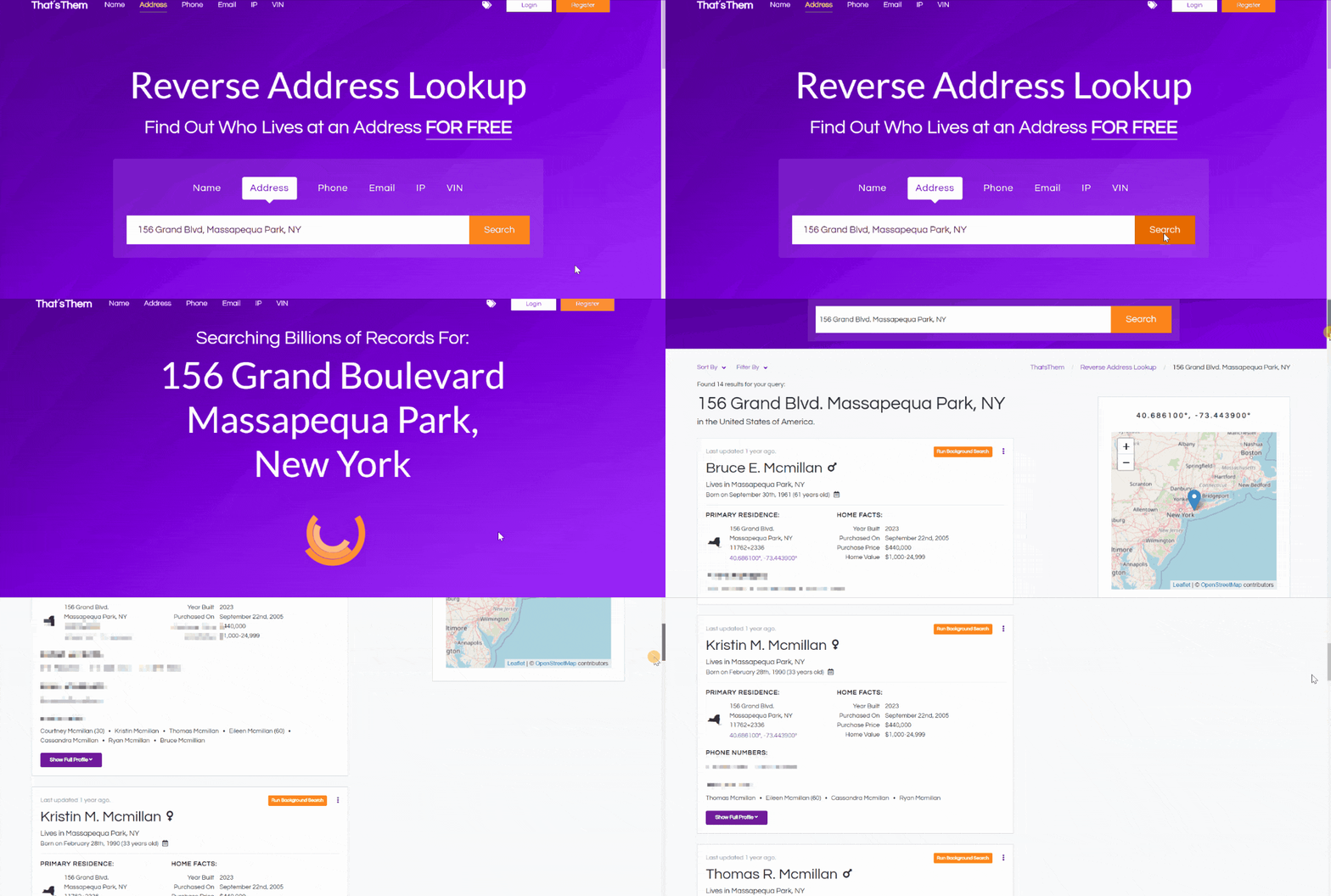
Moreover, it does not notify the person whose information has been searched. Thus, the search is confidential, increasing the risk of someone using the information for the wrong purpose.
| Quickness | Simplicity | Effectiveness | Safety |
|---|---|---|---|
| 4.8 | 4.8 | 4.8 | 4.8 |
Pros:
- can find out who lives on your street for free;
- fast search engine with few ads, if any;
- uses publicly available information from public networks.
Cons:
- only 10 searches per day;
- users feel it reveals too much personal information.
Melissa Lookups
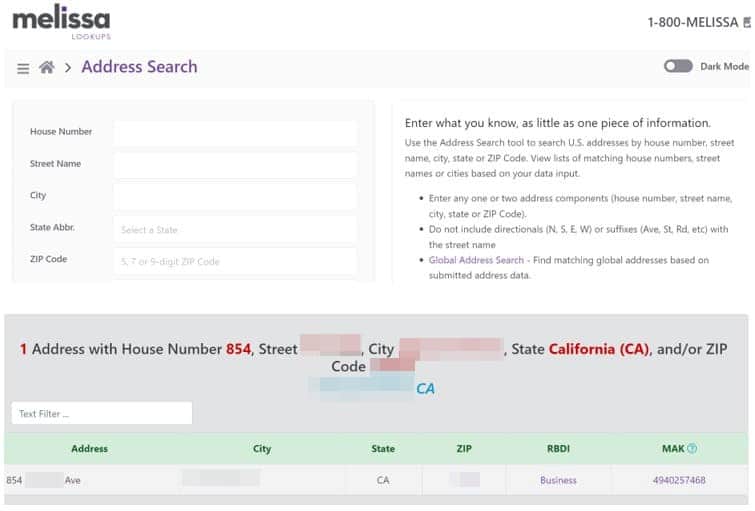
Melissa Lookups can find a person’s name by address. It’s ideal for verifying correct US and Canadian addresses.
What Info User Can Get with Address Lookup:
- name at address;
- owner’s age;
- full address details;
- county name;
- address type.
User Experience:
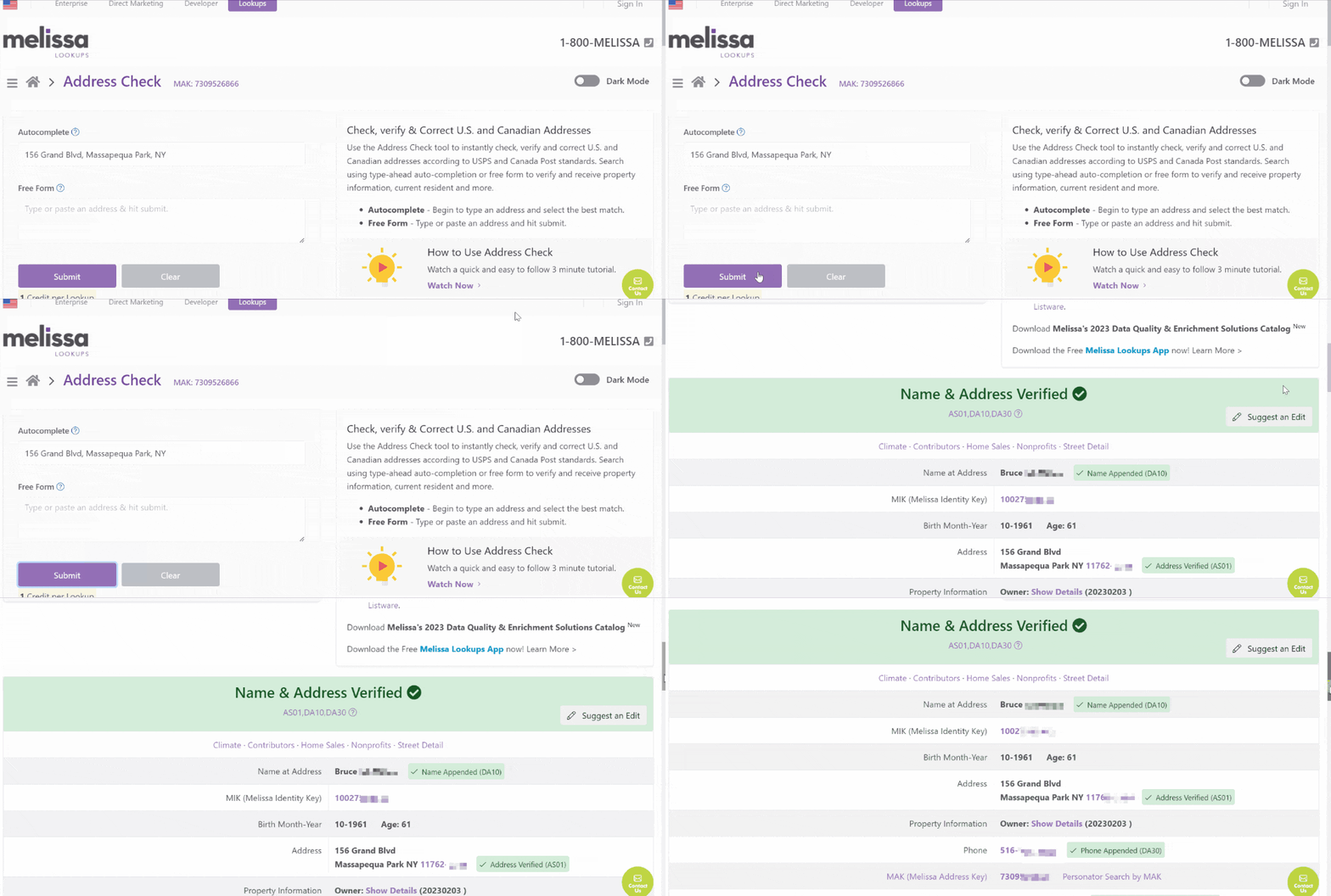
Melissa Lookups was super easy to use. It can auto-fill the address if I do not have the full address details. I input the address, and the tool provided me with an instant result of basic details of the owner of the address. It showed me their age, phone number, and ethnicity.
Upon creating an account, Melissa Lookups provided detailed information about the property. I got 1,000 free credits to find information like verifying the phone number. Many users like Melissa Lookups since it provides helpful information without revealing too many personal details.
| Quickness | Simplicity | Effectiveness | Safety |
|---|---|---|---|
| 4.8 | 4.8 | 4.8 | 5 |
Pros:
- 1000 free credits after creating an account;
- accurate address validation;
- contains data for all addresses in the US;
- constantly updates for accurate information.
Cons:
- works only for US and Canadian residents.
SpyDialer
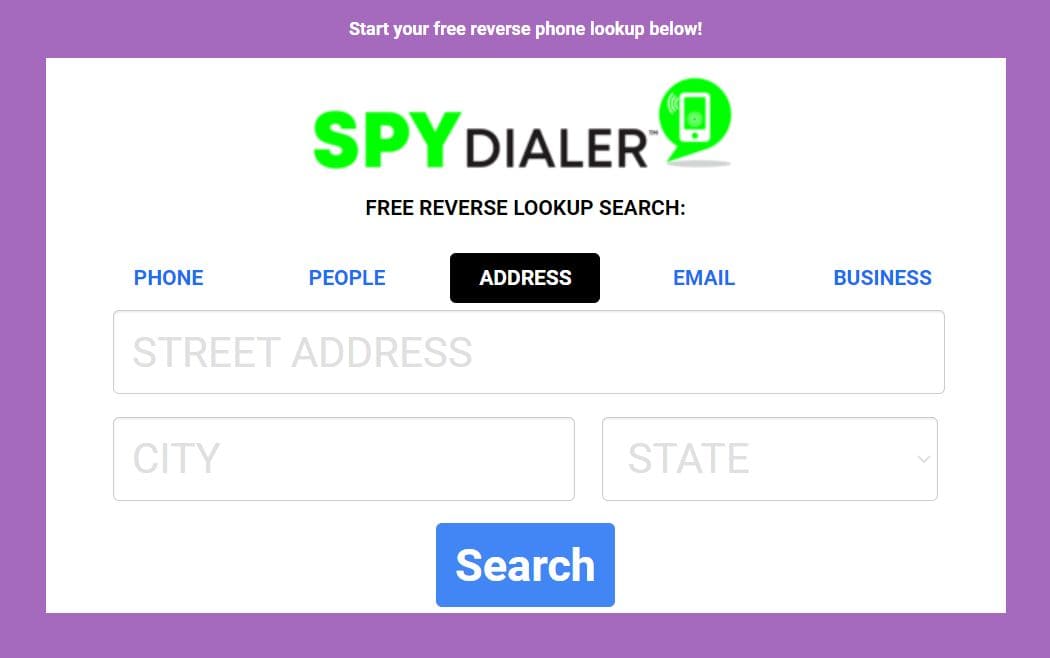
SpyDialer is a free search engine that lets users know who is behind a phone number, address, name, or email.
What Information User Can Get With Address Lookup:
- full names of the owner;
- owner’s phone number;
- possible family members.
User Experience:
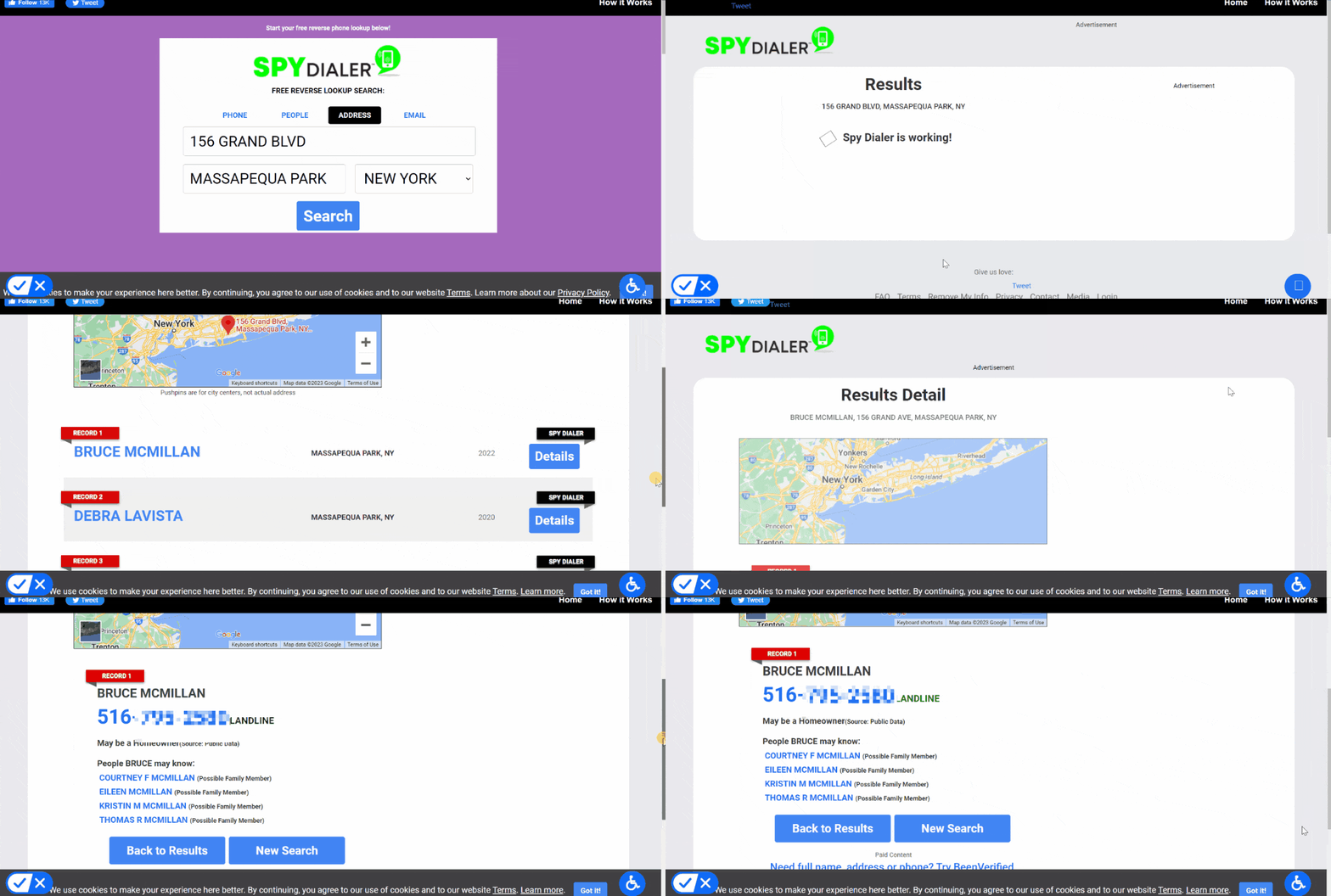
SpyDialer was easy to navigate. I searched using an address and got three hits. I picked the first result, revealing the owner’s full name, phone number, and possible family members. SpyDialer yielded results in a few seconds.
In addition to knowing the property owner’s name, I could search for phone numbers of possible family members. It also showed neighbors’ names that I could search individually on the site. Most users like that it is free, although it lacks detailed reports.
| Quickness | Simplicity | Effectiveness | Safety |
|---|---|---|---|
| 4.8 | 4.8 | 4.7 | 4.9 |
Pros:
- can classify the owner’s number as a scam or not;
- shows owner’s name and family members;
- reveals other neighbors’ names;
- rarely gives “no results”.
Cons:
- provides very little information.
USPhoneBook
This people search engine also offers free reverse address searches. It is entirely web-based and allows users to get extensive reports about an individual.
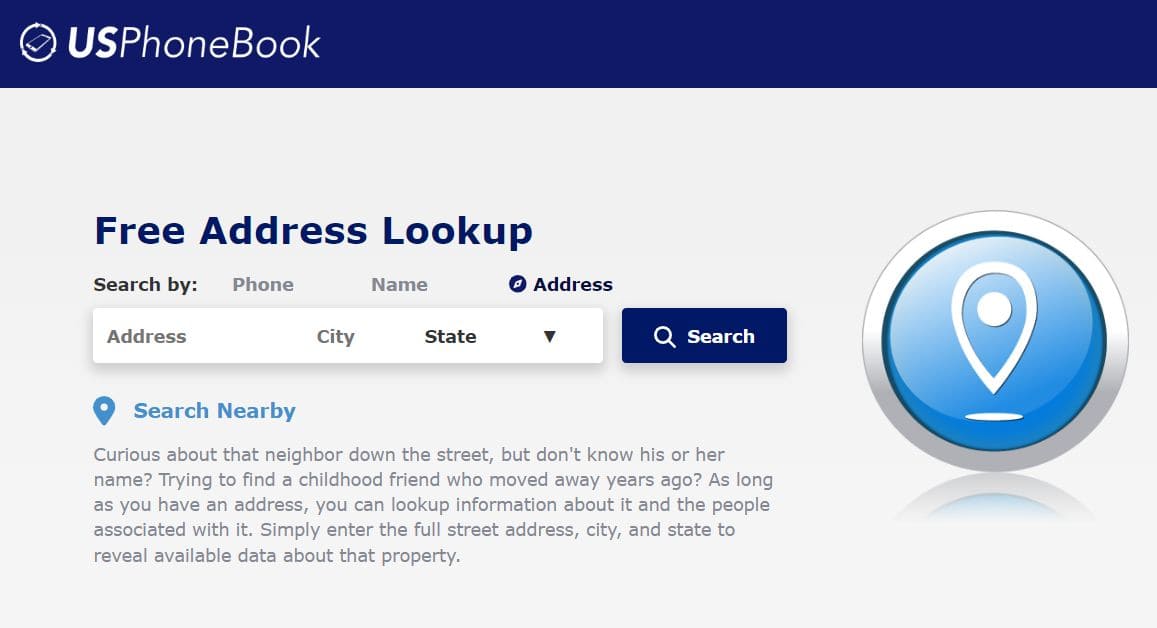
What Info User Can Get with Address Lookup:
- full names of the property owner;
- phone number;
- prior addresses;
- relatives & associates.
User Experience:
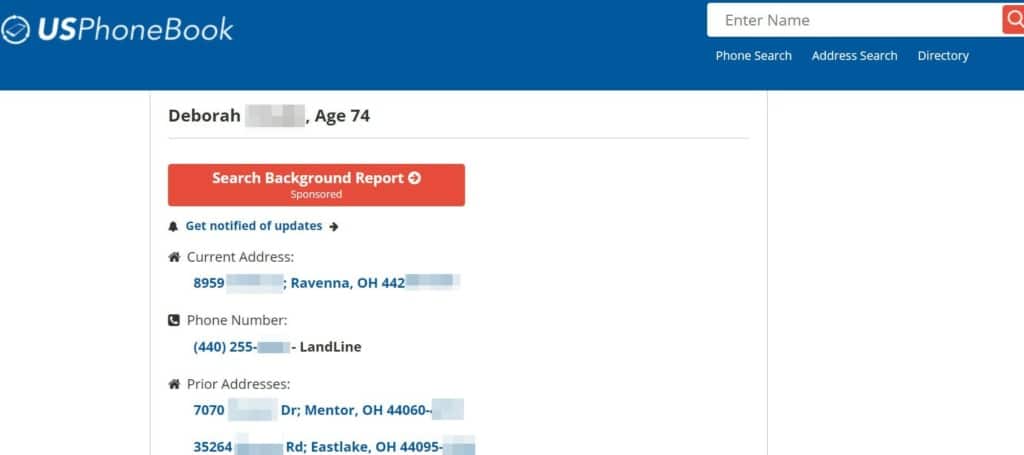
USPhoneBook provided basic information for free. It took only a few minutes to get the search results. The report turned up 41 results for the property owner’s name. The names were of past residents, meaning it was easy to use wrong information when discovering who lived on my street.
Since I had the owner’s name in mind, I chose it from the list, and the search engine revealed more information about the person. It showed their full names, current addresses, past addresses, possible family members, and associates.
Users of USPhoneBook have reported that it’s easy to navigate and that the data has proved useful. Since it provides information widely available on the web, users feel it’s not super useful for finding detailed reports.
| Quickness | Simplicity | Effectiveness | Safety |
|---|---|---|---|
| 4.6 | 4.7 | 4.6 | 5 |
Pros:
- compiles reports from public sources;
- no need to register to get free reports;
- privacy is secure.
Cons:
- turns up results without indicating whether it’s up-to-date.
Try Neighborhood Apps
Neighborhood apps allow citizens to connect with individuals in a neighborhood. I could use such an app to see the names of residents on my street. Here are two apps that your neighborhood could benefit from.
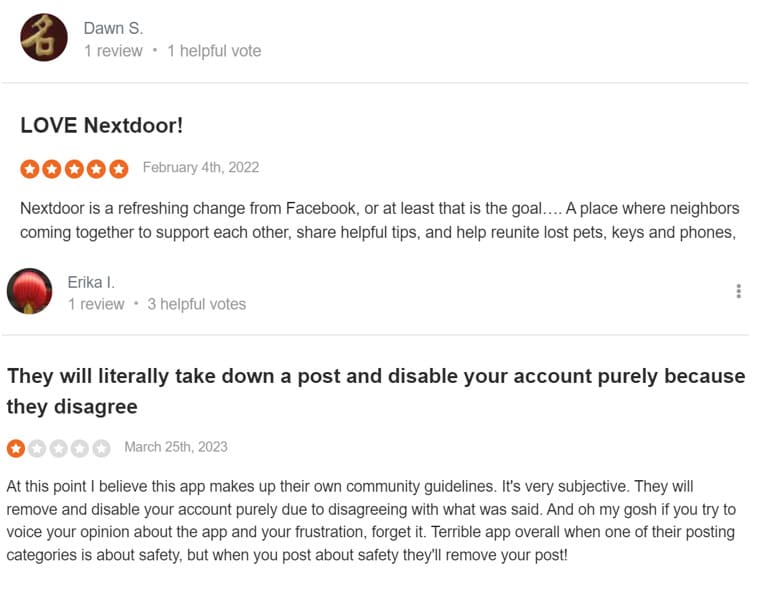
Nextdoor is a top-renowned app that brings communities together. 1 in 3 households use Nextdoor in the US. We looked at reviews and found that some people love it while others not so much. Have a look.
Another useful app is Neighbors. Neighbors is an app by Amazon’s Ring doorbell. It acts as a neighborhood watch that can give you safety and crime alerts in a radius of 5 miles around your home. However, the Neighbors app works independently; you must not purchase the ring doorbell.
On the Neighbors app, you are required to enter your address. You can then invite neighbors using available messaging apps like WhatsApp. The app will define a virtual radius around your home. You can then control the content you see on the app.
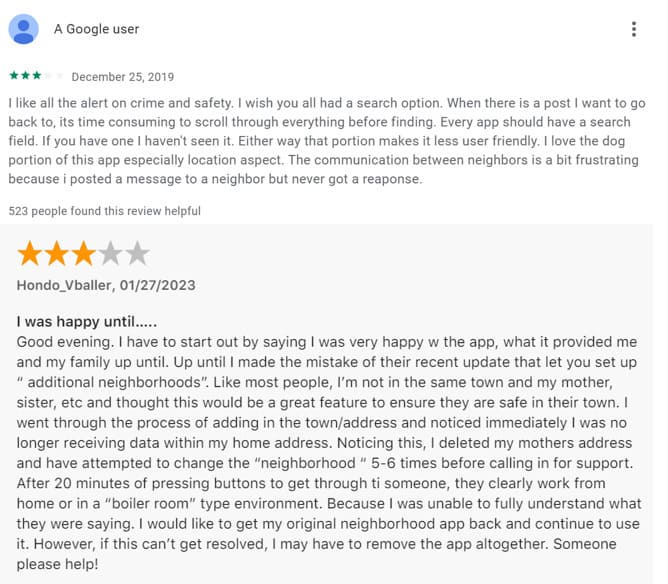
Here are some reviews we found from users of the Neighbors by Ring app.
Use Address Lookup Services
You can enter a street address on these search engines to fact-check information about people and addresses. Here are my top options.
Ownerly
Ownerly.com is a real estate platform that gives users helpful insight into your local housing market.
What Info User Can Get with Address Lookup:
- ownership details;
- home value estimate;
- sales history;
- area info.
User Experience:
Ownerly.com does not provide any information for free. However, it offers a 7-day trial for $1. During my experimenting with it, the service provided me information on various aspects, including the owner’s name, the home’s estimated value, and previous owners. The report took only a couple of minutes.
I like that Ownerly also included a report of the possible disasters that could happen in the area. Hence, it can provide valuable information when moving into an area. Still, you will find out the contact information of your neighbors.
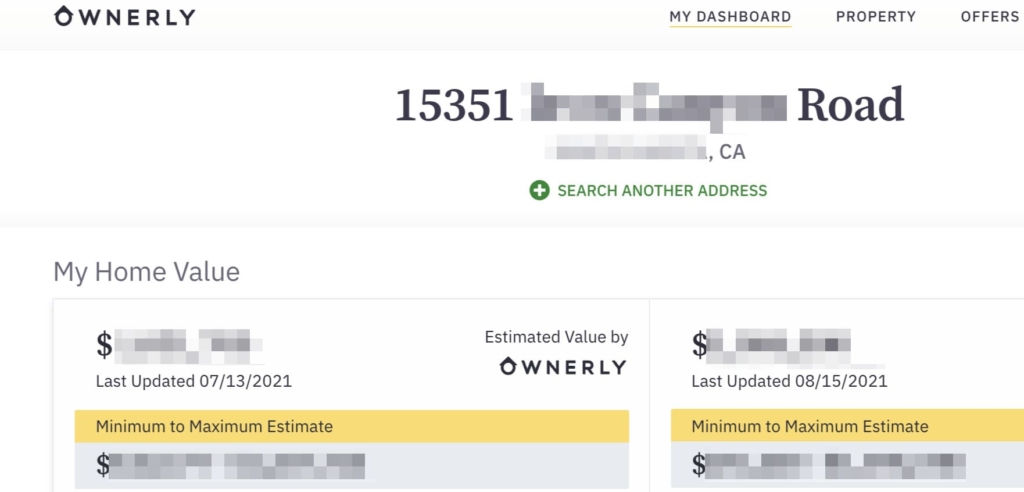
Reviewers of Ownerly.com say they were charged a recurring fee after forgetting to cancel their subscription. Therefore, they gave this website a low rating. It’s essential to cancel your trial at least 24 hours before the end of the trial period.
| Quickness | Simplicity | Effectiveness | Safety |
|---|---|---|---|
| 4.8 | 4.9 | 4.9 | 5 |
Pros:
- information is accurate and up to date;
- solid home valuations;
- gives valuable insights into a property;
- offers detailed owner information.
Cons:
- some users have noted that some of its data is inaccurate;
- expensive if you don’t cancel.
Searqle
Searqle is a people and data search engine that offers address information with a target’s name, phone, number, or address.
What Info User Can Get with Address Lookup:
- owner’s name;
- date of birth;
- P.O Box;
- court records.
User Experience:
Searqle only required a street address to provide information about it. The site gave me a three-day trial for $1 while its monthly plan costs $44.99 for ongoing use.
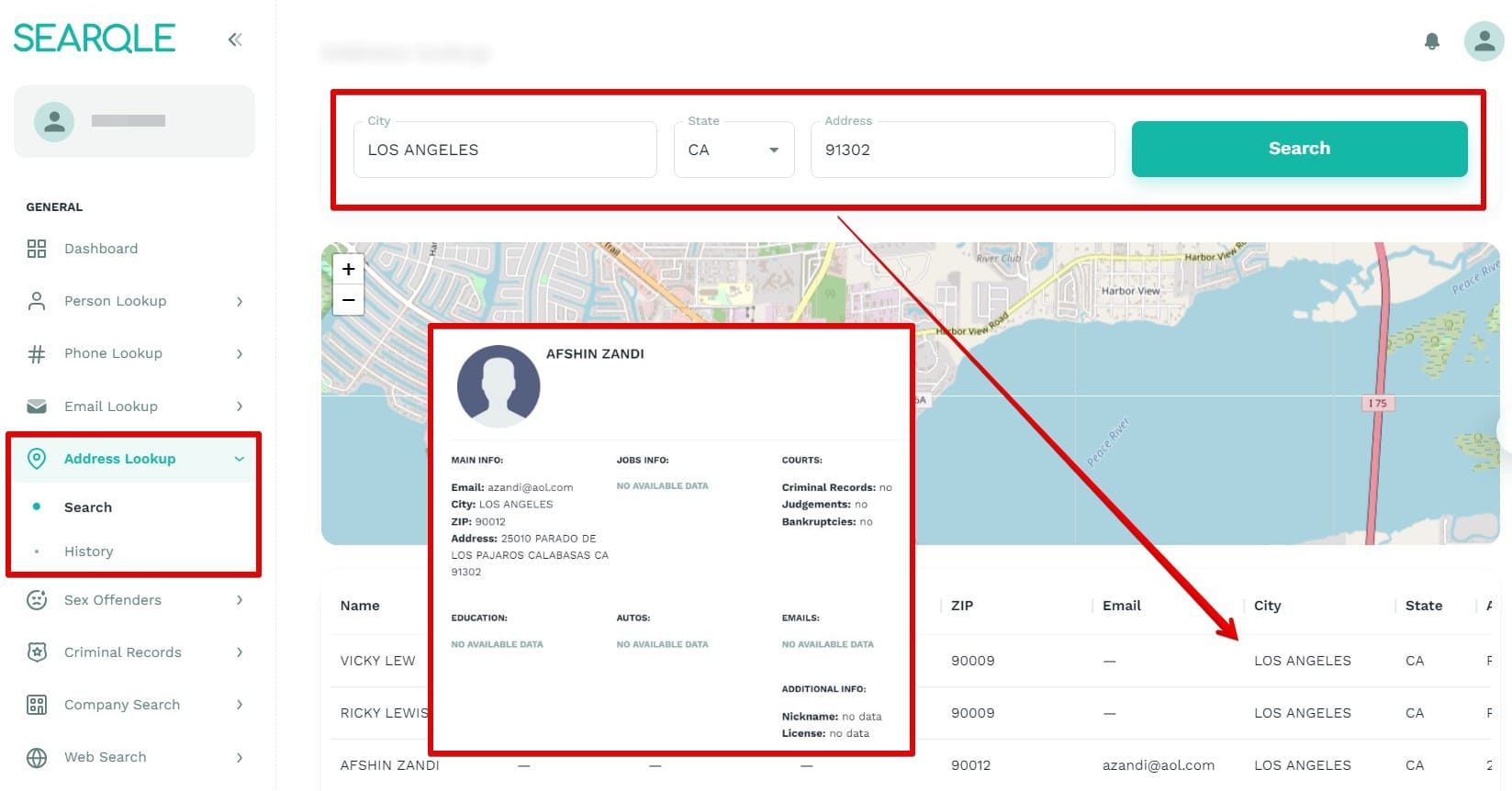
After I input the desired address, the search produced results in seconds. It gave me information with the owner’s name, their P.O. Box, date of birth, and court records. While it gave me the information I wanted, Searqle did not provide me with a list of former residents of the address.
| Quickness | Simplicity | Effectiveness | Safety |
|---|---|---|---|
| 4.9 | 4.7 | 4.6 | 5 |
Pros:
- accurate resident owner name;
- boasts 300M+ address records;
- provides updated information;
- has a 3-day trial for $1.
Cons:
- does not have detailed information;
- monthly fee is pricey for on-off searches.
NeighborWho
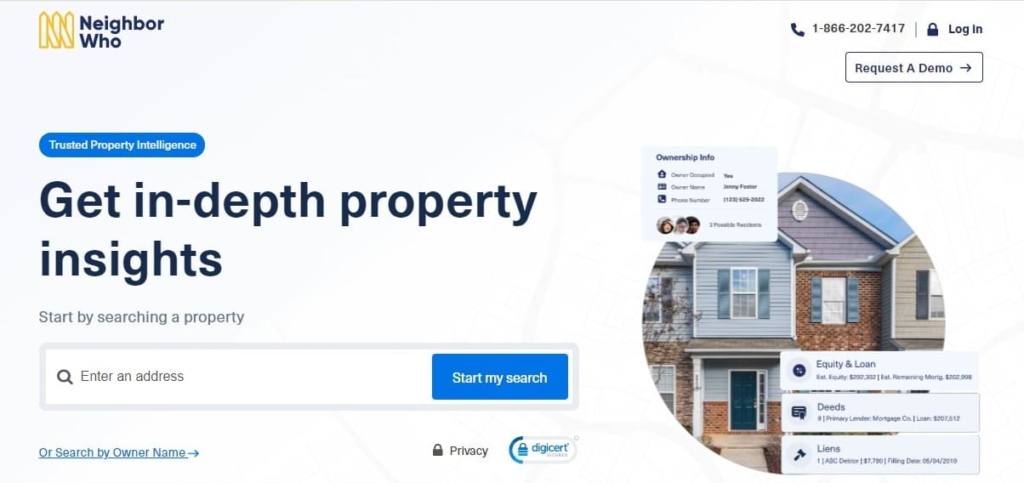
NeighborWho finds in-depth information about property owners. It can gather information such as owners, liens, and deeds online.
What Info User Can Get with Address Lookup:
- property owners;
- sales history;
- property characteristics;
- contact information;
- estimated property valuation.
User Experience:
When I started my address search on Neighborwho, this search engine took about five minutes to arrive at the results. The information was not free, but I got a free trial for this review.
A monthly subscription costs $44.86, but you can pay quarterly for $29.15 per month. It would be a good option if you are a realtor.
NeighborWho returned results of the property’s owner, property value, owner contact info, deed history, and liens.
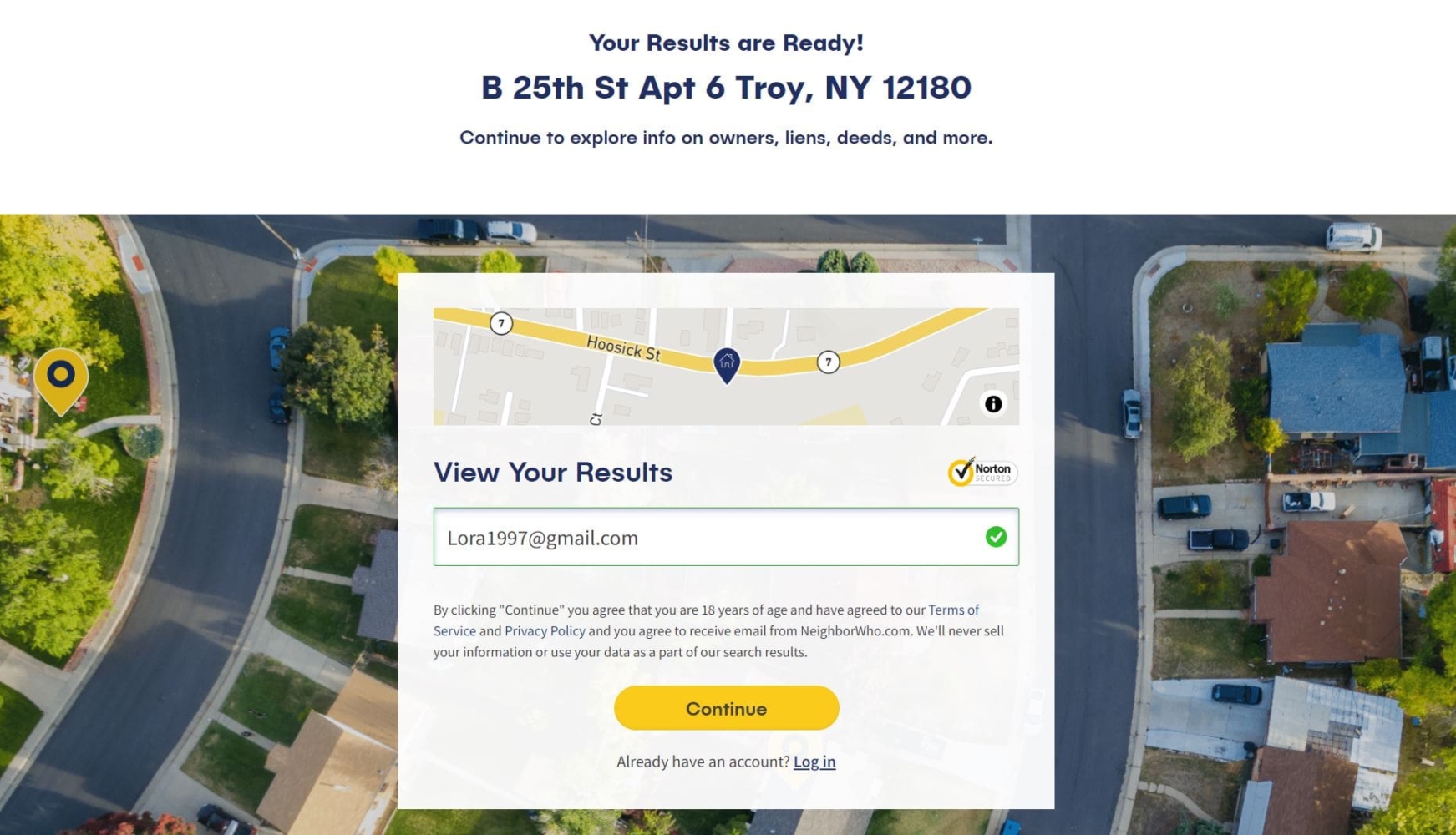
Most people are satisfied with NeighborWho’s results, and it’s anonymous to use. The complaints, however, are often about credit card payments, since most users forget to cancel before the trial period ends.
| Quickness | Simplicity | Effectiveness | Safety |
|---|---|---|---|
| 4.6 | 4.7 | 4.8 | 4.8 |
Pros:
- offers four search methods;
- accurate and current information;
- offers actionable contact information;
- can access public records on people living nearby.
Cons:
- expensive for a single report.
Intelius
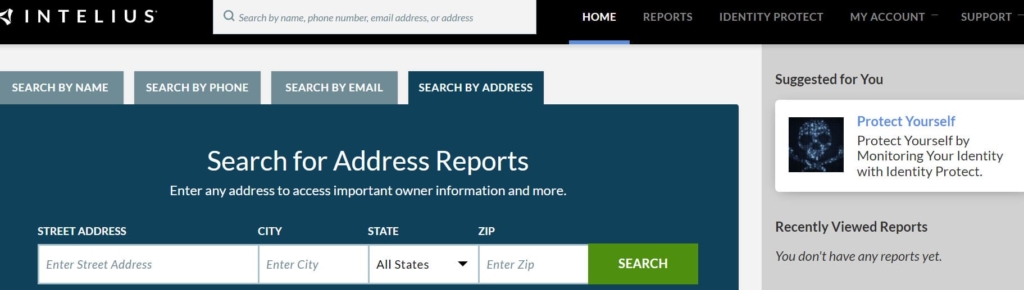
Intelius provides access to public data. It can provide background checks, criminal data, and general people searches.
What Info User Can Get with Address Lookup:
- owner’s personal information;
- neighbors names;
- property location details;
- ownership history;
- possible business affiliations;
- census data.
User Experience:
I did a street search, including the property’s address. The information on Intelius proved helpful in finding out who lives on a property. I found out the owner’s personal information, including phone numbers linked to them. Thus, you did not need to go to the county assessor’s office.
Other information from this search produced residents’ names, their ages, neighbors’ names and addresses, past residents, and estimated property value.
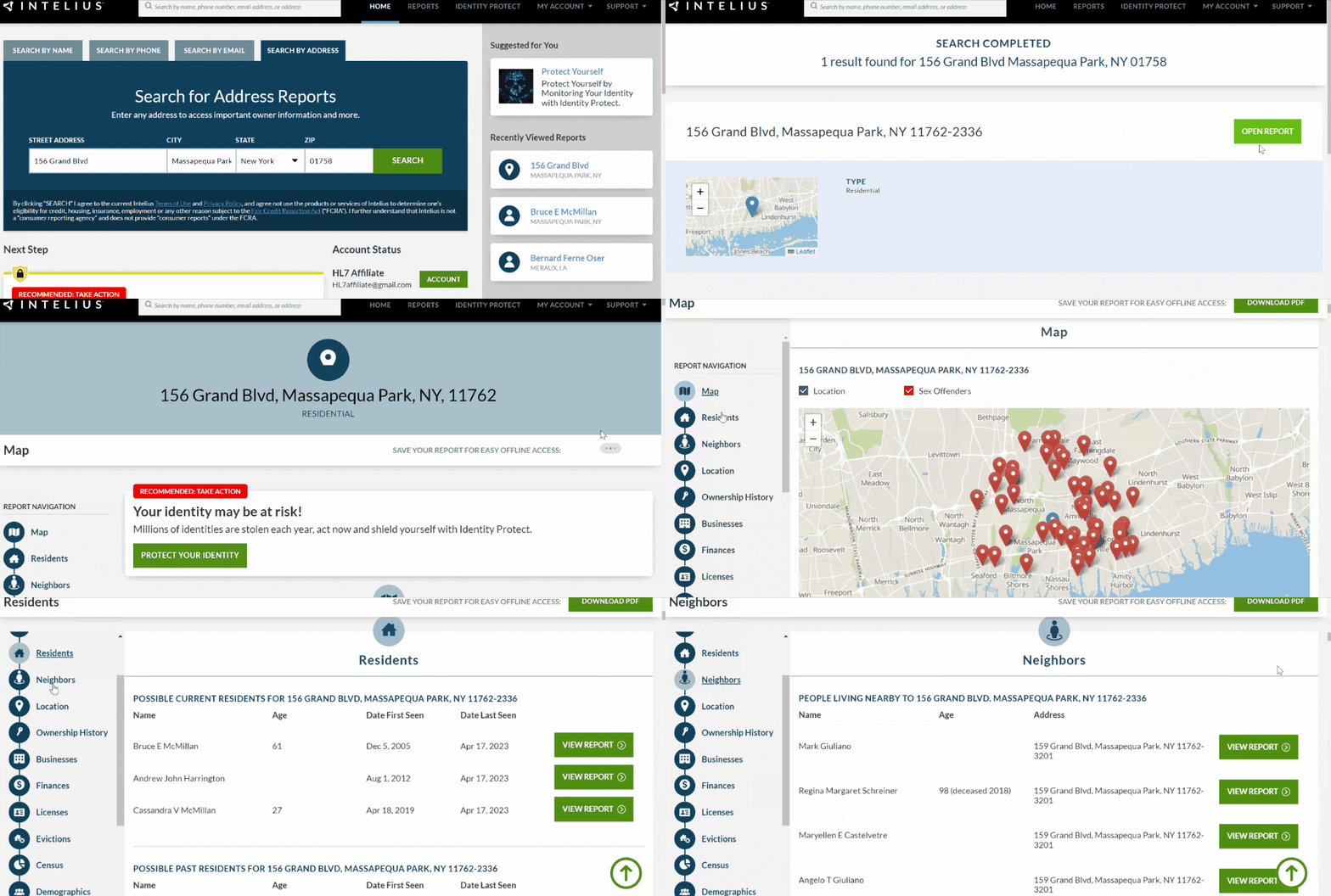
Many Intelius users praise the service for its fast and accurate results. Even though none of the information is free, users can depend on the site for updated information.
| Quickness | Simplicity | Effectiveness | Safety |
|---|---|---|---|
| 4.7 | 4.7 | 4.7 | 5 |
Pros:
- it can do extensive background checks;
- accesses 20 billion records;
- offers direct customer support via phone;
- compiles information from federal, state, and municipal levels.
Cons:
- has a customer funnel to lead users into subscribing;
- none of the information is free.
Spokeo
Spokeo is a search engine with different search methods for information using names, addresses, emails, or phone numbers.
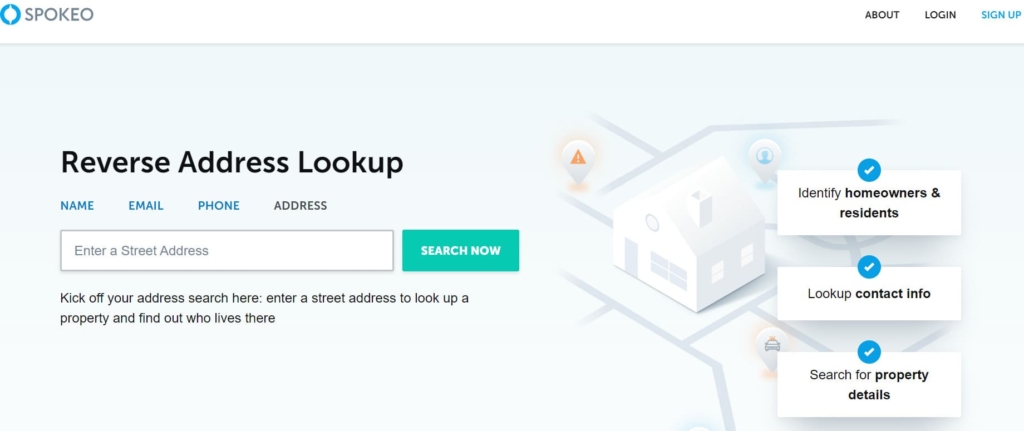
What Info User Can Get with Address Lookup:
- property details;
- property owners;
- current and past residents;
- neighbors;
- nearby sex offenders;
- safety information.
User Experience:
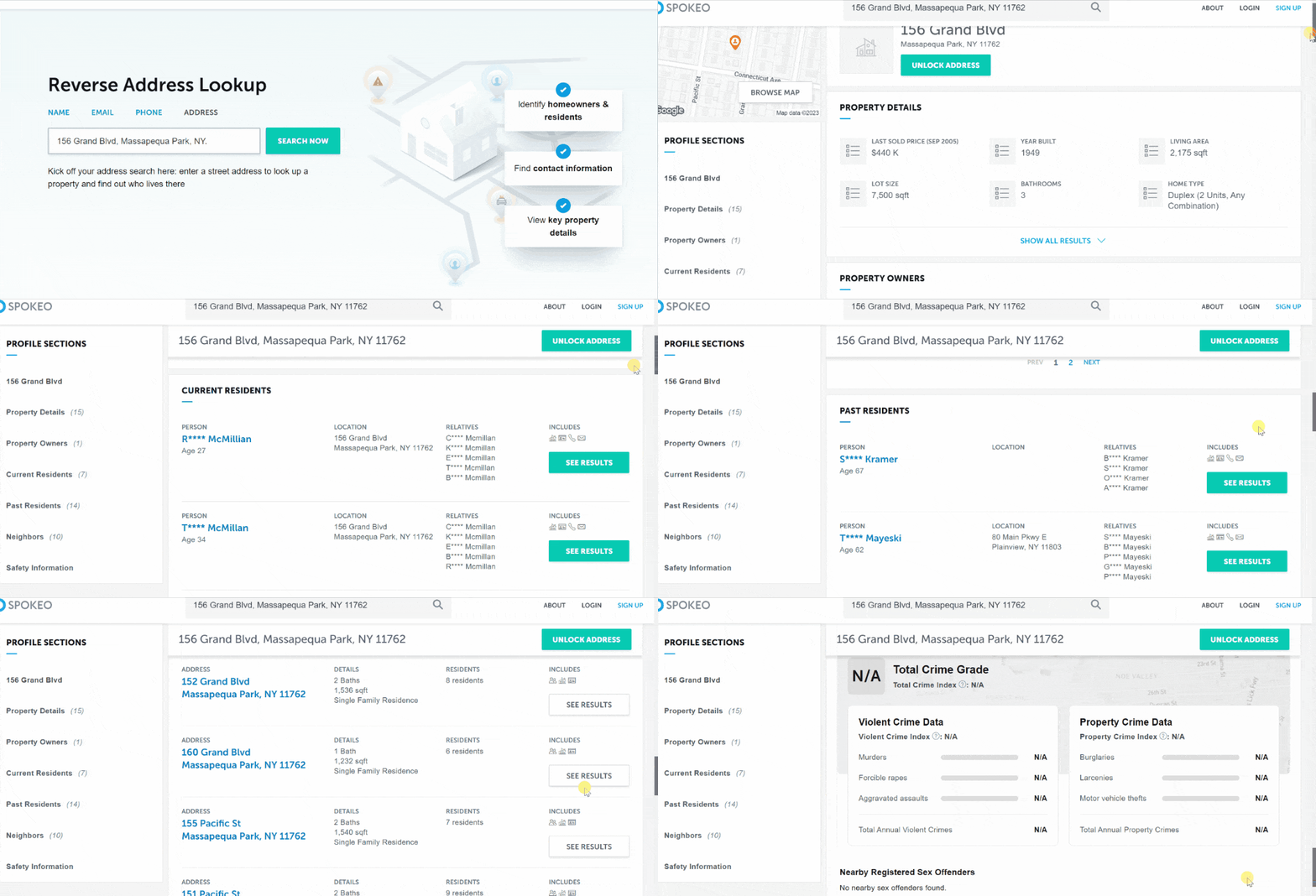
Spokeo search was fast and easy since some search results were free. This search engine provided the last name of the property’s owner, residents, and past residents. Spokeo’s website also showed the safety information and whether there were sex offenders registered nearby for free.
During my testing, the search on Spokeo took only a few seconds. Besides, it has a trial for $0.95, which I used to get the property owner’s full name, phone number, household members, property value, and detailed crime reports. Tracking on this website is entirely anonymous.
My research indicated that Spokeo has a 3.5-star rating on Consumer Affairs.
| Quickness | Simplicity | Effectiveness | Safety |
|---|---|---|---|
| 4.9 | 4.8 | 4.8 | 5 |
Pros:
- yields detailed information;
- supplies correct property owner information;
- has access to 12 billion records;
- can find owner information with name only.
Cons:
- you have to contact Spokeo customer service to delete the account;
- only accessible in the US.
Other Ways to Know Who Lives On Your Street
It may be obvious, but it’s probably the first place to start when you want to know the owners of rented homes around your residence. It’s all about knowing your neighbors by getting to know them in person.
- Ask around: Introduce yourself to your neighbors and engage in casual conversations. You can learn a lot about the people on your street through friendly interactions. Most neighbors develop great friendships, and you can too.
- Attend Local Meetings: Go to community meetings, homeowners’ association gatherings, or other local events to meet your neighbors and learn more about them.
- Local Directories: Check local phone books or community directories that list residents’ names, addresses, and contact information.
- Community Events: Attend local events like block parties, neighborhood clean-ups, or holiday gatherings to meet your neighbors and learn about their interests and backgrounds.
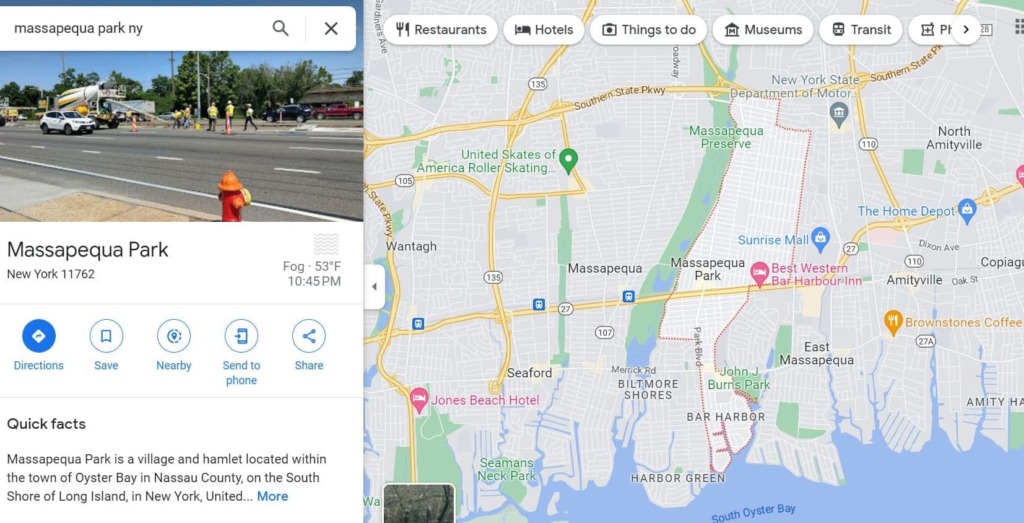
- Google Maps: Use Google Maps Street View feature to see who lives on your street and to explore your street virtually. Although it won’t give you names, you may know who lives where based on the cars, decorations, or other visible items in front of the homes.
Bonus: Try HeyLocate Search Engine
HeyLocate is a search engine that helps you find a reverse address lookup service to check who lives on a street. When you search by address, the HeyLocate system will find the appropriate service to fulfill your inquiry. Try it now:
Fill the Form and Get Data About the Address
- Address Lookup
- People search
Conclusion
I hope you rest easy as you discover who lives on your street. Remember that the fastest options are paid services, which provide accurate and up-to-date information. As our tests have shown, Ownerly.com is a top recommendation since you’ll get detailed information about the property owner.
If you want data from public records that entails more than the owner’s details, NeighborWho can get you background information about your neighbors. Lastly, Intelius is a valuable search engine when you want to include crime stats in your area.
Read also, “How to Find Out Who Owns a Property” article on the HeyLocate blog.
Frequently Asked Questions (FAQs)
You can find out who lives on a street using free methods like checking records at county assessors or reverse address lookup engines like NeighborWho and Ownerly.
Property lookup websites and reverse address platforms are some of the best options for finding out who lives in your area. Start at Ownerly.com before checking out other methods.
Public records provide property records information for free. Still, you could use online directories like White Pages and That’sThem to find neighbors’ information for free.



 Monday-Sunday: 5:00am - 8:00pm (PT)
Leave a Comment