




 Affiliate Disclaimer
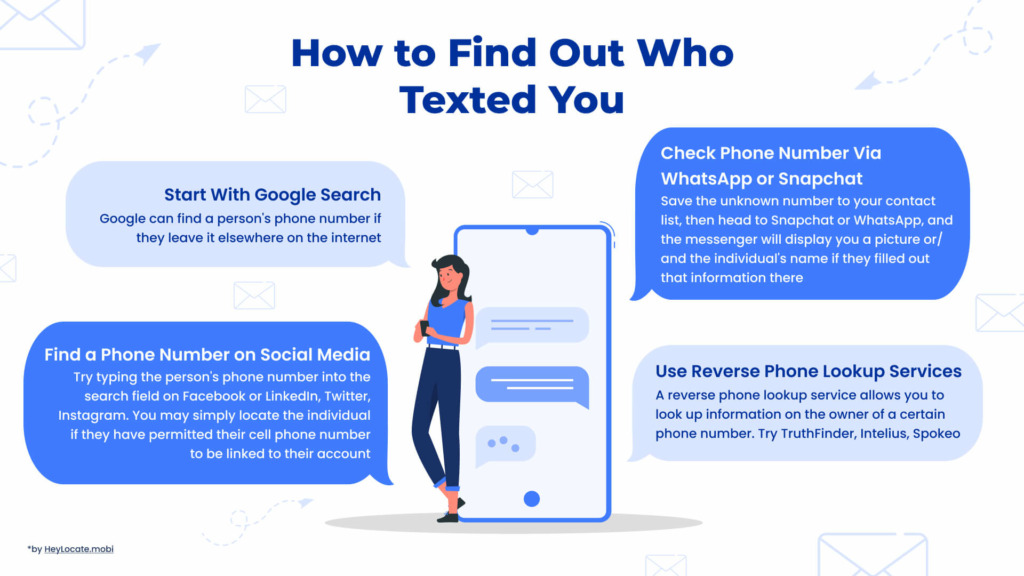
 To find out who texted you, start by searching Google for the sender’s phone number, then check it on social media, WhatsApp or Snapchat, but the most comprehensive information is provided by reverse phone lookup services.
Are you getting bothersome spam, prank texts, or merely a random text message from a phone number you haven’t kept in your contacts? Sometimes just blocking the number is sufficient, but other times you wonder how to find out who texted you. Remember that caller ID might be faked. Consider contacting the police if you are getting threatening or abusive texts. Otherwise, you might attempt reverse phone lookup tools.
A reverse phone lookup service allows you to look up information on the owner of a certain phone number. This search may be used to determine whose telephone number is this or the owner of a landline number and other information such as their address and other contact information.
Reverse phone search services are provided by a variety of tracking companies. But there isn’t much time for trial and error. As a consequence, our HeyLocate team explored and tested several internet tools and is eager to share the findings with you.
Top Pick Based on Our Research
You may read the whole review, but if it is too lengthy, here are our top 3 services to find out who texted you:
TruthFinder, as a background check service, searches US public records and may display data obtained from social media such as job histories, friends, family members, and many more.
🥈 Intelius
An Intelius reverse phone number search service may reveal valuable information about US phone numbers, such as the owner’s details, owner history, additional contact details, social media profiles, and much more.
🥉 Spokeo
Spokeo’s Reverse Phone Lookup provides facts on the US numbers and finds owner, contact information, social media, location, family members, personal information, and more.
Table of Best Phone Number Lookup Services
There are plenty of services that claim to help you with identifying who is texting you, but only a few will really help.
| Service | What sets it apart | Compatibility | Price | Free trial | Effectiveness |
|---|---|---|---|---|---|
| Spokeo | The phone number’s owner lookup | All devices | $13.95/month $7.95/month for 3 months $4.95/month for half the year | Free basic search | 4.9 |
| Searqle | Criminal records Identity of a scammer | Android, iOS, OC | $44.99/mo $28.33/mo paid quarterly | 3-day trial for $1 | 4.7 |
| TruthFinder | Background check | All devices | $4.99/month | – | 4.7 |
| Intelius | Background check | PC, Android, and iOS | $0.95-39.95 depending on the type of the search | $1.99 for a 5-day trial | 4.7 |
| Instant Checkmate | Background check | All devices | $5.99/month | Paid free trial $1 | 4.6 |
| Peoplefinders | Search of the owner of an unknown cell phone | All devices | $24.95/month | – | 4.7 |
| Whitepages | Reverse phone number lookup | PC, Android, and iOS | $9.99 per report $2.50/month billed annually $9.99/month billed annually | $1 for a 5-day trial | 4.6 |
| USSearch | Reverse phone number lookup | PC, Android, and iOS | $19.86/month | $1.99 for a 5-day trial | 4.6 |
| Beenverified | The phone number’s owner lookup | PC, Android, and iOS | $29.99/month $19.49/month for a 3-month membership | $1 for a 5-day trial | 4.7 |
| Peoplelooker | Background check | PC, Android, and iOS | $18.28/month $14.62/month for a 3-month membership | $1 for a 7-day trial | 4.8 |
| PeopleSmart | The phone number’s owner lookup | All devices | $39/month basic plan $69/month professional $99/month business | $1 for a 7-day trial | 4.6 |
| NumberGuru | Background check | All devices | $29.99/month | $1 for a 7-day trial | 4.5 |
We took some resources from the top reviews of the best, and almost all of them were awful. So trust only verified sources of information or blogs of specialized services related to telecommunications. For example, like our HeyLocate blog.
Start With Google Search
Your initial step could be to enter the number into Google, thinking that a Google free reverse phone number lookup would locate a match. It would help if you didn’t have great expectations for this. Yet, while testing solutions, I’ll discover the individual who is texting me more than anticipated.
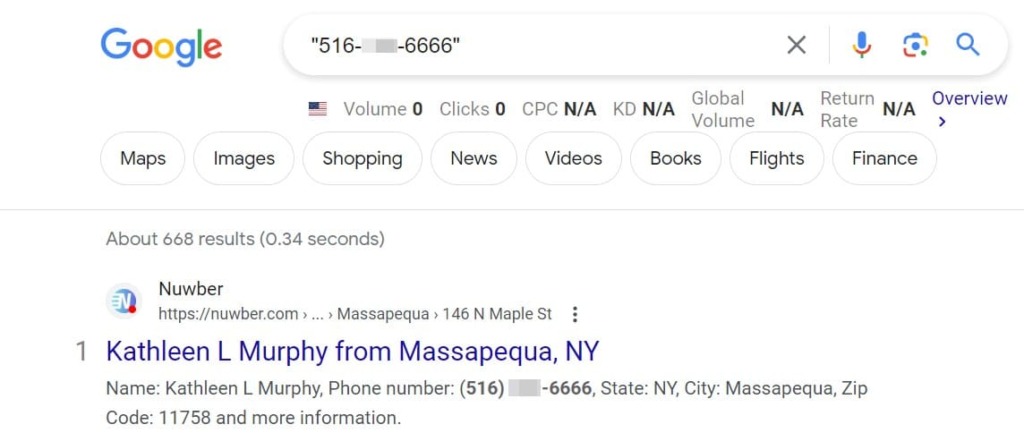
Google can find a person’s phone number if they leave it elsewhere on the internet. Alternatively, Google will show you websites where people have reported spam/scam calls and texts from this number. So give it a try.
This is the least probable method of determining who texted you, but it is a simple beginning step.
Find A Phone Number On Social Media
There are many approaches to a free lookup to a search a cell phone number using social media.
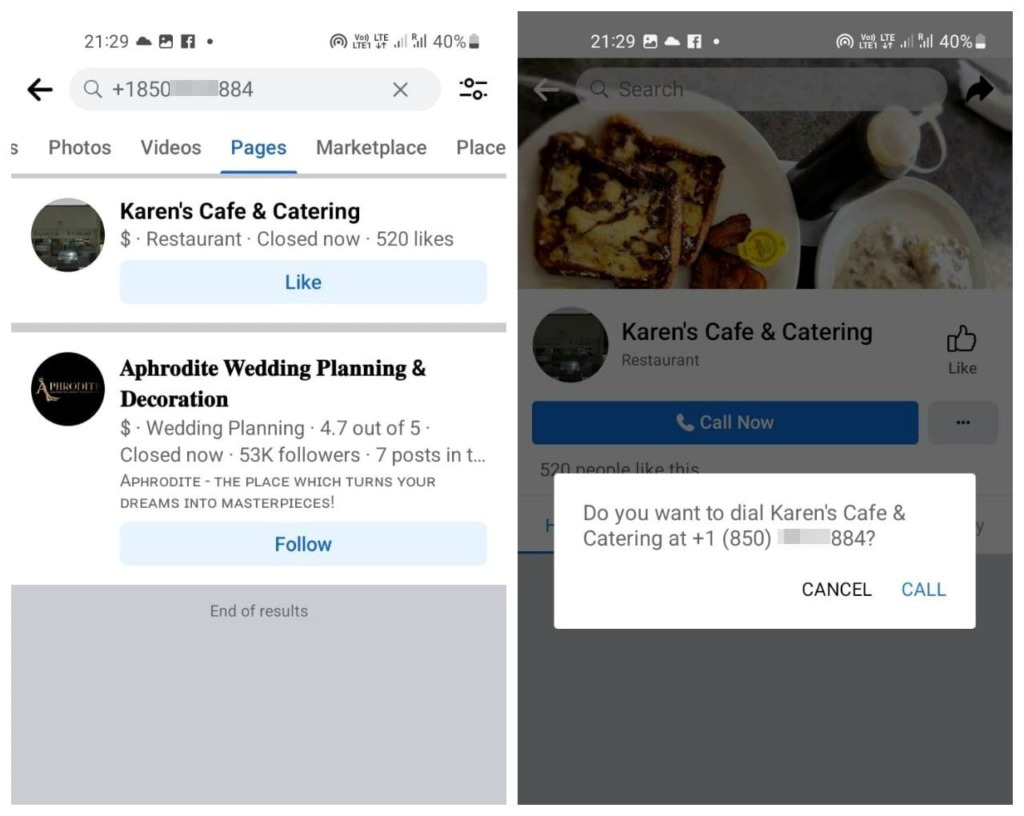
As you could see above, Google emphasizes social networking websites, many of which will appear at the top of the search results. You’ve struck gold if the user has linked their phone number to the account!
Try typing the person’s phone number into the search field on Facebook or LinkedIn, Twitter, Instagram. You may simply locate the individual if they have permitted their cell phone number to be linked to their account.
Advice: If you check number with Facebook, choose different filters: people/pages/marketplace etc.
Check Phone Number Via WhatsApp Or Snapchat
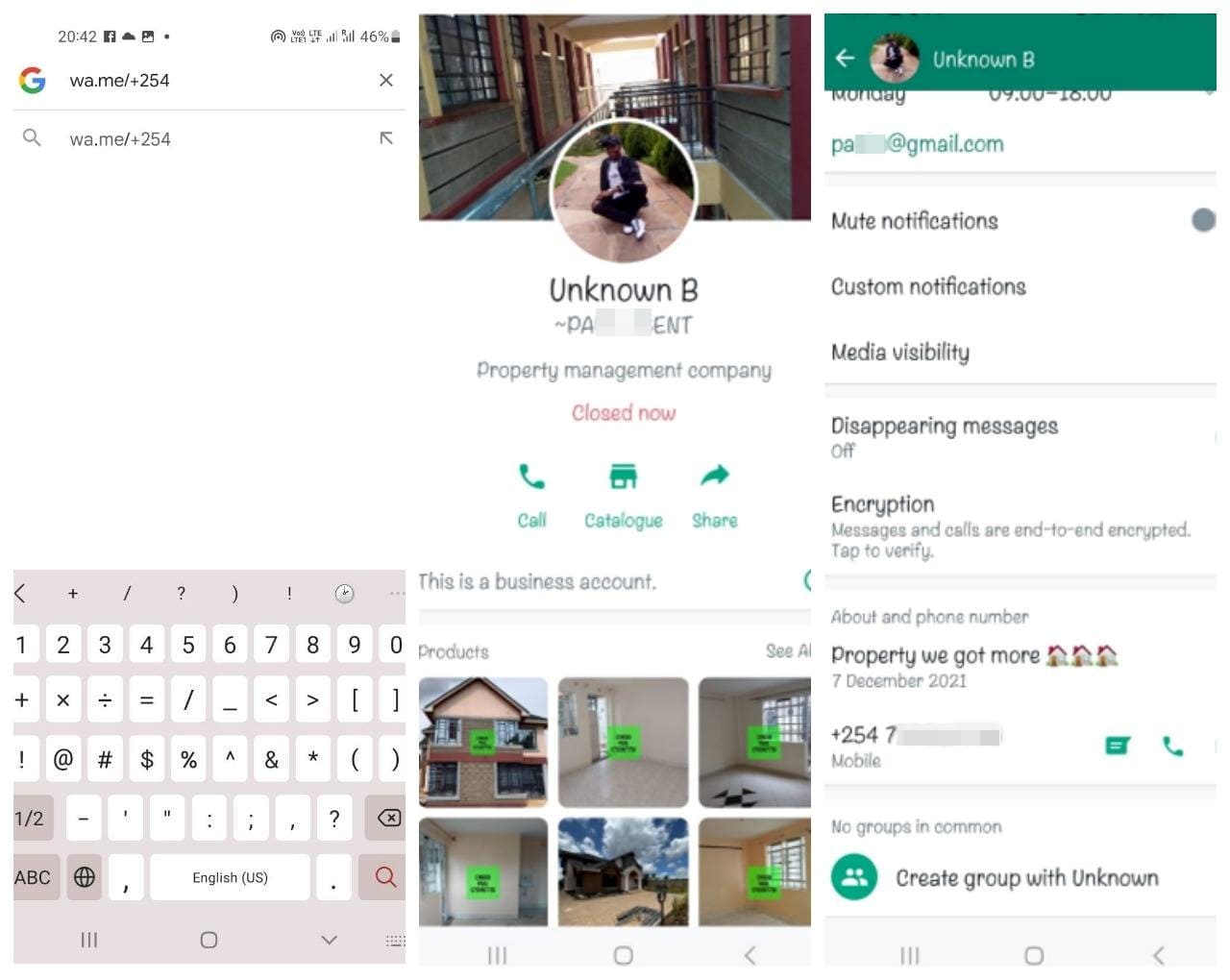
For consistency, you may also double-check the unknown number you obtained via a Google search and face on WhatsApp or Snapchat. Save the unknown number to your contact list, then head to Snapchat or WhatsApp, and the messenger will display you a picture or/and the individual’s name if they filled out that information there.
You can start from the website:
- Open your browser and put https://wa.me/ followed by the country code and phone number you wish to check into the address bar. WhatsApp’s official short URL is https://wa.me.
For example, if you want to see whether 987654321 is accessible on WhatsApp, enter: https://wa.me/+1987654321. The country code in this example is +1. (for the USA).
- You’ll get a popup asking you to open this website in “WhatsApp”? Tap the Open button.
- If the phone number is not registered on WhatsApp, the message “The phone number isn’t on WhatsApp” will appear.
- If the phone number is registered on WhatsApp, the conversation screen will be shown. You may start a conversation with this individual (without storing their phone number!) or return to the previous screen to leave the screen.
- Then go to the user’s profile and extract their profile picture and name if they stored it there.
How To Find Out Who Texted You With Online Tools
Online reverse phone lookup tools have an easy form to enter the phone number and get the available information, although some may require you to create an account and pay a fee.
Check Who Texted You Right Now
- Phone Lookup
- Number Tracking
These are the market leaders in reverse phone lookup services in the United States. They have several affiliates, including Cocofinder, TruePeopleSearch, PeopleFinderFree, FastPeopleSearch, FindPeopleFast, and others, but they all link to Spokeo, Intelius, BeenVerified, and other important services from our list. So, why go looking elsewhere when all you need is just here?
Spokeo
This US service gives a lot of personal information about the phone number, some of them are paid. Although, there is a variety of options.
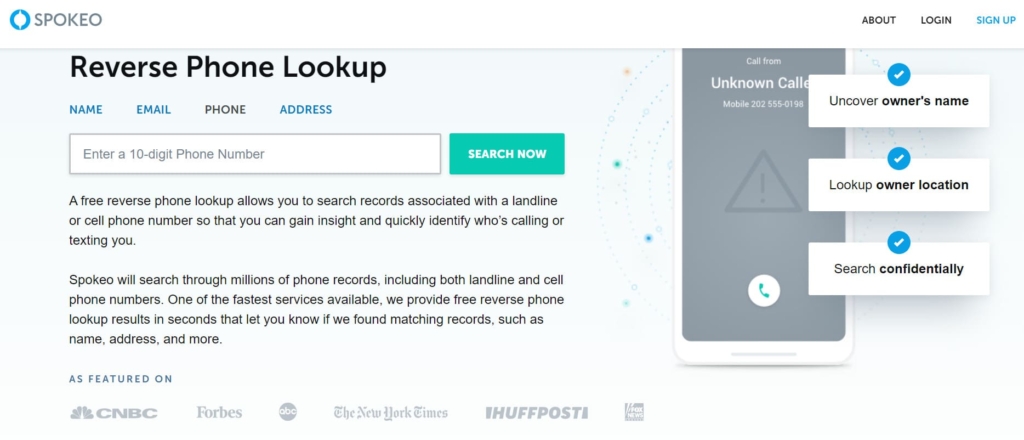
What info you can get:
- personal information;
- history of location (current and previous addresses);
- financial information (estimated salary, investments, properties owned);
- family history;
- criminal history;
- accounts in social media.
Price:
- basic business – $35.95/m;
- professional business – $69.95/m;
- enterprise business – $119.95/m;
- 1-month membership – $24.95/m;
- 3-month membership – $19.95/m.
User Experience:
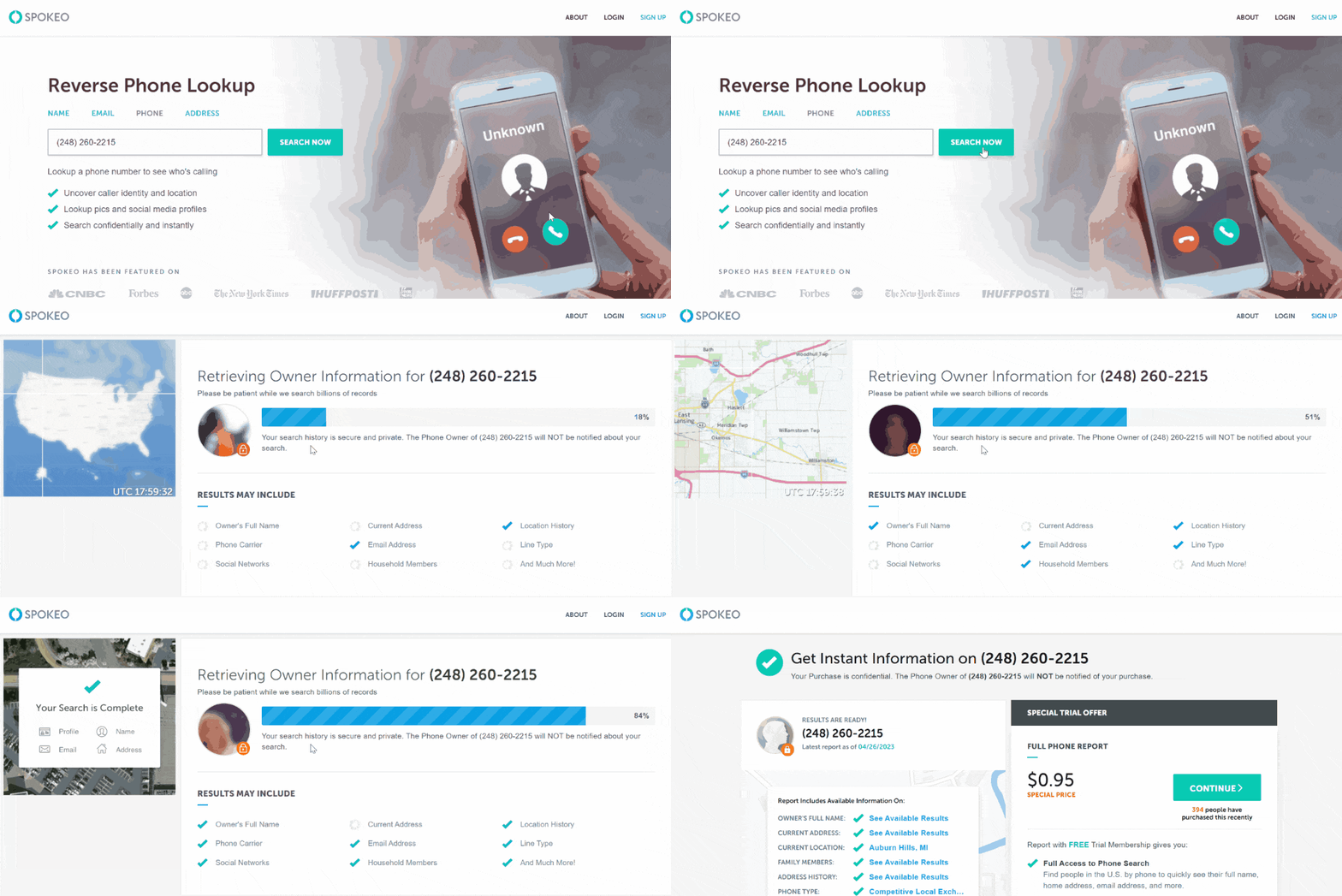
The person’s accessible contact information, images, social media profiles, location history, court records, family members, and employment information are all included in Spokeo’s simple reports.
Spokeo, on the other hand, is not free; to gain access to information such as Online Aliases, Phone Numbers, Addresses, and many more. Hence, users must sign up for a 7-day free trial at $0.95, after which they will be charged $24.94 per month.
Spokeo results are available in 10-20 minutes, depending on your internet connection. It is a web-based service; for the time being, only Android users may browse those categories in the Spokeo app. Nonetheless, we anticipate an iOS app will be available shortly.
| Quickness | Simplicity | Effectiveness | Safety |
|---|---|---|---|
| 5 | 5 | 4 | 5 |
Pros:
- for an accurate internet background check, it consults billions of sources;
- provides several things for free that other sites charge for;
- quick for first hit data;
- provides city location and associated information right away;
- you may cancel your membership at any time.
Cons:
- available only in the United States of America.
Searqle
Searqle is a reverse phone lookup service with millions of phone records. This online platform can verify a person’s identity and tell who texted you from an unknown phone number.
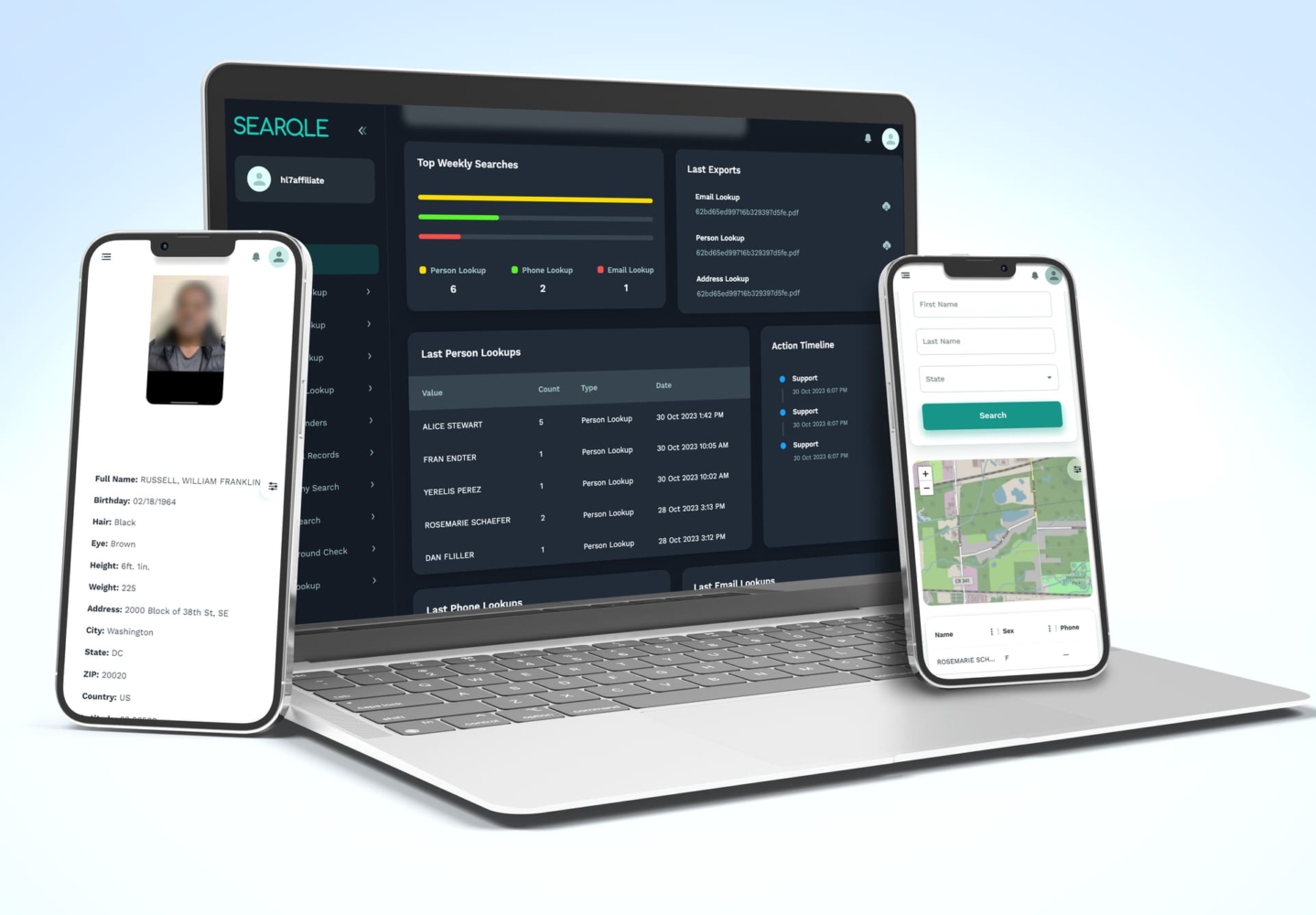
What info you can get:
- person’s full name;
- address information;
- aliases;
- email addresses;
- criminal records.
Price:
- $44.99/mo;
- $28.33/mo paid quarterly.
User Experience:
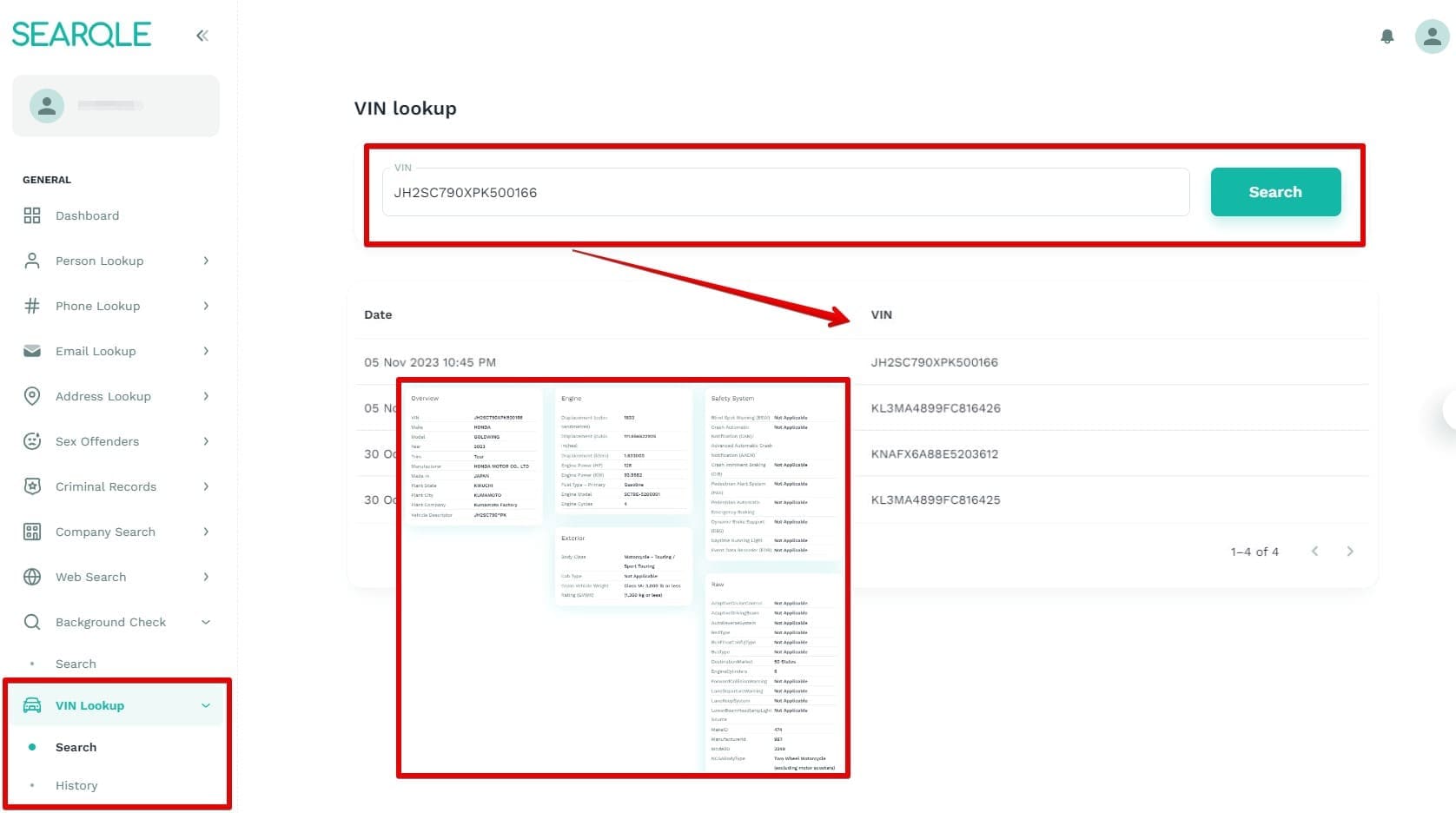
When I entered a phone number for reverse lookup on Searqle, the service gave me a single result with the phone’s owner.
Searqle revealed information like the person’s full name, aliases, city, address, education info, and criminal records. Searqle was a credible option for revealing the person who called you. It’s ideal if you want an app for continuous use.
| Quickness | Simplicity | Effectiveness | Safety |
|---|---|---|---|
| 5 | 5 | 4 | 4 |
Pros:
- fast search results;
- acquires data from online records;
- you can check someone’s background;
- provides info about a person’s criminal records.
Cons:
- does not include background report with reverse phone lookup;
- no free trial.
TruthFinder
The service allows looking up public records about people via different available information about them. You can do a Truthfinder background check to find details about an unknown phone number.
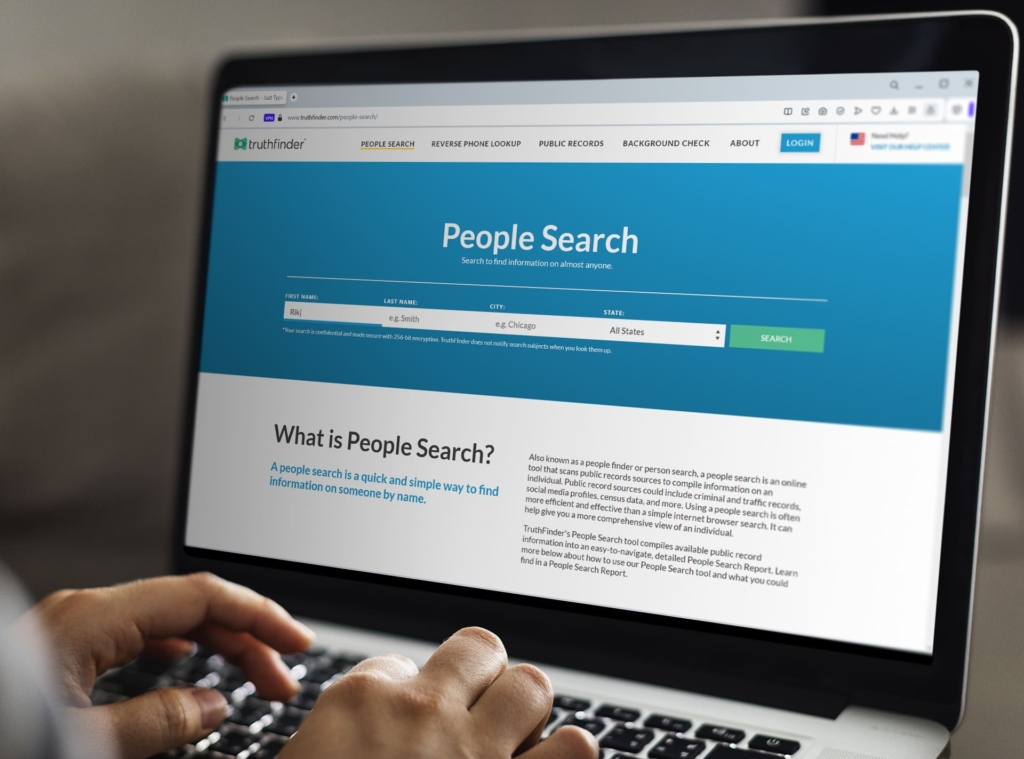
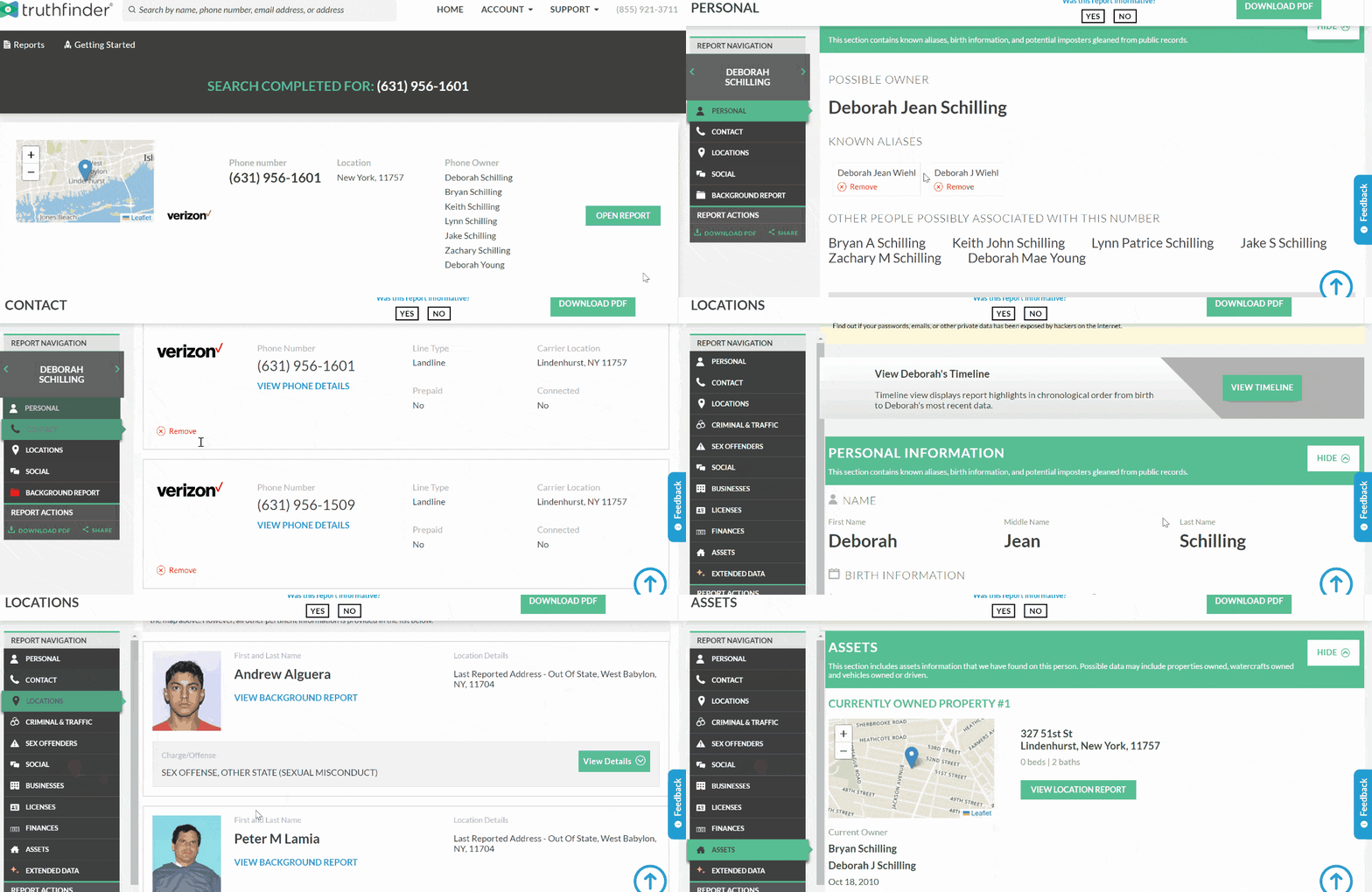
What info you can get:
- personal information and possible relations;
- photos and profiles from social media;
- employment history;
- arrests and criminal history;
- infractions on the road;
- property ownership & bankruptcies;
- vehicles that are owned or driven.
Price:
- people search – $23–$28/month;
- reverse phone lookup – $4.99/month;
- reverse email lookup – $29/month.
User Experience:
TruthFinder does not provide a free trial subscription. Users cannot buy reports without first joining up for a month. But the membership includes unlimited background checks.
After many checks, the result arrived not long after my search. The information was current and accurate. Truthfinder also provides an easy-to-use app for both iOS and Android users. It’s app on PlayStore has more than 1 m downloads and a 4.5-star rating.
| Quickness | Simplicity | Effectiveness | Safety |
|---|---|---|---|
| 5 | 5 | 4 | 5 |
Pros:
- apps for mobile devices (iOS and Android);
- variety of search criteria are available;
- unlimited background checks;
- clear explanations about how to utilize the information.
Cons:
- no opportunity to buy individual reports;
- there is no trial period.
Anywho.com
The majority of the services provided by Anywho.com are almost free. So let’s look how it works.
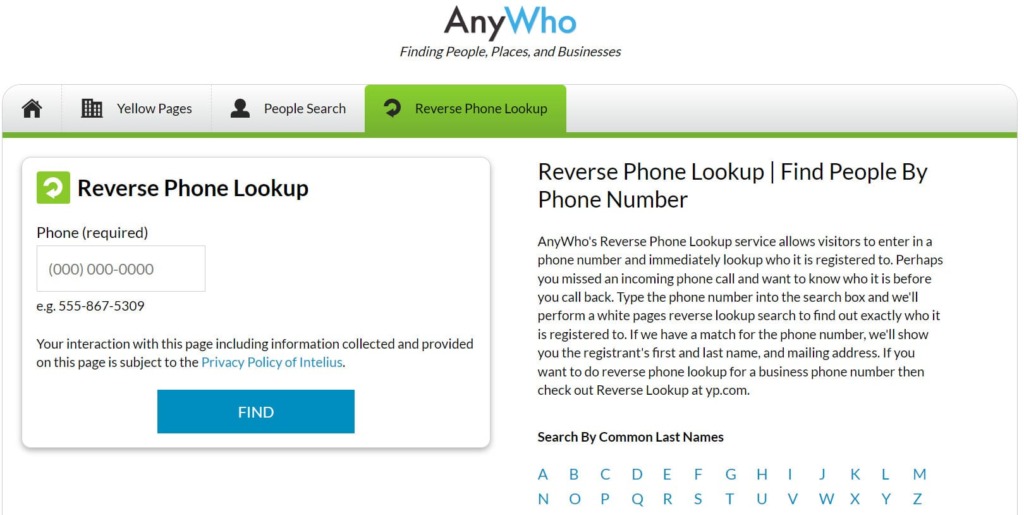
What info you can get:
- unlimited call reports;
- name and address in full;
- image(s) of the individual;
- possibilities for social media accounts;
- location.
Price:
- trial – $0.95;
- public search report – $1.95;
- comprehensive background check – $39.95.
User Experience:
Anyhow.com has a free trial package as well as more economical solutions. Its basic person search costs 95 cents. It returns a report containing a person’s complete name, date of birth, address, a cell phone number, email address, level of education, and work status.
A public search report contains extra information such as divorce and marriage information. A comprehensive background check includes everything accessible via Anywho.com public search.
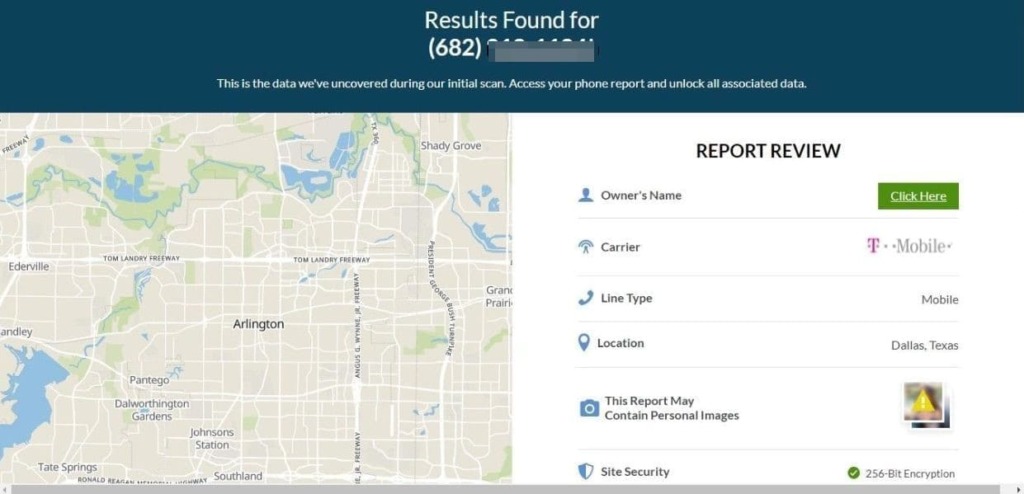
When I tried the trial version, the reverse lookup result took less than 30 minutes.
| Quickness | Simplicity | Effectiveness | Safety |
|---|---|---|---|
| 5 | 4 | 4 | 5 |
Pros:
- quick and accurate in providing data to consumers;
- customer service that is dependable.
Cons:
- full background checks are a little pricey;
- only accessible to users in the United States.
Intelius
Intelius provides applications for Android and iOS users to search for and identify SMS senders simultaneously.

What info you can get:
- owner information – complete name, known aliases, and maybe images;
- owner history – names and addresses of previous owners;
- additional contact information;
- history of the location;
- profiles on social media.
Price:
- reverse phone lookup + people search – $0.95 6-day trial;
- premier subscription: $19.95/month;
- premier plus subscription: $29.95/month.
User Experience:
Intelius provides a number of premium options. The first choice is if you simply need to perform a reverse phone lookup and/or search on one individual and have access to information such as the owner’s name, photos, address history, related persons, and more.
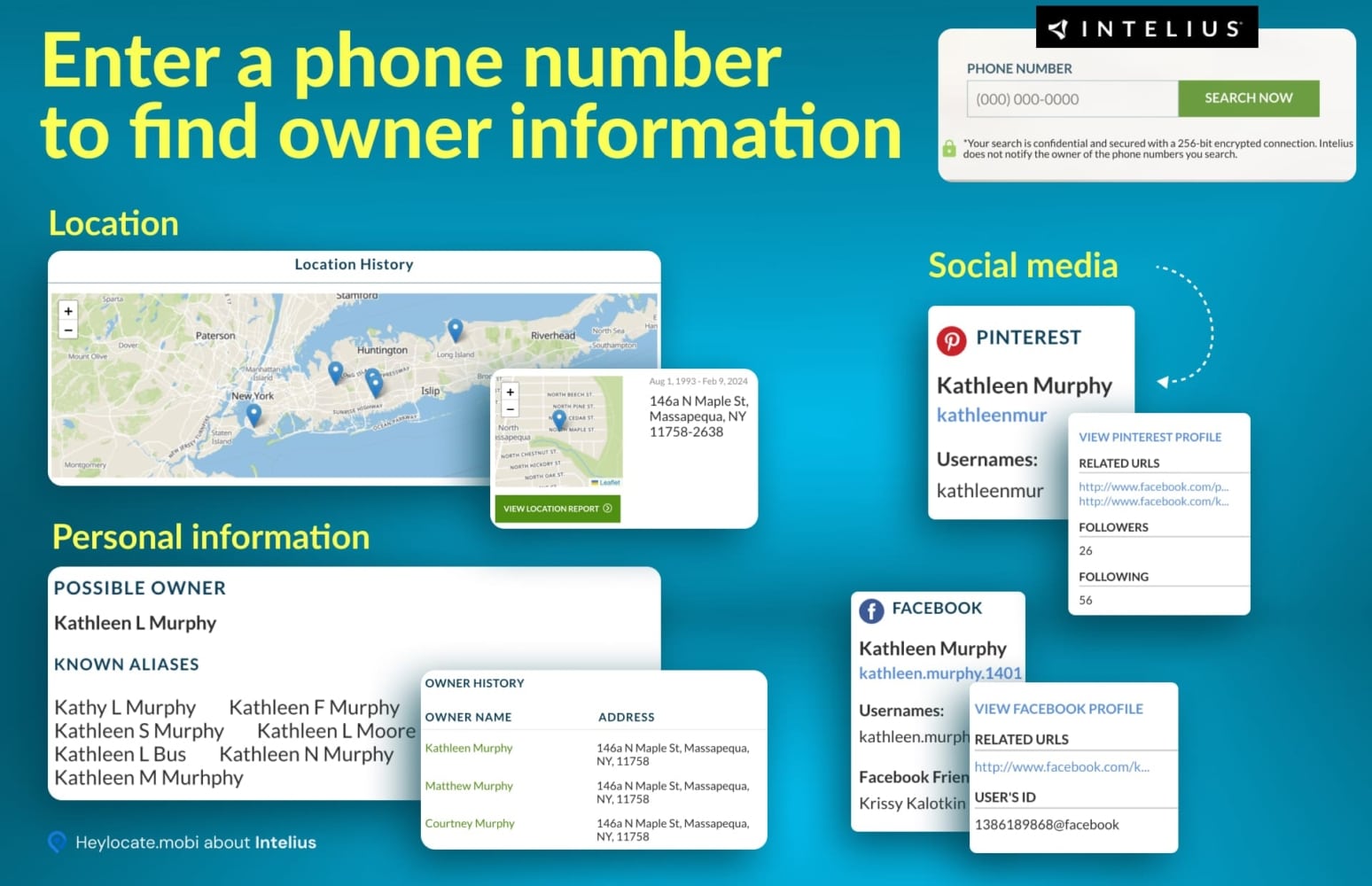
Another option is to do a person’s search, which provides access to information such as email, addresses, address history, employment history, educational history, related persons, business ownership, and more.
It takes less than 20 minutes to obtain Intelius results, which is rather decent for a search. Intelius provides applications for Android and iOS users to search for and identify SMS senders simultaneously.
| Quickness | Simplicity | Effectiveness | Safety |
|---|---|---|---|
| 5 | 5 | 4 | 5 |
Pros:
- pricing and subscription options vary;
- a large database of documents;
- excellent Android and iOS mobile applications.
Cons:
- pricing that is perplexing;
- the hours of customer assistance are restricted;
- reports are sometimes incomplete.
InstantCheckmate
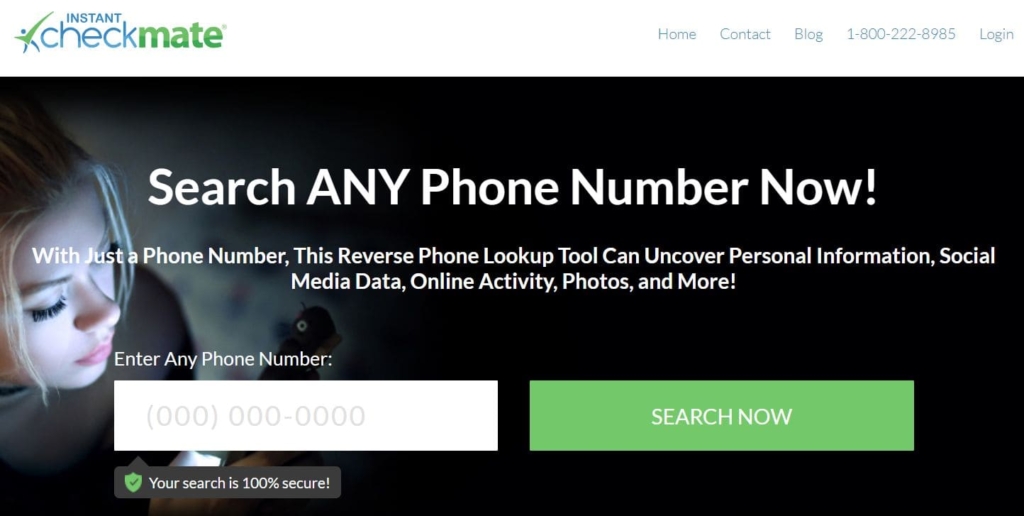
Instant Checkmate has a relatively average price, but it is more cost-effective in the long run since it provides an unlimited number of background check reports for the price of one.
What info you can get:
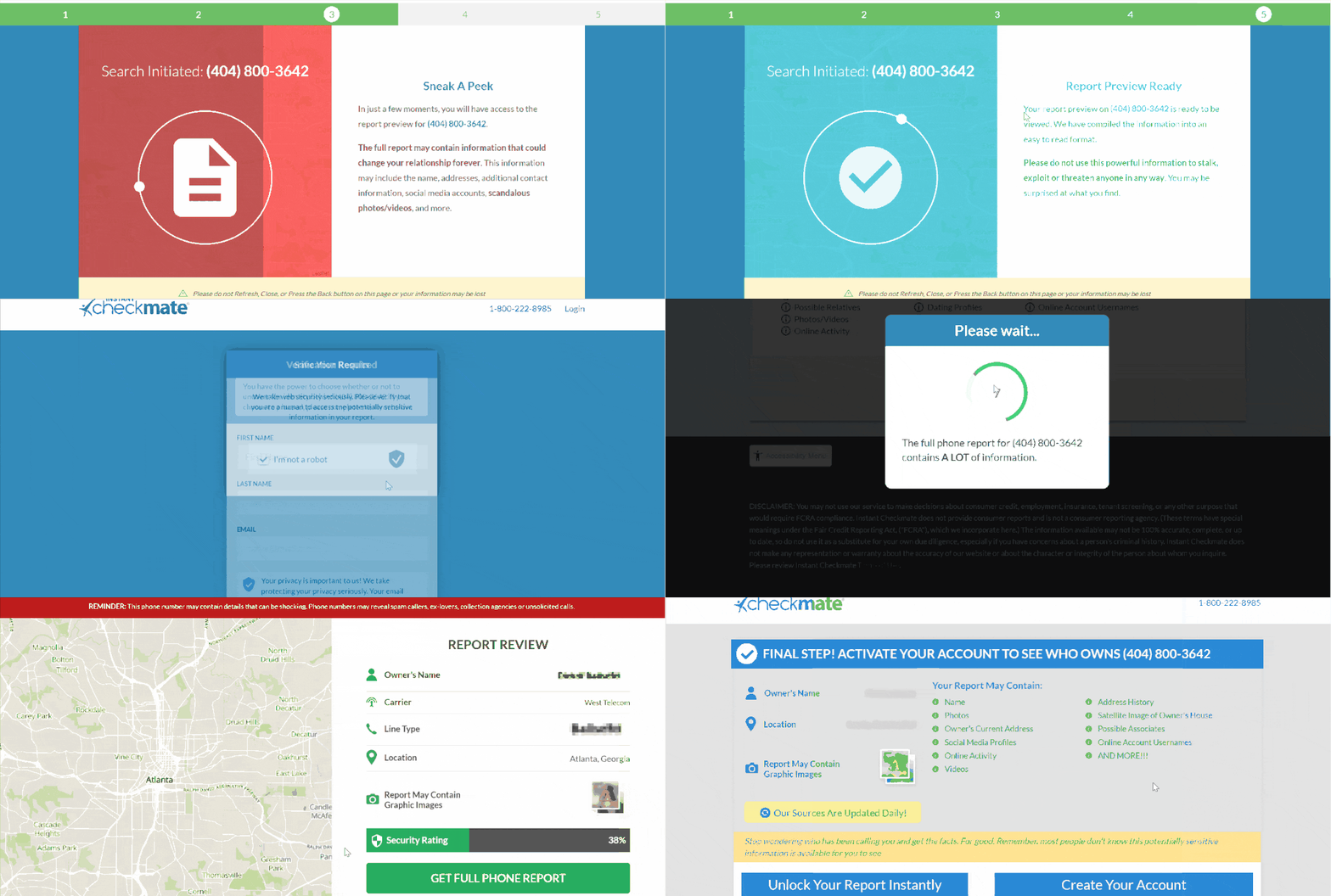
- name and address of the owner;
- possible relatives;
- photos/videos and internet activity;
- profiles on social media and dating sites;
- address history and location information;
- possible partners;
- usernames for online accounts.
Price:
$5.99 for reverse phone lookup service.
User Experience:
Its reverse phone lookup service costs $5.99 and includes complete information. As a result, no information is provided for free, since it requires you to register an account with immediate payment.
I got a better result from the Instant Checkmate reverse phone number lookup service of who is texting me in less than an hour. It provides mobile applications for Android and iOS users searching but does not detect SMS sender IDs.
| Quickness | Simplicity | Effectiveness | Safety |
|---|---|---|---|
| 5 | 4 | 4 | 4 |
Pros:
- search tool retrieves data from several databases;
- search option for social media profiles is incorporated;
- search for a sex offender;
- affordable membership plan.
Cons:
- report creation is slow;
- only one year of inadvertent costs is refunded.
PeopleFinders
The service assists you in obtaining information from 43 billion public papers.
What info you can get:
- misdemeanors, felonies, and criminal records;
- warrants and police files;
- court records across the country;
- phone numbers and addresses;
- email addresses, relatives, and associates;
- property & assets;
- business and public records;
- records from social media.
Price:
- trial membership – $0.95;
- premium membership – $3.95 introductory offer.
User Experience:
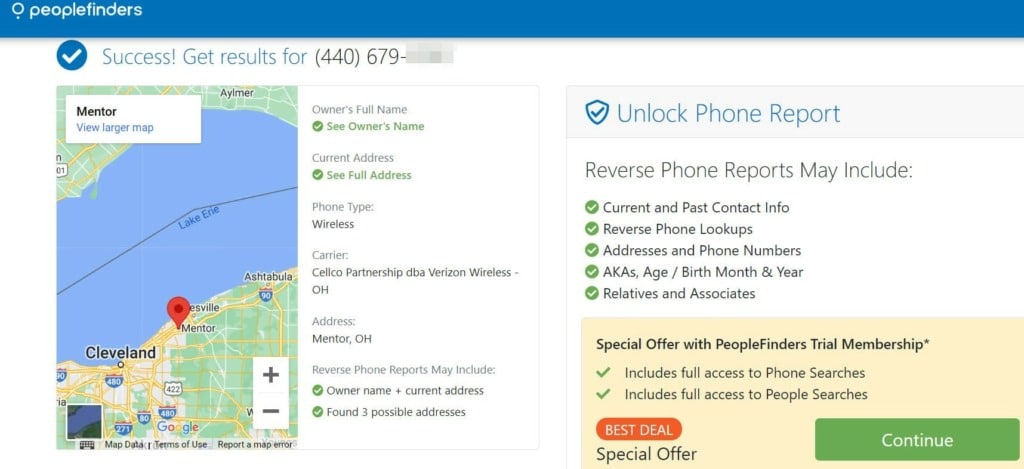
PeopleFinders offers person search and name lookup by phone number for trial. If you wish to use the additional features, you must upgrade to a higher-price plan. You will be required to pay before making an account.
Regardless of the above, Peoplefinders’ results arrived as quickly as feasible, making it excellent. They provide a mobile app for their subscribers. However, it does not necessarily include the caller’s identity, which the caller may have banned. You can report the call when you search for the number.
| Quickness | Simplicity | Effectiveness | Safety |
|---|---|---|---|
| 5 | 4 | 4 | 4 |
Pros:
- may receive more reports by paying up for a monthly subscription;
- purchase individual reports;
- several search starting points;
- phone spam alert.
Cons:
- cancellation might be inconvenient since you must call the customer care staff;
- you cannot opt out online;
- support options are lacking.
USSearch
It is one of the fastest search engines in comparison to others.

What info you can get:
- family members’ names;
- owned properties;
- criminal history.
Price:
- 5-day trial deal for $1.99 – unlimited lookups inclusive;
- unlimited reports for $19.86 per month.
User Experience:
With USSearch, we found just one plan that offers unlimited reports for $19.86 per month with auto-renewal (it requires a phone call to cancel). There was no way to purchase only one report. There is no free trial, but we were offered a one-of-a-kind 5-day trial for $1.99 with unlimited lookups.
The results of the tests reveal basic information such as family members’ names, former residences, properties possessed, and any criminal background. They also include any known cell phone numbers, email addresses, and social media profiles to contact the person who texted you.

The results were not delayed in any manner; once a report was purchased, I got immediate access to the content. The searches are, at the very least, faster than those on other sites, taking just a minute or two.
| Quickness | Simplicity | Effectiveness | Safety |
|---|---|---|---|
| 5 | 5 | 5 | 4 |
Pros:
- offers a free basic search and is often updated;
- it offers a 30-day free trial membership;
- +256-bit encryption.
Cons:
- there is no option to buy a single report;
- a phone call is required to cancel;
- while they promise social media data and property records, I found that this information was often missing from the reports we analyzed.
BeenVerified
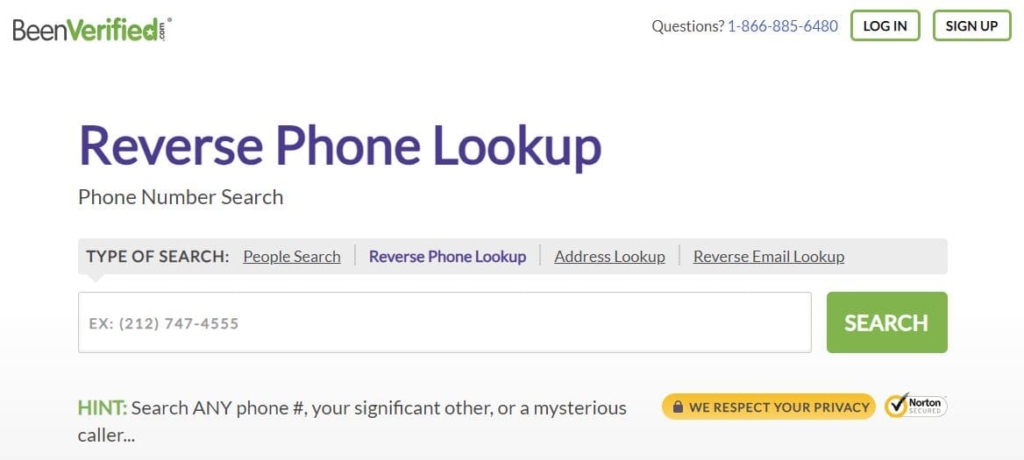
Beenverified has its apps both for iOS and Android. The service gathers data with a single search that would normally require hours of investigation and multiple visits to public records repositories, courthouses, and other locations where records are stored.
What info you can get:
- known aliases and names;
- current and past addresses;
- criminal history;
- data on sex offenders;
- tax records and court records;
- photos and social media accounts that are available.
Price:
7-day trial – $1-5.
User Experience:
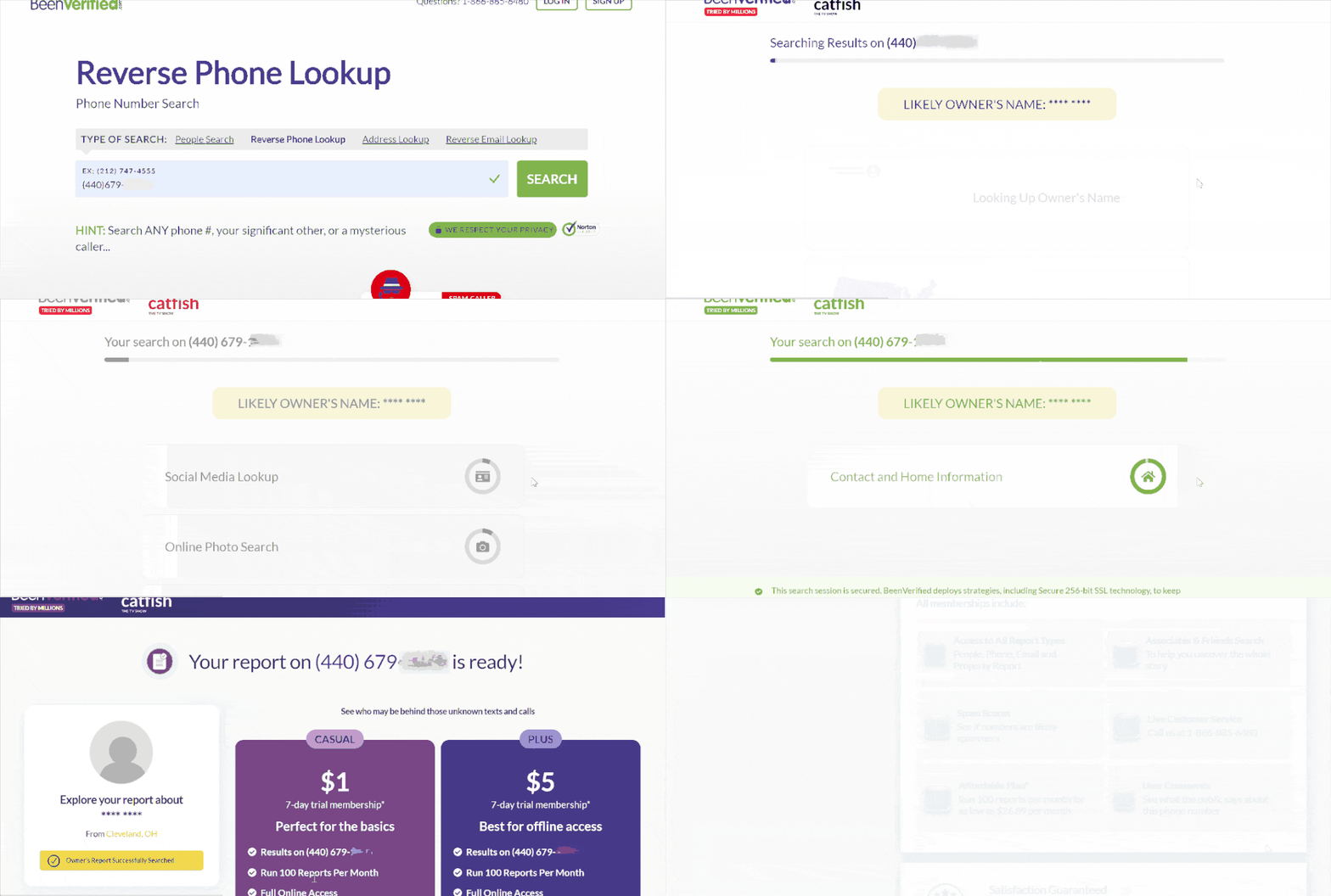
BeenVerified offers a trial membership in two payment methods with equal advantages. When contrasted, the first offer is $1 for a 7-day free trial, while the second offer is $5 for a 7-day free trial. The second offer differentiates by PDF reports. All memberships, including searches, lookups, and background checks, are the same.
When tested, BeenVerified collects a wealth of information about the phone number from thousands of public sources and makes it available in one place. This information was suffixed in less than 10 minutes, making the service valuable.
| Quickness | Simplicity | Effectiveness | Safety |
|---|---|---|---|
| 5 | 5 | 4 | 4 |
Pros:
- many payment methods available;
- monitoring tools that let you keep track of data acquired;
- offers great customer support & low cost;
- short search produces comprehensive results.
Cons:
- a one-month membership costs $26.89, and the only way to save money is to acquire longer-term subscriptions;
- subscription cancellation is also a difficult process;
- because individual information is not always up to date, it may not be totally accurate.
Peoplelooker
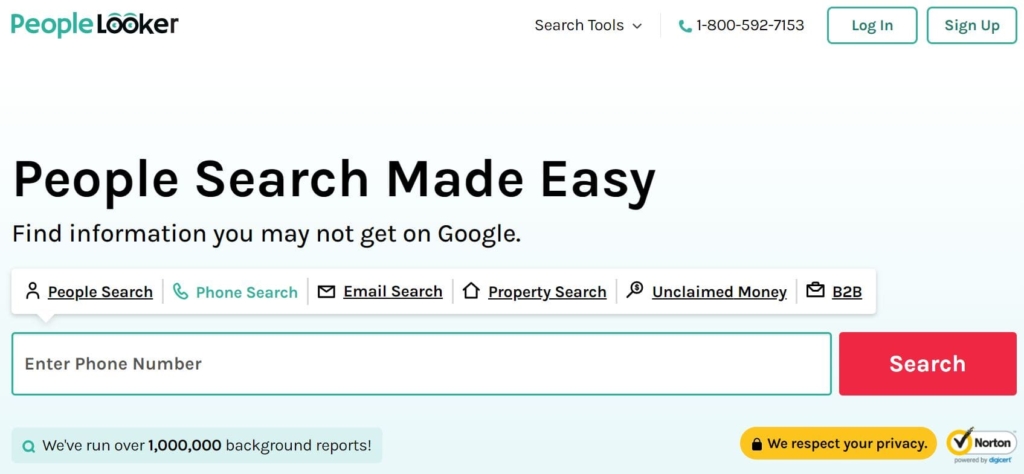
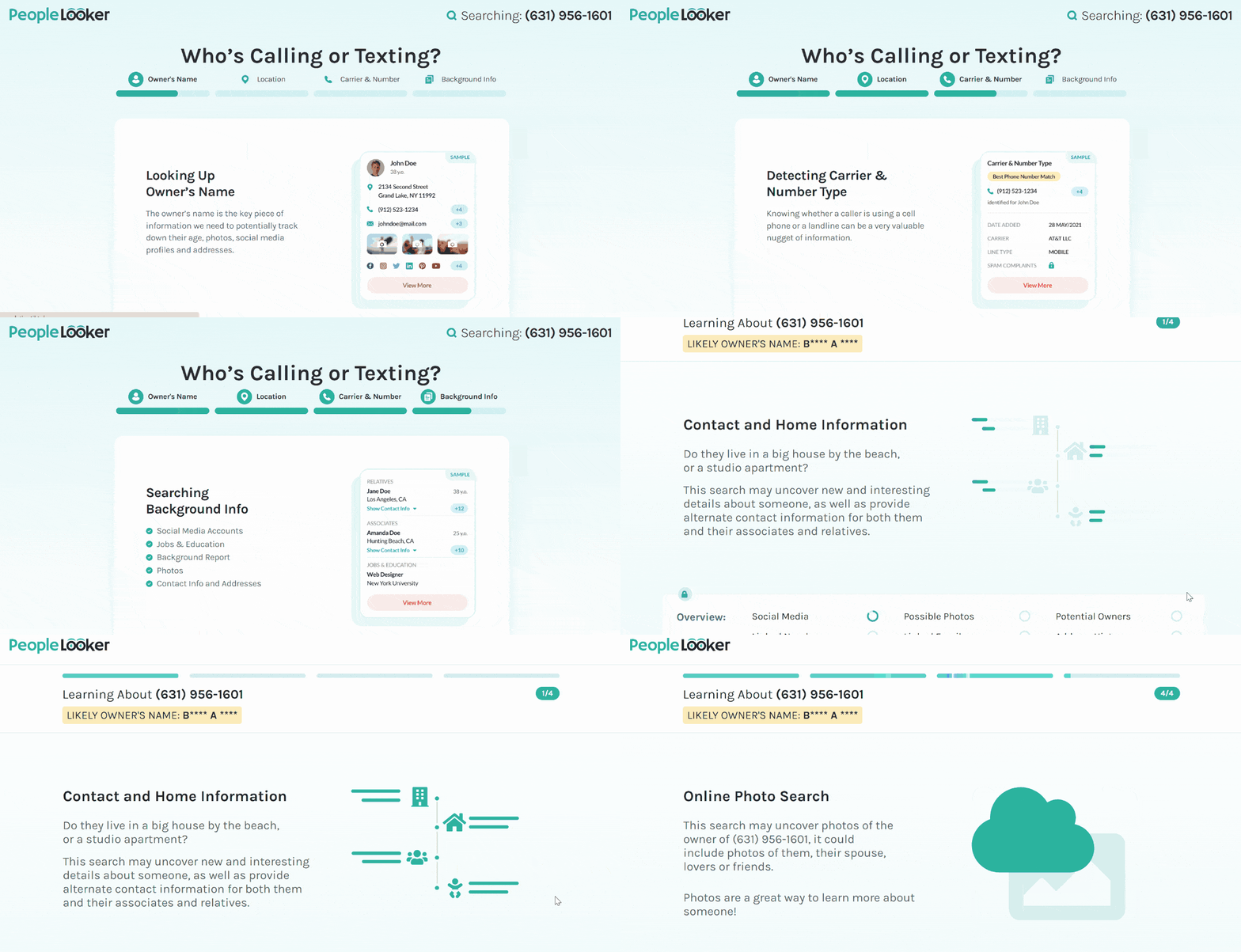
Peoplelooker may give extensive information – even more than you need for just checking an unknown number.
What info you can get:
- criminal and court records;
- email addresses;
- name, as well as any known aliases;
- search for public photos and usernames;
- data on sex offenders;
- infractions on the road.
Price:
7-day trial – $1-5.
User Experience:
When I performed multiple inquiries using PeopleLooker’s reverse phone number lookup, I evaluated various social media networking sites. Popular social networks include Facebook, Twitter, LinkedIn, and Instagram. However, this information is not free; you must subscribe to one of Peoplelooker’s two membership plans or take advantage of the 7-day trial for $1 or $5.
Obtaining information from Peoplelooker took a long time at the start, although this may be attributable to internet speed.
| Quickness | Simplicity | Effectiveness | Safety |
|---|---|---|---|
| 5 | 5 | 4 | 5 |
Pros:
- extensive research;
- mobile apps for searching on the move.
Cons:
- some searches can only be performed on mobile devices;
- certain information requires an extra cost;
- there is no such thing as dark web scanning;
- it takes a long time to process a request.
PeopleSmart
PeopleSmart is a low-cost technology to lookup phone number owner, particularly for corporate users.
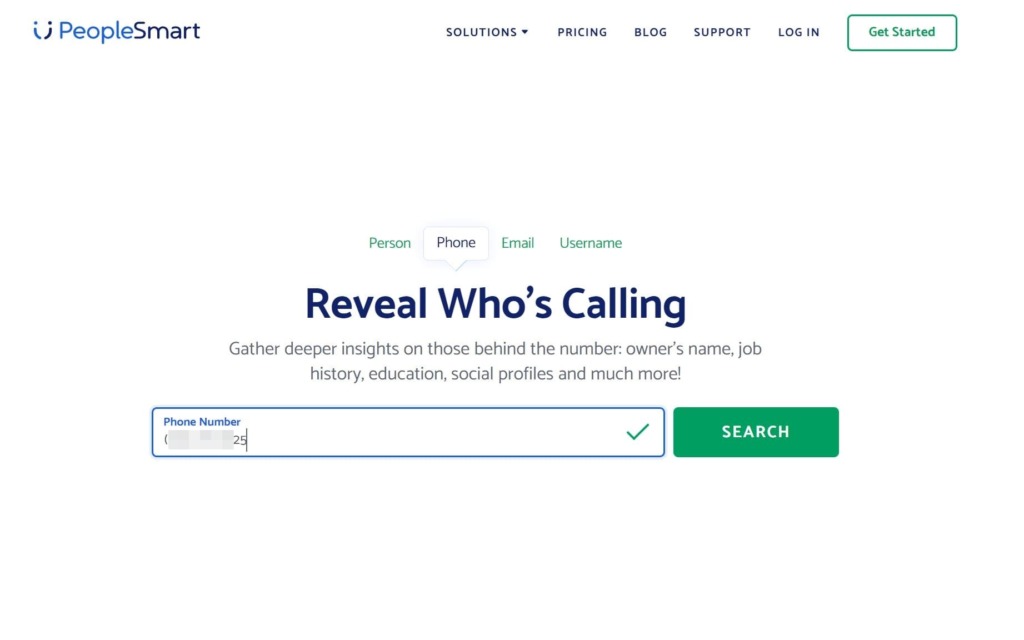
What info users can get:
- email addresses;
- social media profiles;
- job history;
- education.
Price:
- 7-Day Membership Trial – $1;
- premium membership – $39/month after the trial.
User Experience:
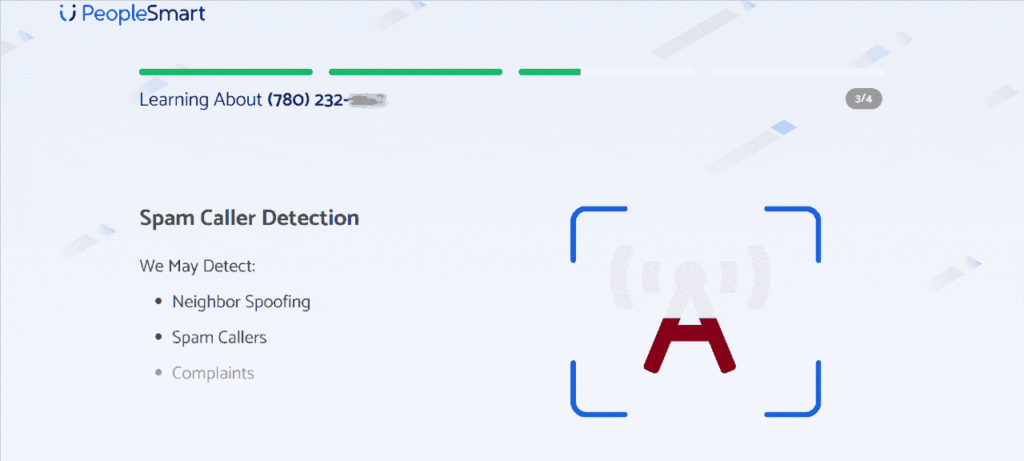
All subscriptions give access to the same services. However, the quantity of contact report credits supplied varies. All programs also include a free 7-day trial period. After the 7-day trial period, pricing begins at $39/month for 50 contact report credits.
When I tested several inquiries, the average time for receiving a response from PeopleSmart was roughly 15 minutes. However, I could not locate any app for iOS and Android users.
| Quickness | Simplicity | Effectiveness | Safety |
|---|---|---|---|
| 5 | 5 | 4 | 4 |
Pros:
- millions of professional connections in almost every industry;
- data confidence levels are used to assess and rank information;
- users may store retrieved contacts and access them at any time;
- users may track changes to a record and get updates.
Cons:
- searches will almost certainly produce several results, which may be difficult to sort through;
- the site will not return any criminal histories, criminal court records, or other highly personal information.
Numberguru
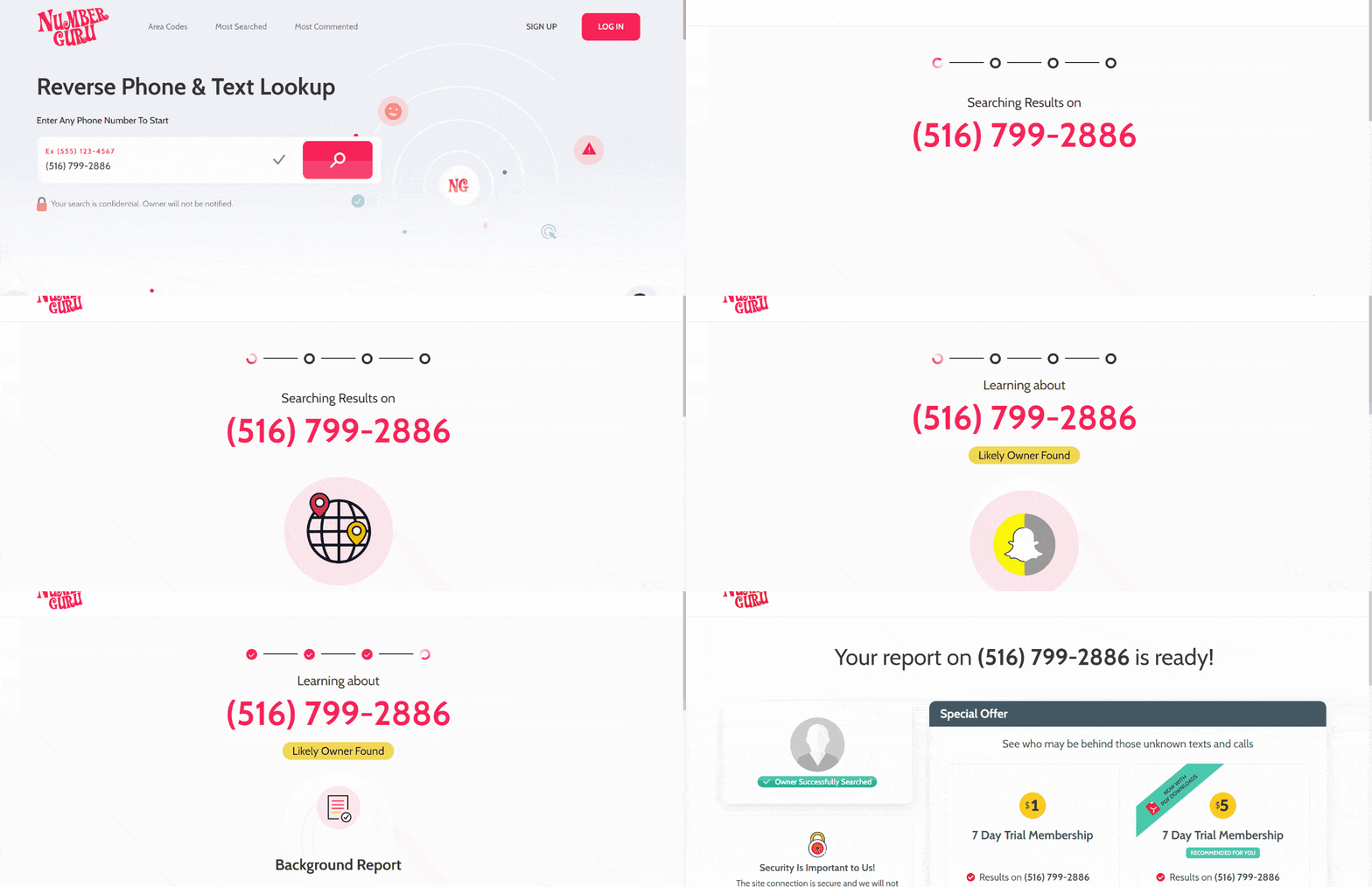
NumberGuru provides its users with both caller ID and reverse phone service.
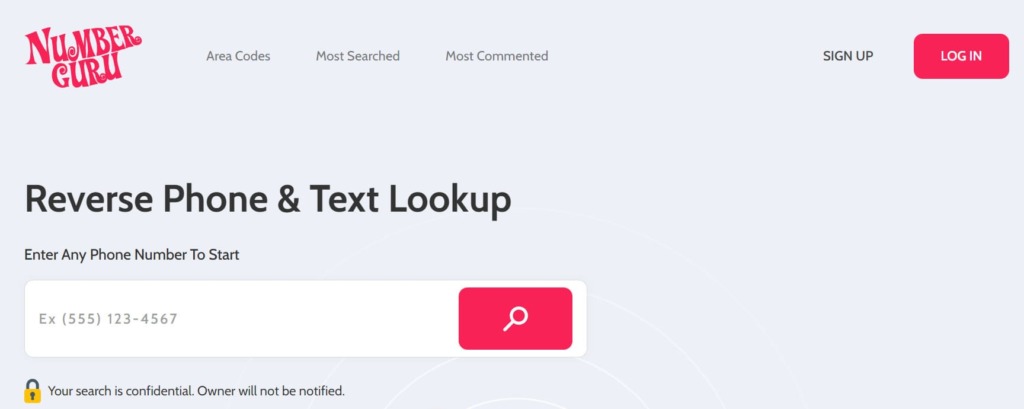
What info you can get:
- spam scores;
- information about associates and friends;
- user feedback on phone number;
- background research;
- images and contact information;
- criminal history;
- the phone caller’s location.
Price:
- 5-7-day trial membership – $1-5;
- premium – $29.99 per month.
User Experience:
NumberGuru membership options provide the same information but vary solely in PDF downloads, quicker search, and notification when reports update. These features are only accessible during the 7-day trial period and with a premium subscription.
The NumberGuru application is free to download from mobile app stores. The answers to my questions about who texted me with a certain number came out quickly after I paid for the trial version plan.
| Quickness | Simplicity | Effectiveness | Safety |
|---|---|---|---|
| 5 | 5 | 4 | 4 |
Pros:
- low-cost service;
- searches billions of sources to provide an accurate online background check;
- PDF versions of reports;
- excellent mobile apps for Android and iOS.
Cons:
- information may become out of current at times;
- reports are sometimes missing.
Whitepages.com
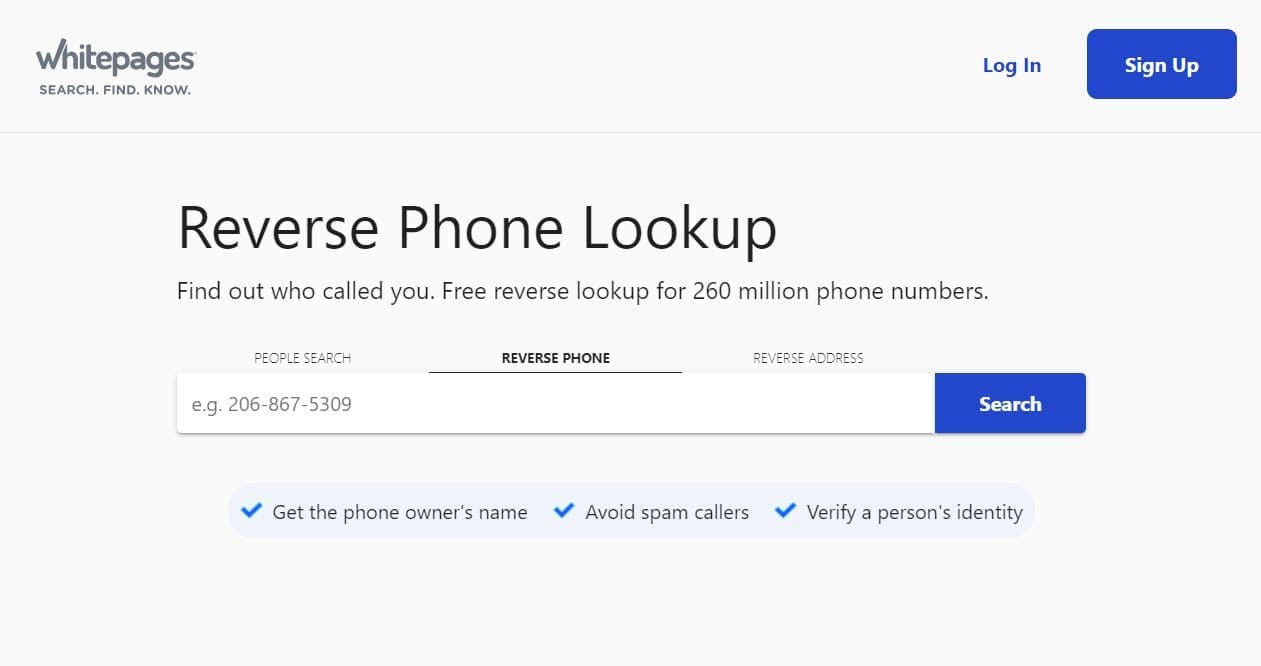
WhitePages.com is a web-based search engine with no application to identify text or caller ID.
What info user can get:
- current residents and contact information;
- background checks;
- property information;
- data on relatives;
- permits to carry a firearm and criminal records;
- financial records and business information.
Price:
- full story report (single report) – $9.99/once;
- premium contact info – $2.50/month;
- premium business – $9.99/month.
User Experience:
During testing, I found that you may be able to obtain contact information, criminal history, public records, and other information about phone number on all membership plans.
The premium contact info, on the other hand, comes with 20 premium lookups without a speed search. The premium business comes with 200 premium lookups with speed searches.
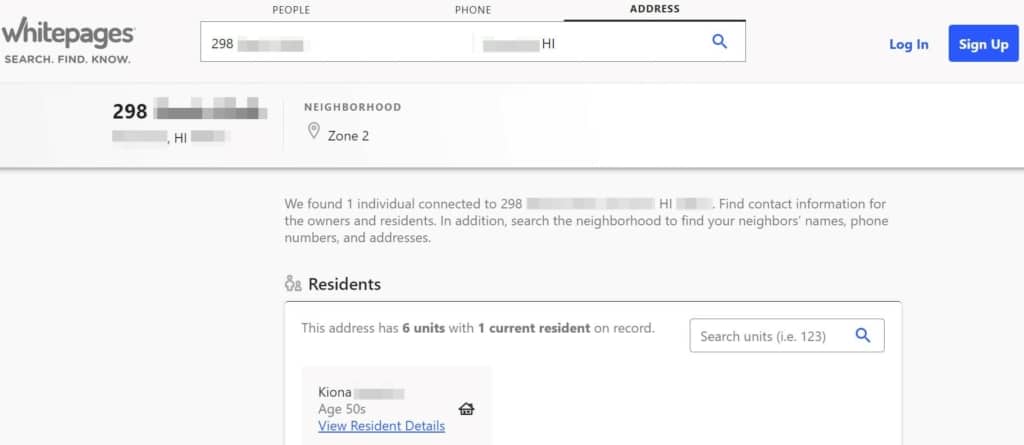
But, as for me, it is unuseful when you are trying to know who texted you. White Pages give you too many various options of whom it may be.
| Quickness | Simplicity | Effectiveness | Safety |
|---|---|---|---|
| 5 | 5 | 1 | 5 |
Pros:
- no customer funnel; however, direct registration is accessible;
- some free information before the paywall;
- extensive criminal record information;
- no-cost background investigation (limited).
Cons:
- only inhabitants of the United States are eligible;
- payment options that are difficult to comprehend;
- inadequate and incorrect data.
Conclusion
When you want to know who texted you, a reverse phone lookup is a common and efficient method of obtaining essential information regarding contact details. Web-based services are affordable and easily accessible from the comfort of one’s home, especially when a regular Google search of a number doesn’t give you results.
The finest reverse phone search service should provide the most complete information on a single website and clear and simple tools for analysts to correlate a person’s name with a contact number. Our top three tools from our Top Pick area provide you with the most complete information you could possibly desire: try Truthfinder, Intelius and Spokeo.
If you can’t determine which one to use, use the HeyLocate search engine. Using AI technology, the system will choose the best solution for your device and area.
FAQ
If you get one of these messages, do not react, even if you see a message that says, “text YES to opt out”. Responding to a spam SMS informs the fraudster that they have reached a functioning phone.
No, in most cases. Anonymous texts cannot be tracked since their genuine phone number is not included when the message is delivered.
Text messages are traceable. Most users can pinpoint the origin of a text message by noting the area code of the phone number that delivered the SMS text.
According to various studies, phones may get infected simply by receiving a photo through a text message. This is most certainly the most serious smartphone issue yet uncovered.
Yes, scammers will send you bogus text messages in order to deceive you into giving them your personal information, such as your password, account number, or Social Security number. They might acquire access to your email, bank, or other accounts if they have such information.
A VPN is the most effective approach to prevent phone monitoring. However, you may avoid tracking by changing a few settings on your phone or switching to a different browser.





 Monday-Sunday: 5:00am - 8:00pm (PT)
Leave a Comment