




 Affiliate Disclaimer
 An “Unknown Caller” number on an iPhone typically appears when you receive a call from someone who has blocked their Caller ID information or when the caller’s information is not available. In such cases, the phone number or caller’s identity is hidden, and the screen displays “Unknown Caller” or “No Caller ID” instead of showing the caller’s name or number.

An increasing number of iPhone users are reporting unwanted and unidentified calls, ranging from persistent telemarketing calls to spam and even potential threats. Dealing with scam callers can be overwhelming, leading to a strong desire to identify and block them. And there are such ways that we will review.
Track Any Phone Number Right Now
- Number Tracking
- Phone Lookup
In fact, a staggering 87% of US respondents in a Truecaller survey stated that they refuse to answer calls unless they can identify the caller. In this article, we will reveal how to enable call screening features on your iPhone, do reverse phone lookups to discover everything about the caller, and how to block No Caller ID numbers using contacts if you would instead not get them at all.
Top Pick Based on Our Research
Truecaller is a popular app that can be used to uncover the identities of callers with No Caller ID. It provides a comprehensive database of phone numbers and their associated information, allowing you to identify unknown callers and block unwanted calls effectively.
TruthFinder is an online background check service that can be used to uncover information about the owner of a phone number. It provides access to a vast database of public records, allowing users to gain insights into the background and identity of individuals associated with a specific phone number.
NumberGuru is a handy app available for iPhone that allows users to perform instant reverse phone number lookups. With NumberGuru, you can quickly uncover the identity of unknown callers, block spam calls, and gain valuable information about the phone numbers contacting you.
Table Of Tools to Find Out Unknown Caller
Services reviewed – 22
Services selected – 10
| Service | Best for | Compatibility (OS version) | App size (MB) | Price | Rating |
|---|---|---|---|---|---|
| Spokeo | People search and background checks | – | – | $19.95/mo | 3.1 |
| Truecaller | Identifying and blocking unknown callers | iOS 15.0 | 254.8 MB | $4.49/mo for premium | 4.8 |
| Searqle | Identifying an unknown caller | No | No | 3-day trial for $1 $44.99/mo $28.33/mo paid quarterly | 4.7 |
| TruthFinder | Comprehensive report on people search | iOS 14.0 | 24 MB | $4.99/mo | 4.6 |
| Intelius | Accessing public records | iOS 14.0 | – | $9.99/mo | 4.5 |
| US Search | People search | – | – | $59/mo | 2.3 |
| BeenVerified | Background checks and identity verification | iOS 10.0 | 144.2 MB | $9.99/mo | 4.6 |
| PeopleLooker | General background checks and people search | – | – | $22.86/mo | 2.8 |
| PeopleSmart | People search and contact information | – | – | Starts at $1.99 | 3.8 |
| NumberGuru | Affordable service to and app to find unknown number | iOS 3.1 or later | 69.7 MB | Starts at $1.99 | 3.1 |
We took some resources from the top reviews of the best, and almost all of them were awful. So trust only verified sources of information or blogs of specialized services related to telecommunications. For example, like our HeyLocate blog.
What Does Unknown Caller/No Caller ID Mean on iPhone
“Unknown Caller” refers to a situation where the incoming call does not provide any identifiable information about the caller. This means that the caller’s phone number is not recognized or associated with any contacts stored in your device’s address book. It could be a legitimate call from someone whose number you don’t have saved, or it could be an unwanted call from an unidentified source.
On the other hand, “No Caller ID” refers to a situation where the caller deliberately hides their phone number and identity. This can be achieved by using a specific feature provided by their service provider or through third-party apps. “No Caller ID” calls are commonly associated with telemarketing, scam calls. The purpose of concealing their identity is often to make it difficult for recipients to block or identify the call.
It’s important to note that while “Unknown Caller” simply indicates a lack of contact information, “No Caller ID” implies a deliberate attempt to remain anonymous.
How to Find No Caller ID Number on iPhone
To find our No Caller ID number on iPhone, use call trace codes, dedicated apps or contact your phone carrier.

Activate Call Trace
Activating Call Trace is a service provided by some carriers that allows you to uncover the identity of a No Caller ID number on your iPhone. By utilizing this feature, you can trace the origin of the call and gather information about the caller. Here’s an overview of how to activate Call Trace:
- Check with Your Carrier
Start by contacting your mobile carrier’s customer support or visiting their website to determine if they offer the Call Trace service and if there are any charges. Not all carriers provide this feature, so confirming its availability is essential. - Understand the Process
Each carrier may have its own specific instructions and codes for activating Call Trace. They will provide you with the necessary information and guide you through the process. - Dial the Activation Code
Once you have the required information, initiate the Call Trace process by dialing the designated activation code on your iPhone. The code is typically a combination of numbers or special characters, such as *57 or *69. - Record the Call Details
After activating Call Trace, note the date, time, and duration of the No Caller ID call. These details will be helpful when reporting the call or providing information to your carrier or police.
Use Third-Party Apps
Then, there are special tools to uncover No Caller IDs and track a phone number without them knowing.
Truecaller
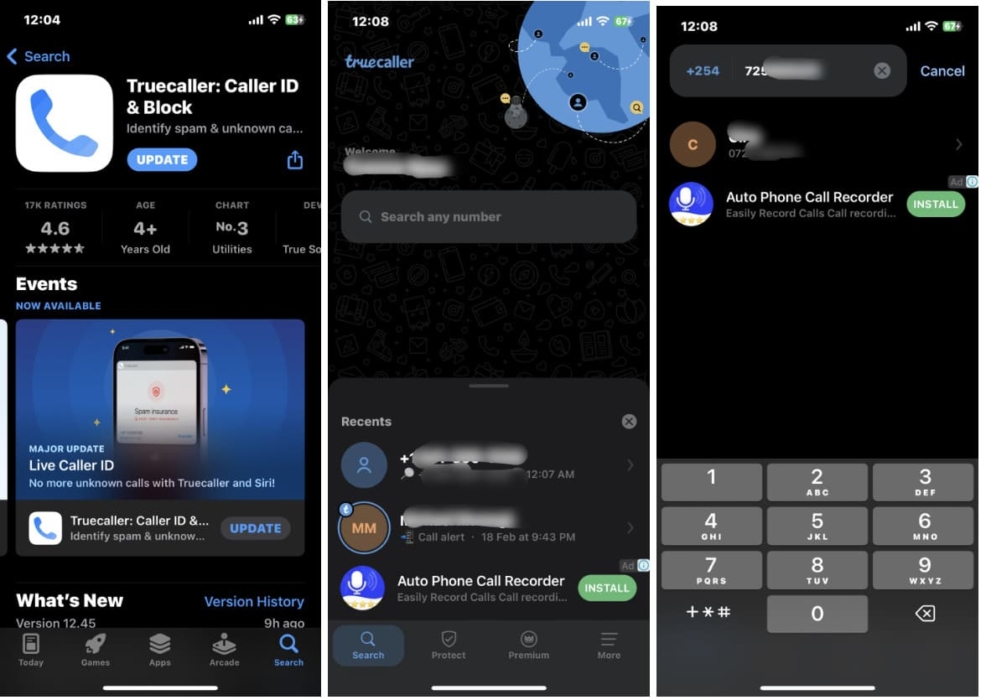
Truecaller is a popular app for Android and iOS that helps identify unknown callers and block spam calls. The free version allows you to identify incoming and outgoing calls and block spam numbers, with the added benefit of a community-based spam list that identifies and blocks reported numbers.
In addition to caller identification and spam call blocking, Truecaller offers useful features like call recording, call history, flash messaging, integration with messaging apps, and scam phone number lookup after unmasking No Caller ID.
So, if you are looking for how to block unknown callers on iPhone, Truecaller serves as a comprehensive tool for managing calls and protecting against disruptions, making it an invaluable solution for addressing No caller ID, unknown calls, and spam calls.
ShowCaller
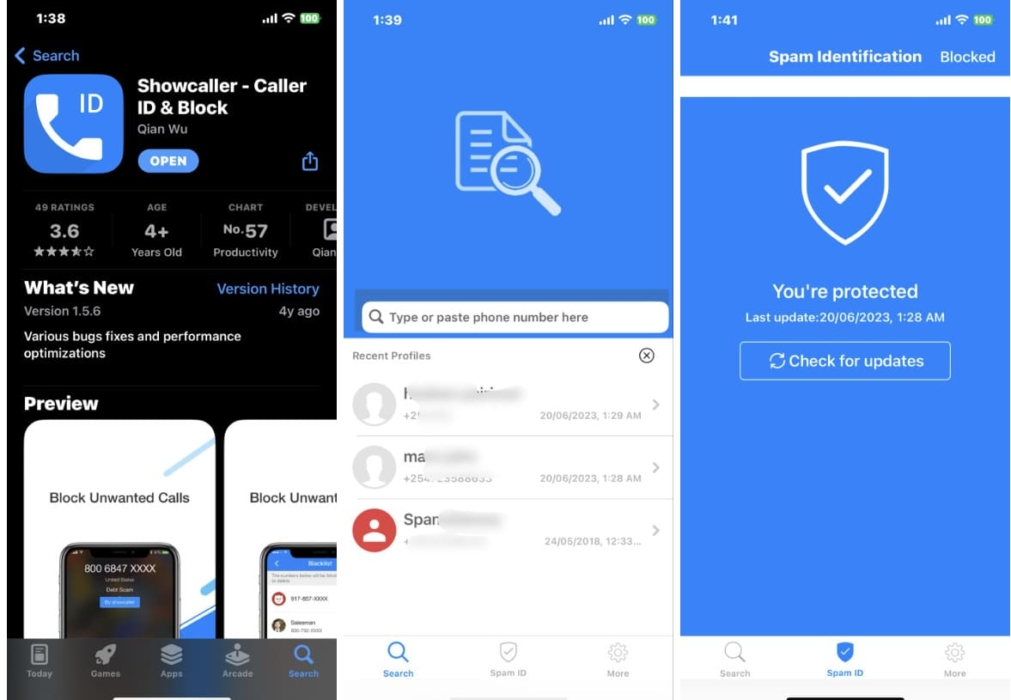
During my search for a solution on how to block No Caller ID on iPhone, I came across Showcaller, a free phone app available for both Android and iOS devices. It helps to identify incoming calls and block unwanted phone calls, making it easier to manage phone calls effectively.
One of the key features of Showcaller is its comprehensive Caller ID functionality. It allows users to see the caller’s name and phone number displayed on their device’s screen before answering the call.
Showcaller also includes a spam call detection feature, which allows identifying unknown caller’s number and block nuisance and fraudulent calls.
Trapcall
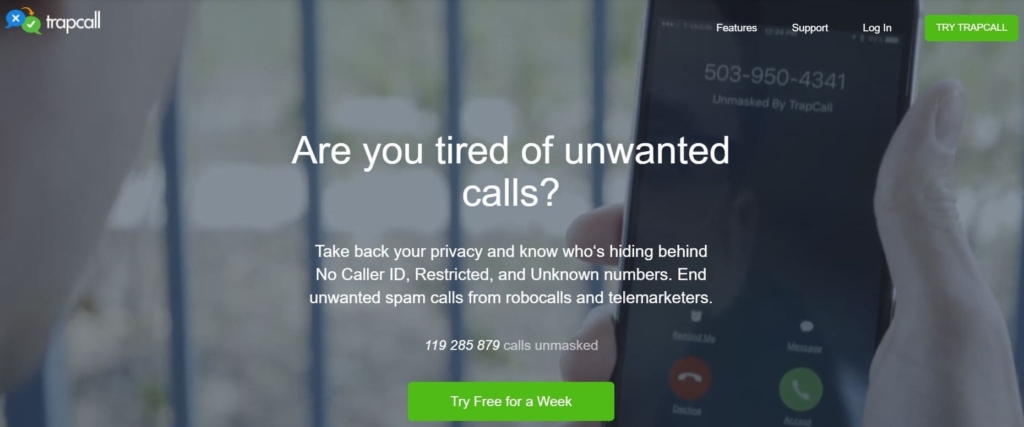
Trapcall is a service that helps users uncover the identity of blocked or private callers and provides additional call management features. It offers a free trial period for users to experience its functionalities before subscribing.
With Trapcall, users can unmask a private number and reveal the caller’s identity. In addition, the service offers voicemail transcriptions, and the ability to blacklist unwanted numbers. The call recording feature allows you to save and review important conversations.
So if you are looking for how to find no caller ID number on iPhone, Trapcall is an excellent choice. However, the tool is available for US users only.
Contact Your Phone Carrier
If you want to find the number of an unknown caller on your iPhone, reach out to your phone carrier, as they have the necessary tools and resources to help you. Follow these steps:
- Gather all the relevant call information (for example; time of call).
- Use the provided customer service number to contact your carrier.
- Explain the situation and request their assistance in identifying the unknown caller.
- Provide them with the details of the call.
- Follow the instructions provided by your carrier to uncover the caller’s number, and be patient while waiting for the results.
How to Silence Unknown Callers on iPhone
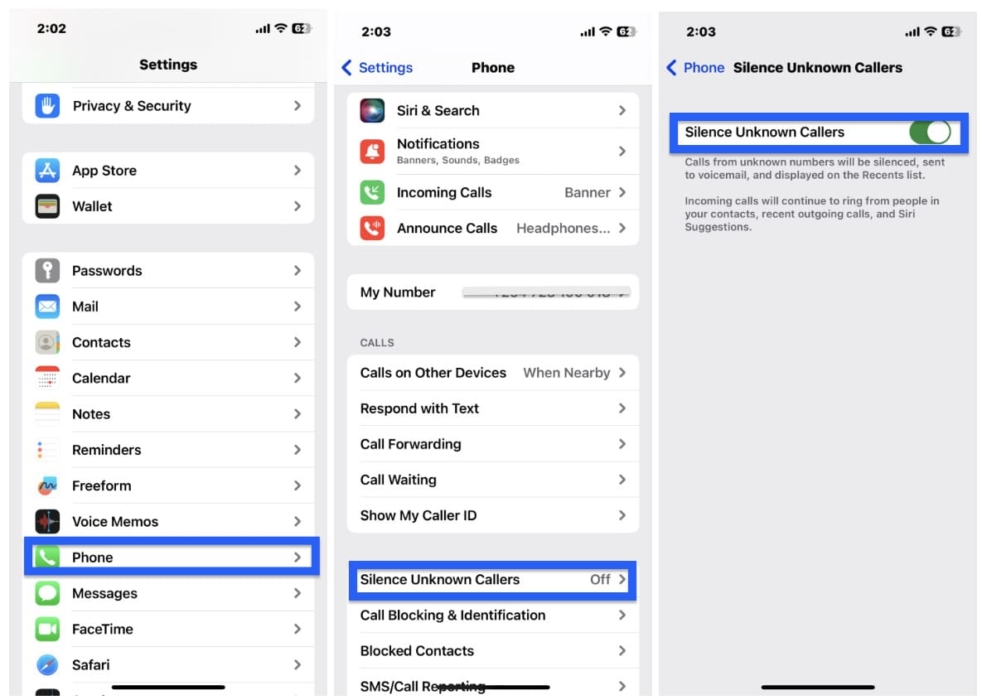
Silencing unknown callers on your iPhone can help you avoid interruptions and unwanted calls from unfamiliar numbers. Here’s a step-by-step guide:
- Open the Settings app, scroll down and tap on “Phone”.
- Select “Silence Unknown Callers” and toggle the switch next to it to the ON position. When enabled, your iPhone will automatically silence calls from numbers that are not in your contacts, recent calls, or Messages.
How to Block No Caller ID on iPhone
Follow these steps:
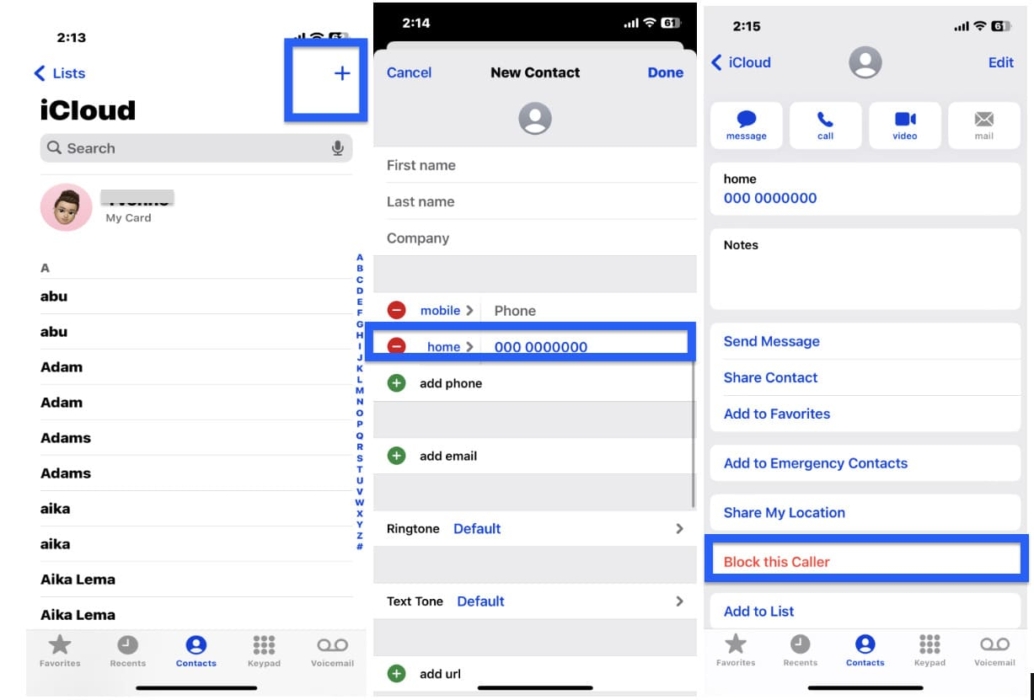
- Open the Phone App, tap the “Contacts” tab at the bottom of the screen.
- Tap the “+” icon to add a new contact. Enter “No Caller ID” as the name and use “000-000-0000” as the phone number. Once entered, tap “Done” to save the contact.
- Then, scroll down to locate the newly created “No Caller ID” contact in your Contacts list. Tap on it to open the contact details.
- Scroll to the bottom of the contact details and select the option “Block this Caller”.
- A pop-up message will appear with the option “Block Contact.” Tap on it to confirm and block all calls from the No Caller ID.
How to Find Out Who an Unknown Caller is
You can start with a Google search to find out who an unknown caller is. But then there are special tools for reverse phone lookup.
Spokeo
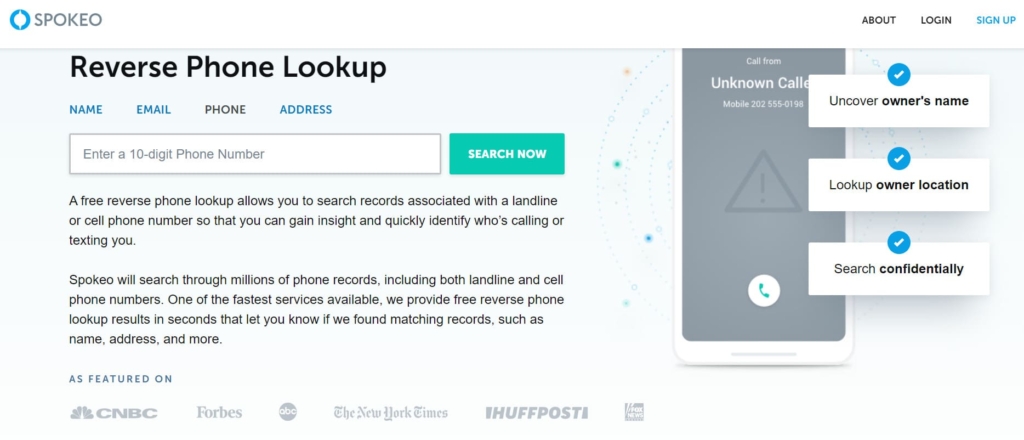
Spokeo is an online service that provides people with search and reverse phone lookup capabilities. Spokeo boasts a large following on social media platforms like Facebook where it has 70k followers and the Twitter account has over 5k followers. The tool has also received positive reviews, with an average rating of 3.1 stars based on customer feedback on Consumer Affairs.
App for iOS:
No.
Price:
$19.95/mo.
User Experience:
With the help of Spokeo, I was able to gather basic information about a phone number free of charge. This included general location details and the associated phone carrier. However, it’s important to note that this basic information may not be sufficient in some cases.
For more comprehensive details such as the owner’s name, address history, and social media profiles, a subscription or the purchase of a single report was required. Fortunately, the pricing for these options was affordable, so I purchased a single report. And the report provided detailed information, including even location data.
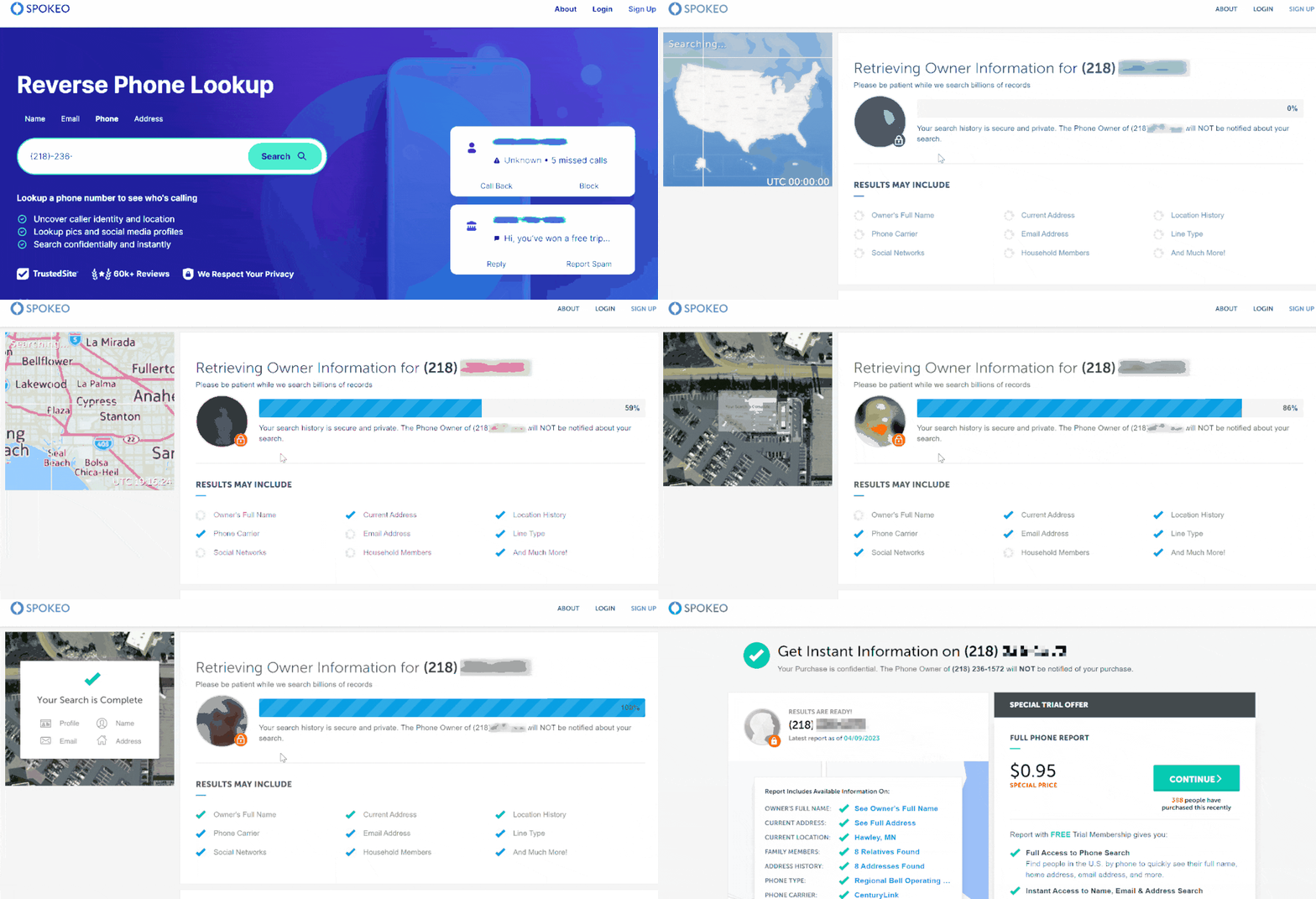
While Spokeo doesn’t offer a dedicated app specifically for iPhone users, the mobile-friendly website allowed me to effortlessly conduct phone number lookups and access the desired information using the iPhone’s browser.
| Quickness | Simplicity | Effectiveness | Safety |
|---|---|---|---|
| 4 | 5 | 4 | 4 |
Pros:
- comprehensive information;
- totally anonymous;
- provides a free trial;
- multiple search options.
Cons:
- limited international coverage;
- limited information for the free version.
TruthFinder
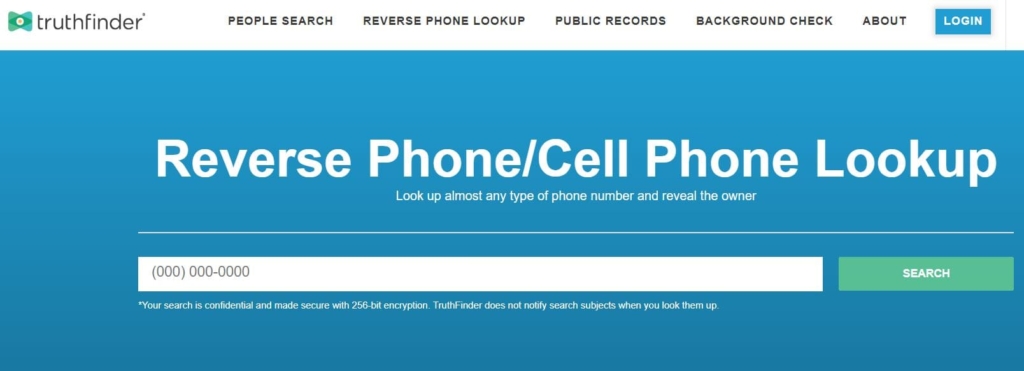
TruthFinder is a popular online service that provides access to public records and background information on individuals. TruthFinder has gained a significant following on social media platforms, demonstrating its reputation and popularity. It has 342K followers on Facebook.
The service has also received positive reviews, with many users praising its comprehensive reports and ease of use. It has earned a 4.6-star ranking on the Apple Store, making it a trusted and effective tool.
App for iOS:
Yes, size 24 MB, iOS 14.0 or later.
Price:
$4.99/mo.
User Experience:
When I was trying to figure out how to see unknown caller number on iPhone, I decided to try the wellknown TruthFinder service. While the free version provided basic details such as the location and carrier, the information was not sufficient.
So, I purchased the detailed report. The report included details such as the owner’s name, address history, additional contact information, social media profiles, and even email addresses.
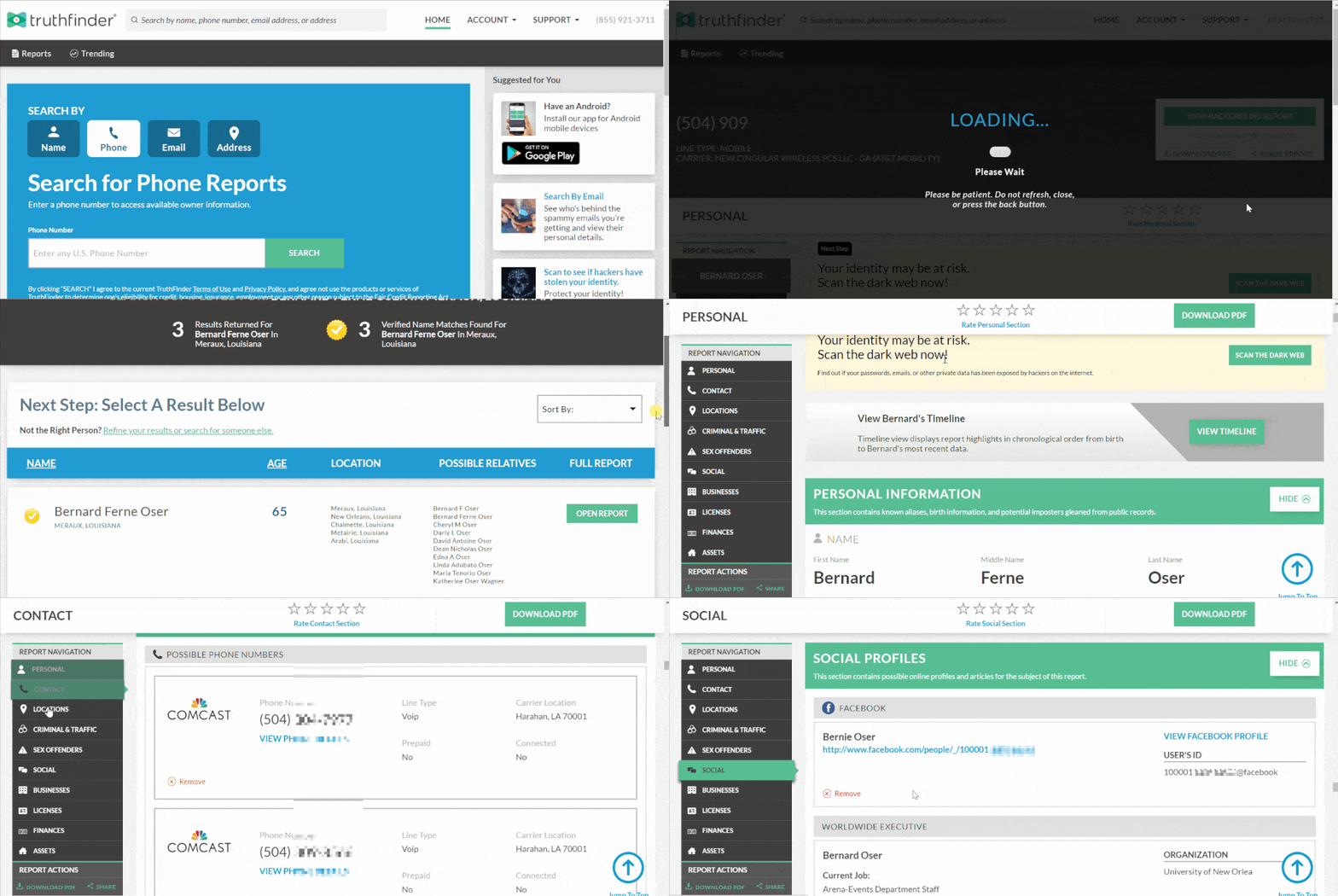
Additionally, TruthFinder offers a dedicated app for iPhone users in the United States. The app enhances the user experience by providing a convenient and streamlined way to perform phone number lookups, access reports, and stay informed while on the go. It simplifies the process and allows for quick access to the desired information directly from an iPhone.
| Quickness | Simplicity | Effectiveness | Safety |
|---|---|---|---|
| 4 | 5 | 4 | 4 |
Pros:
- extensive information;
- deep search capabilities.
Cons:
- works only for US numbers;
- subscription-based model;
- no free trial.
Searqle
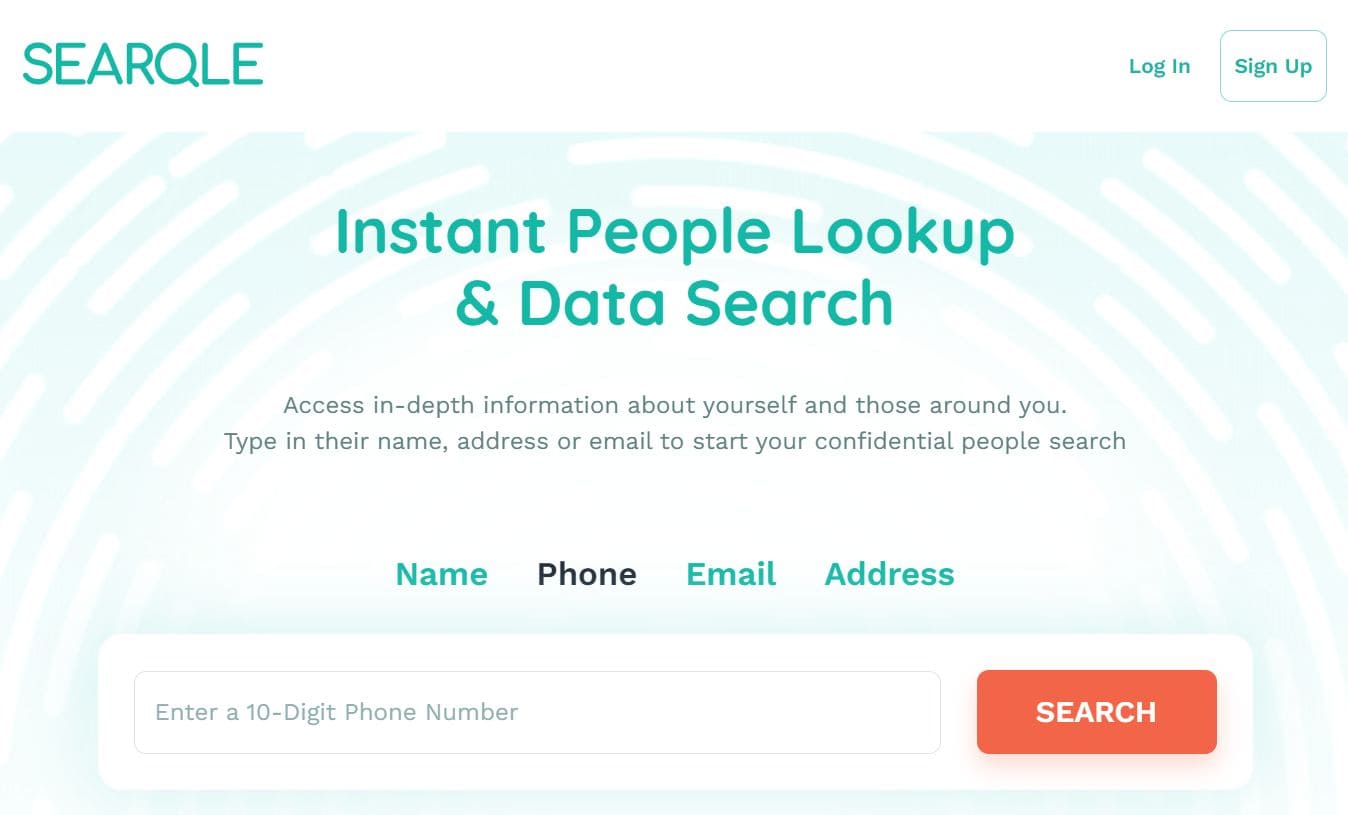
Searqle is a people search engine that provides access to millions of data records. It can find out an unknown caller and tell you their location. Since it’s still a new platform, the site is yet to gain a large social media following.
App for iOS:
No.
Price:
- 3-day trial for $1;
- $44.99/mo;
- $28.33/mo paid quarterly.
User Experience:
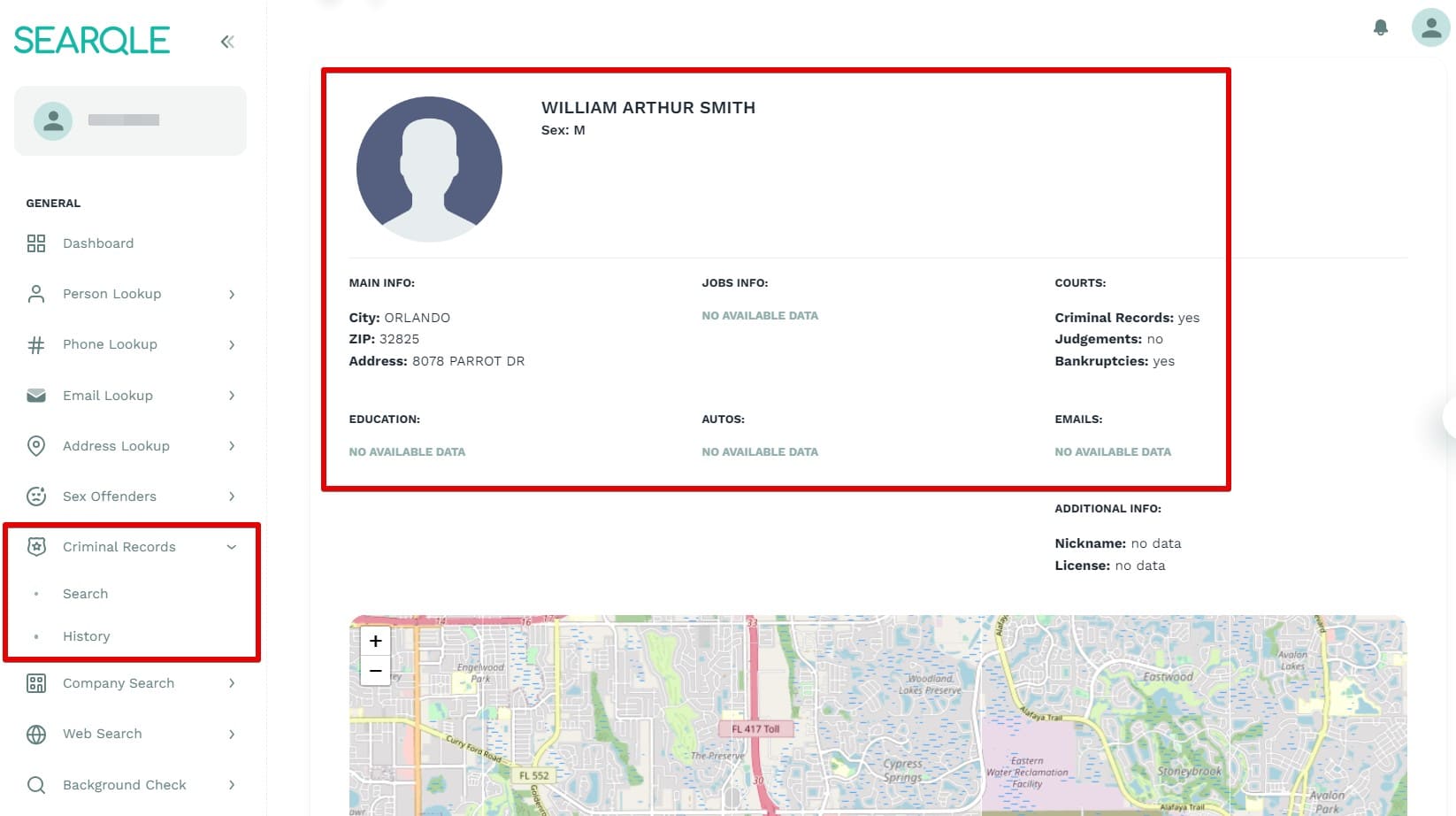
Searqle did not have a free plan. However, it offered a 3-day trial for $1. This platform provided me with a comprehensive report that included the phone number’s owner and location. It also showed their job info, employment, and court records. It would have been great if Searqle offered an app to allow users to find out the identity of an unknown caller on the go.
| Quickness | Simplicity | Effectiveness | Safety |
|---|---|---|---|
| 4.7 | 4.6 | 4.7 | 4.8 |
Pros:
- offers a cheap 3-day trial;
- produces detailed reports;
- verifies the identity of a caller;
- accurate and outdated information.
Cons:
- no option to pay for a single report;
- requires a subscription for ongoing use.
Intelius
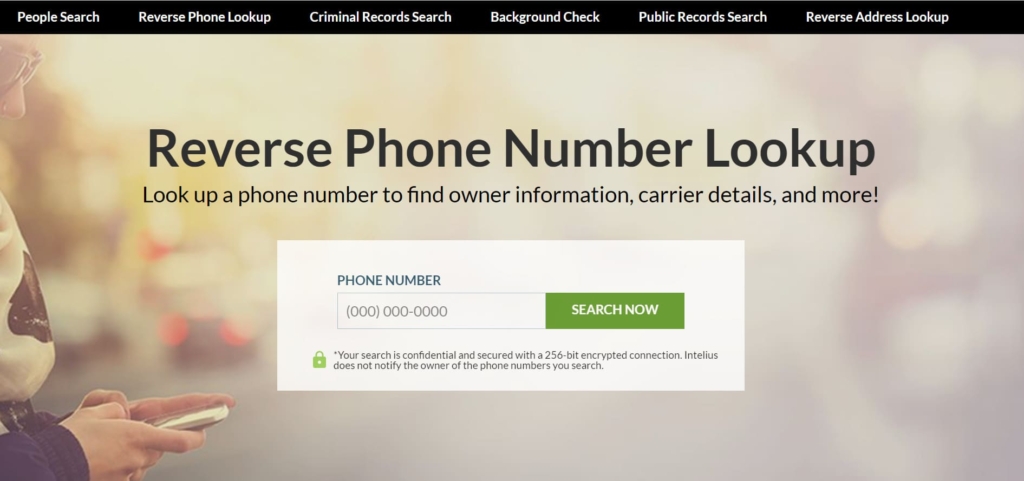
Intelius is a widely-used people search service that provides access to public records, provides background checks, reverse addresses, and phone lookups. Intelius has also received positive reviews, with an average rating of 4.5 stars out of 5 based on customer feedback on the Apple Store leading to a thousand downloads.
App for iOS:
Yes, iOS 14.0 or later.
Price:
$9.99/mo.
User Experience:
While using Intelius, I discovered that the free version provides limited details such as the location and carrier associated with a phone number. However, for a more comprehensive understanding, I used my subscription for the service. With that, I was able to do unlimited searches and get instant reports.
These reports provided extensive data including the owner’s name, address history, social media profiles, and even email addresses.
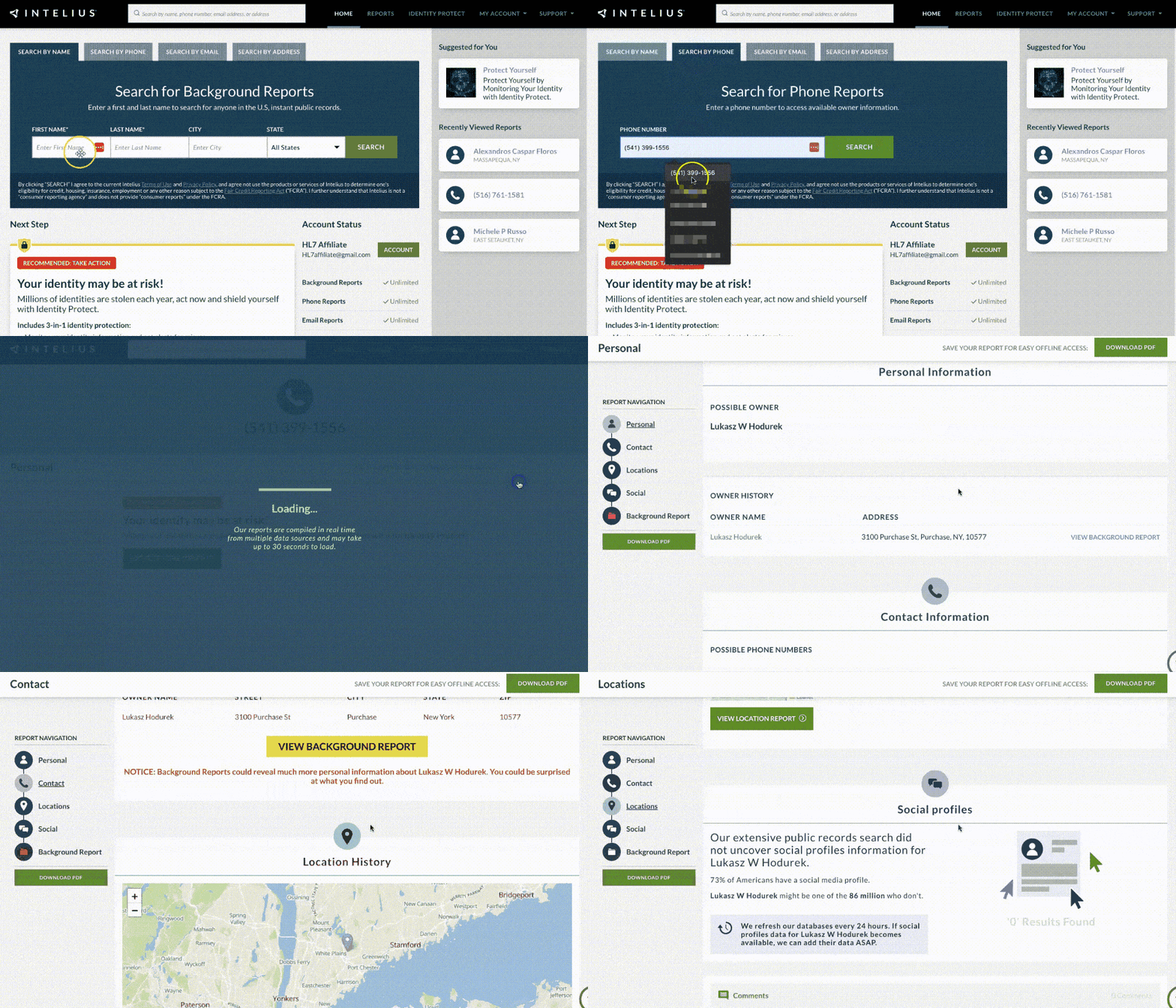
However, it’s worth mentioning that I encountered a few instances where the provided information was outdated and did not give accurate results.
Additionally, my research showed that Intelius offers a user-friendly iPhone app specifically designed for residents of the United States, allowing for convenient access to the service.
| Quickness | Simplicity | Effectiveness | Safety |
|---|---|---|---|
| 4 | 5 | 4 | 4 |
Pros:
- can find unlimited phone numbers;
- totally confidential;
- extensive information.
Cons:
- needs a monthly subscription;
- only available for US residents.
Instant Checkmate Phone
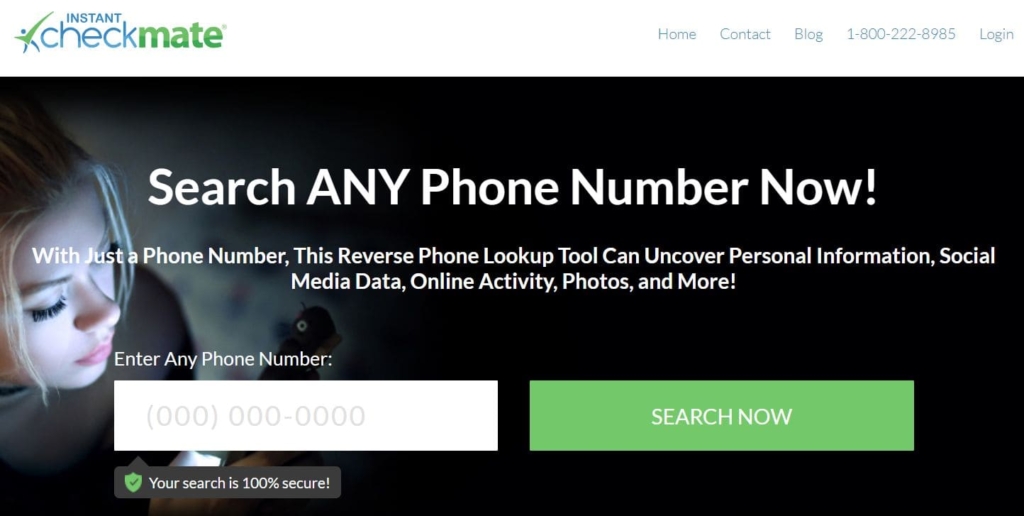
Instant Checkmate Phone is another reverse phone lookup service, that can be used to provide comprehensive background checks and public records search capabilities to its users. The tool has amassed a significant following on social media platforms such as Facebook with over 224K followers. In addition, the service has received positive reviews, with an average rating of 4.7 stars on the App Store.
App for iOS:
Yes, iOS 14.0 or later.
Price:
$4.99/mo.
User Experience:
With the free version of Instant Checkmate, I was able to look up phone numbers obtain basic details such as the location and carrier associated with a phone number. However, to access a more comprehensive report, I had the option to purchase one at a reasonable price.
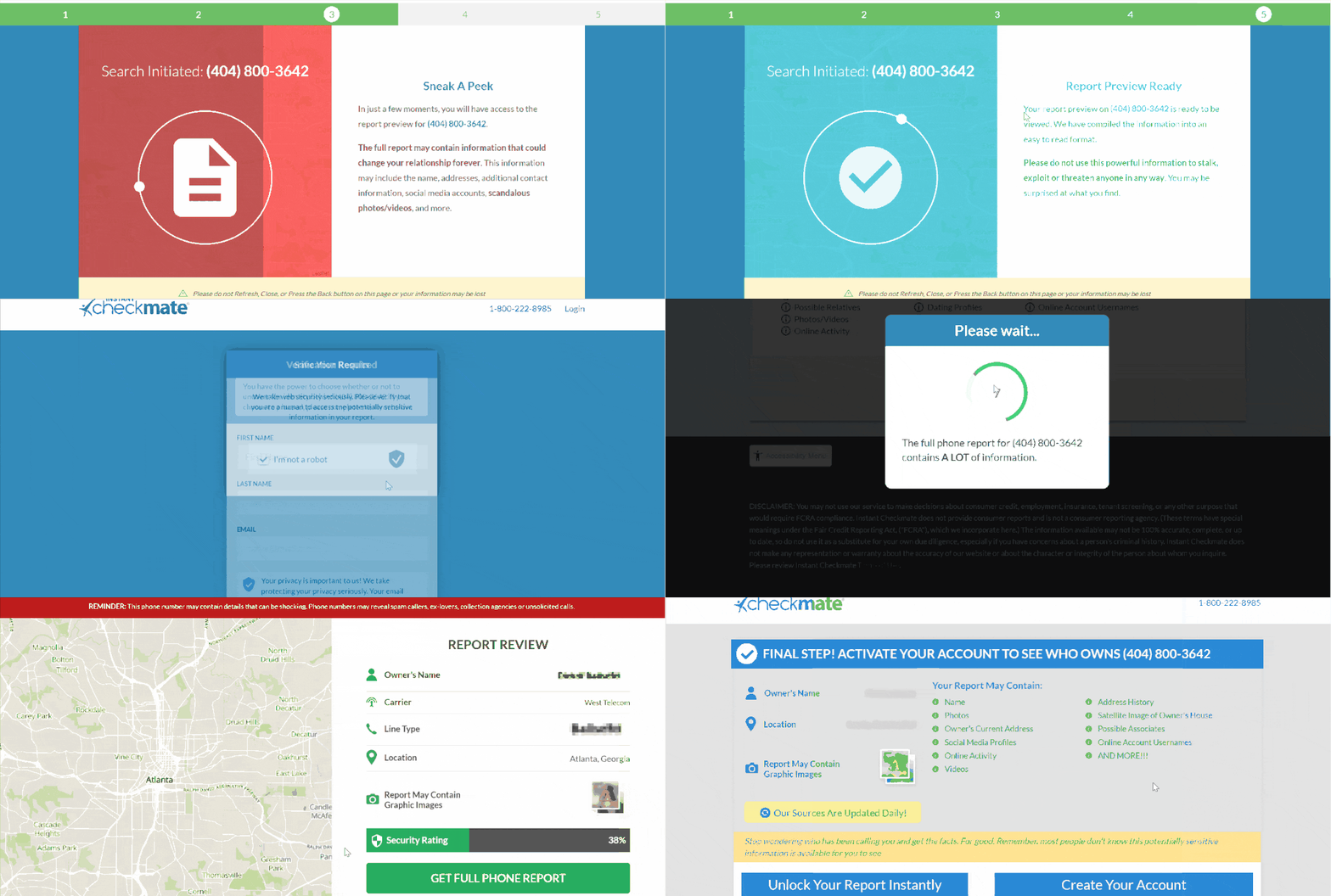
During my test, the report proved to be informative, providing extensive information such as the owner’s name, address history, photos, social media profiles, and even any available criminal records.
Additionally, Instant Checkmate offers a dedicated app for iPhone users, further enhancing the user experience. The app provides a convenient and efficient way to gather information about phone numbers directly on an iPhone.
| Quickness | Simplicity | Effectiveness | Safety |
|---|---|---|---|
| 4 | 5 | 3 | 4 |
Pros:
- comprehensive background checks;
- mobile app accessibility;
- privacy protection.
Cons:
- limited International coverage;
- dependence on public records;
- subscription-based service.
US Search
US Search is a well-known service known for its expertise in background checks and people search solutions. The platform has a notable online presence, including a following on Twitter. On Consumer Affairs, US Search has received an average rating of 2.3 stars. Users can access US Search through its website, but there is no app available for downloads.
App for iOS:
No.
Price:
$59/mo.
User Experience:
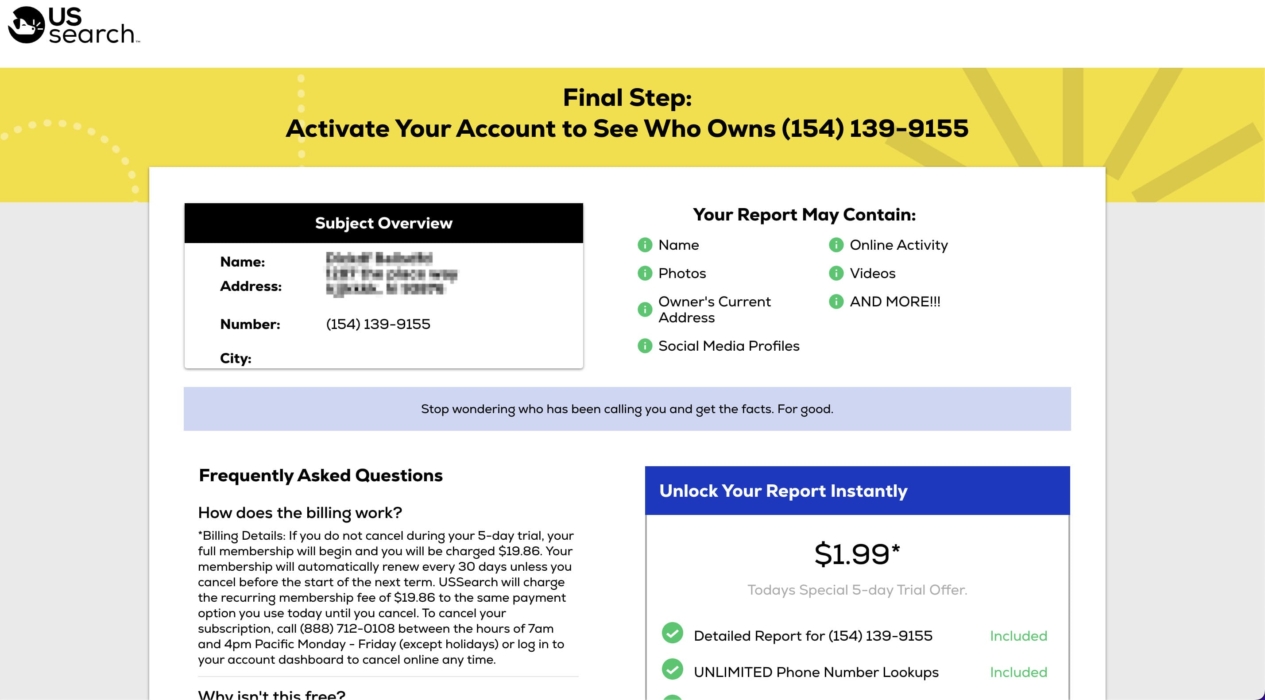
US Search does not offer free reports, but has a 5-day trial period at a reasonable price. The reports provide extensive information such as the owner’s name, address history, photos, social media activity, and even public records, and this is attained in a single purchased report, that can be offered at a reasonable price.
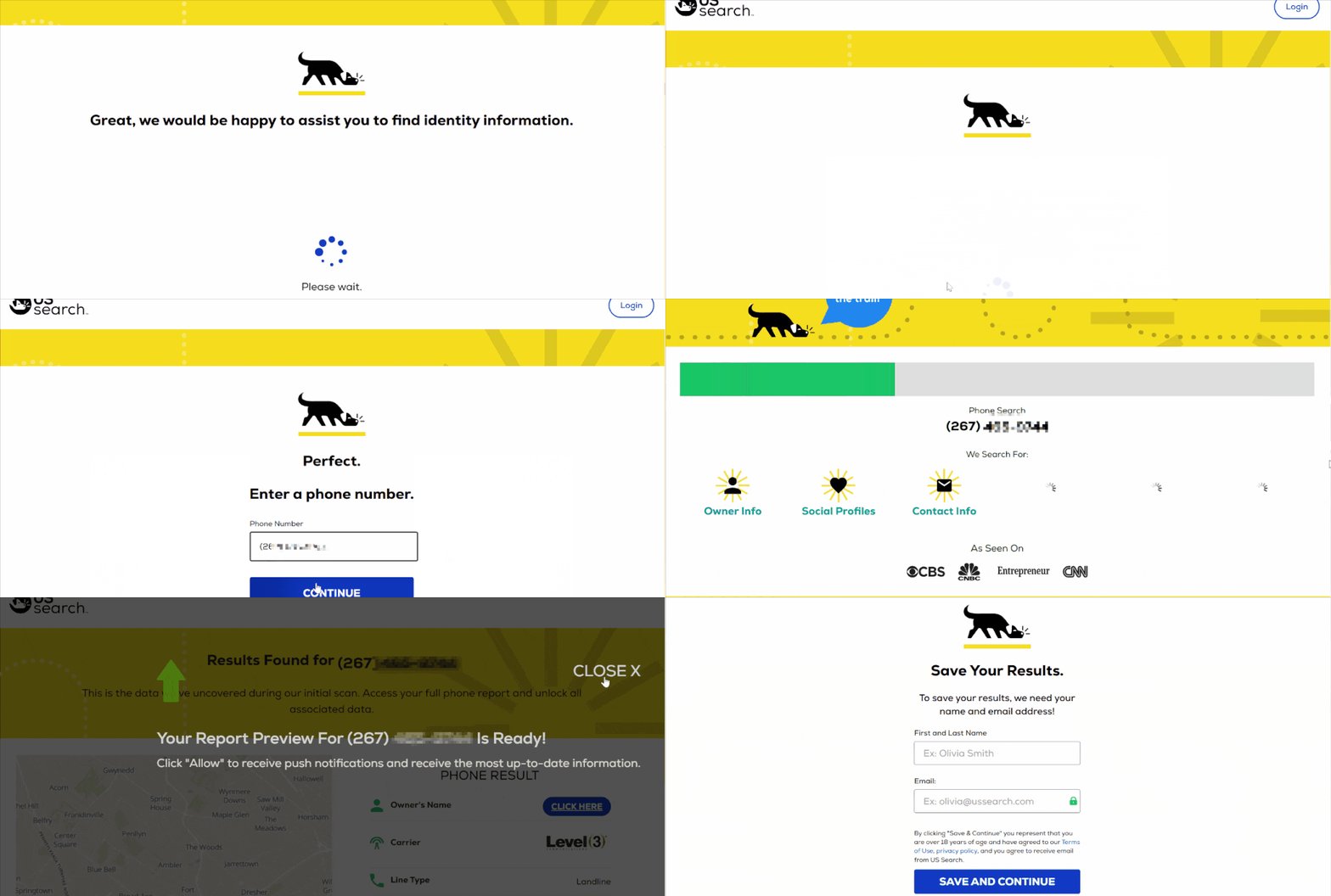
US Search does not have a dedicated app for iPhone users at the moment. However, their website is mobile-friendly, allowing you to use its phone number lookup reverse service on the iPhone browser. You will discover who called or texted you and access all the desired information whenever needed.
| Quickness | Simplicity | Effectiveness | Safety |
|---|---|---|---|
| 4 | 5 | 3 | 4 |
Pros:
- comprehensive search capabilities;
- 24/7customer support;
- privacy protection.
Cons:
- limited international coverage;
- no dedicated mobile phone app;
- subscription-based service.
BeenVerified
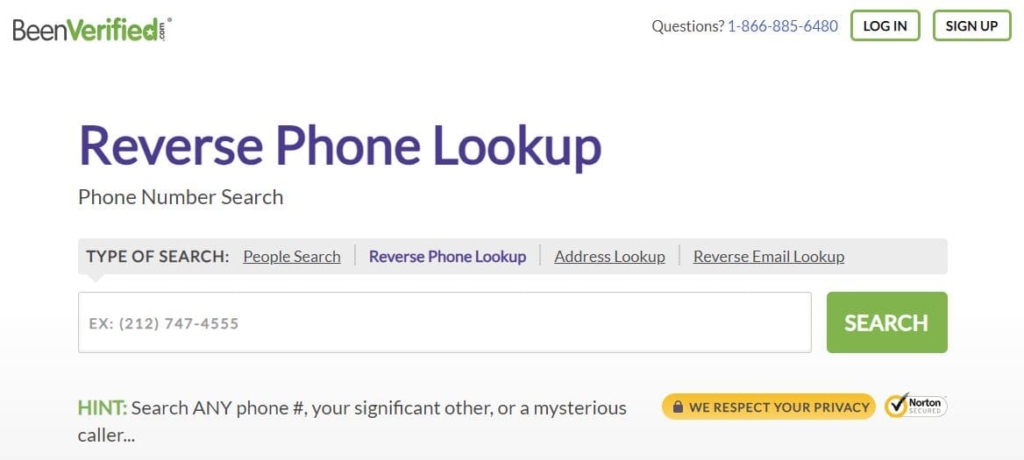
BeenVerified is an online service that provides access to public records, allowing users to perform background checks, find contact information, and discover other relevant details about individuals.
With millions of users relying on its platform, BeenVerified has garnered a significant following across various social media channels like Facebook where it has 52K followers. Users have given positive reviews, reflected in its high star ratings of 4.6 stars at the App Store.
App for iOS:
Yes, size 144.2 MB, iOS 10.0 or later.
Price:
$9.99/mo.
User Experience:
The free version offers basic details such as the location and carrier associated with a phone number. However, for more in-depth information, I needed to purchase a single report at a reasonable price of $1. The reports provided extensive data, including the owner’s name, address history, contact details, social media profiles, and even criminal records.
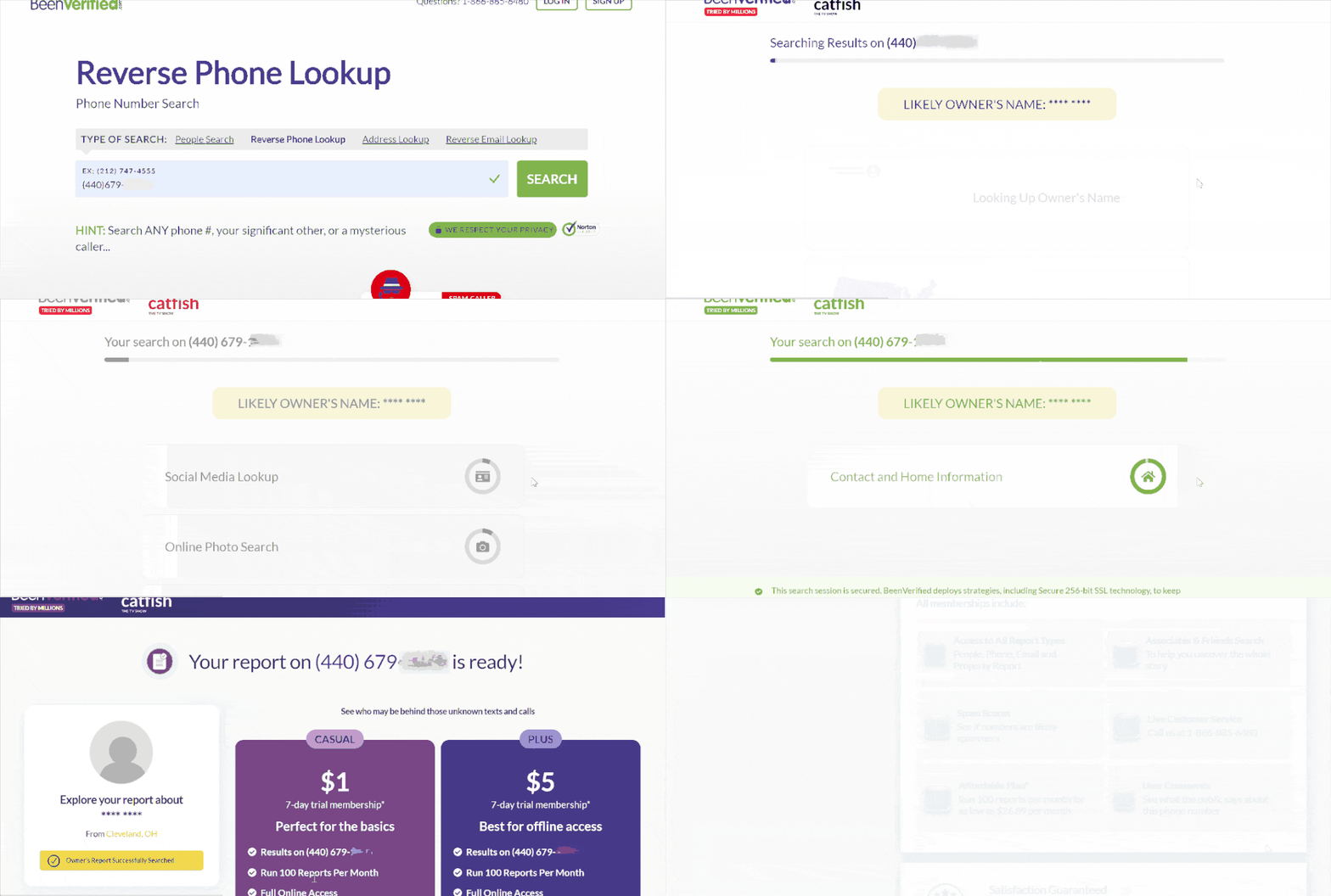
Fortunately, BeenVerified does offer an app for iPhone users, which enhances the user experience. The app allows users to perform quick phone number lookups, access reports, and stay informed while on the go; however, the app is only available for US users.
| Quickness | Simplicity | Effectiveness | Safety |
|---|---|---|---|
| 4 | 5 | 3 | 4 |
Pros:
- mobile app availability;
- affordable plans;
- comprehensive information.
Cons:
- relies on public records;
- accuracy limitations;
- works only for US numbers.
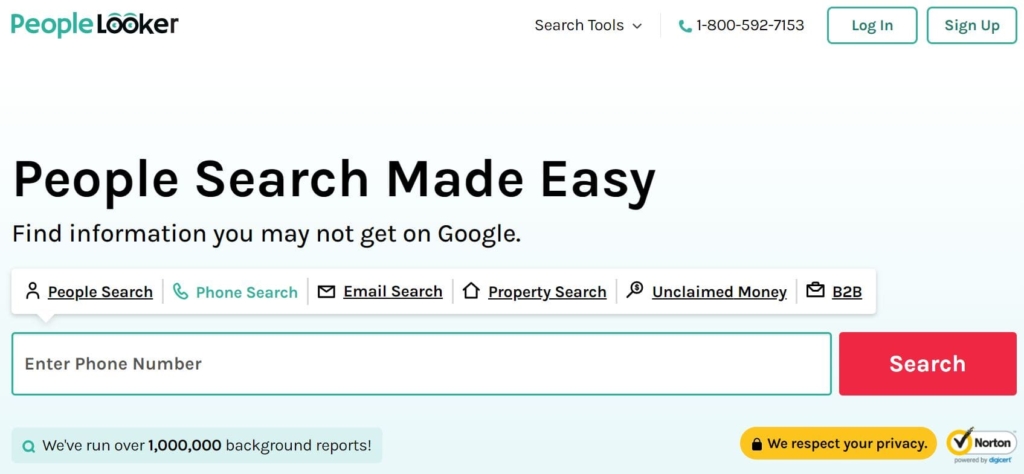
PeopleLooker
PeopleLooker is another online service that allows users to search and access public records and background information on individuals. With an active presence on social media platforms such as Facebook, PeopleLooker has earned 29K followers. The service has also received positive reviews, boasting a high rating of 2.8 stars on reputable review websites like Trustpilot.
App for iOS:
No.
Price:
$22.86/mo.
User Experience:
PeopleLooker service doesn’t provide a fully free plan. However, they do offer a budget-friendly option for just $1, which includes a 7-day trial period allowing you to generate 50 reports. These reports provide detailed information such as the possible owner’s name, address history, contact details, and even accessible criminal records of the phone number.
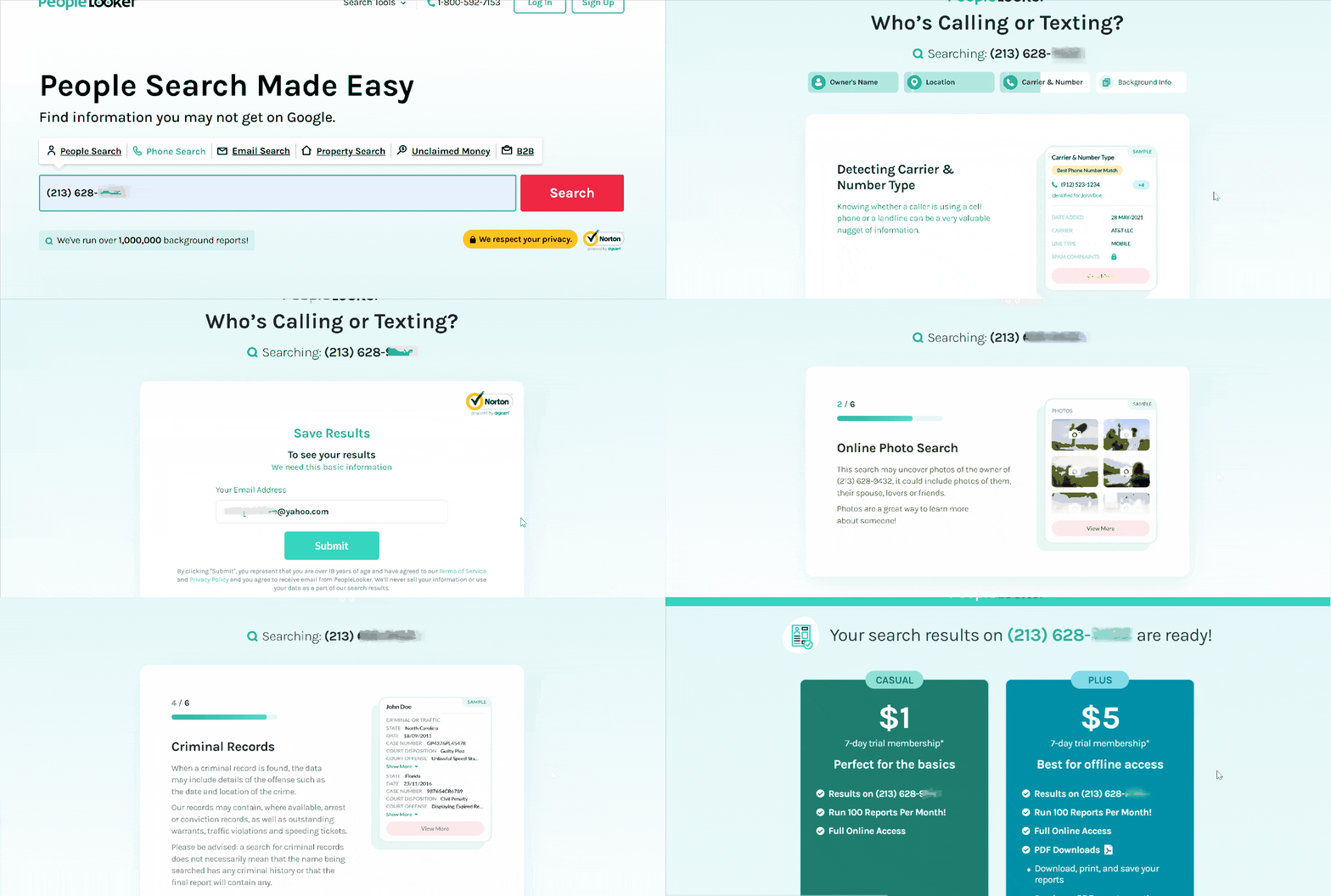
While PeopleLooker doesn’t offer an iPhone app specifically, their website can be easily accessed from an iPhone browser.
| Quickness | Simplicity | Effectiveness | Safety |
|---|---|---|---|
| 4 | 5 | 3 | 4 |
Pros:
- provides access to a wide range of public records;
- offers an affordable plan for a single report and trial period;
- works anonymously.
Cons:
- works only for US numbers;
- expensive compared to other services;
- no mobile app availability;
- reliance on publicly available data.
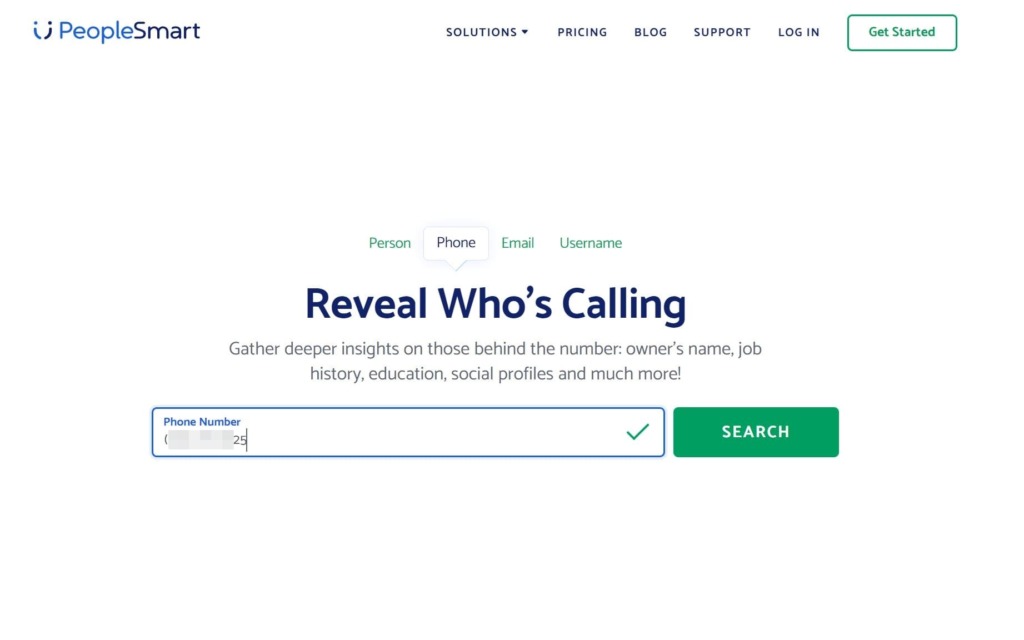
PeopleSmart
PeopleSmart is a reputable online service that specializes in providing users with access to public records and background information on individuals. The tool has also amassed a significant user base and maintains a presence on social media platforms such as Facebook, where it has a large following of 37K followers. The service has received positive reviews, boasting a high rating of 3.8/5 stars from Consumer Affairs.
App for iOS:
No.
Price:
$1/mo.
User Experience:
During my experimenting with PeopleSmart, I discovered that they don’t provide a comprehensive free plan. However, they do offer a convenient payment plan for just $1, which includes approximately 50 online reports. This affordable option provides access to valuable information like potential owners of the phone number, location details, email addresses, address history, and even possible relatives.
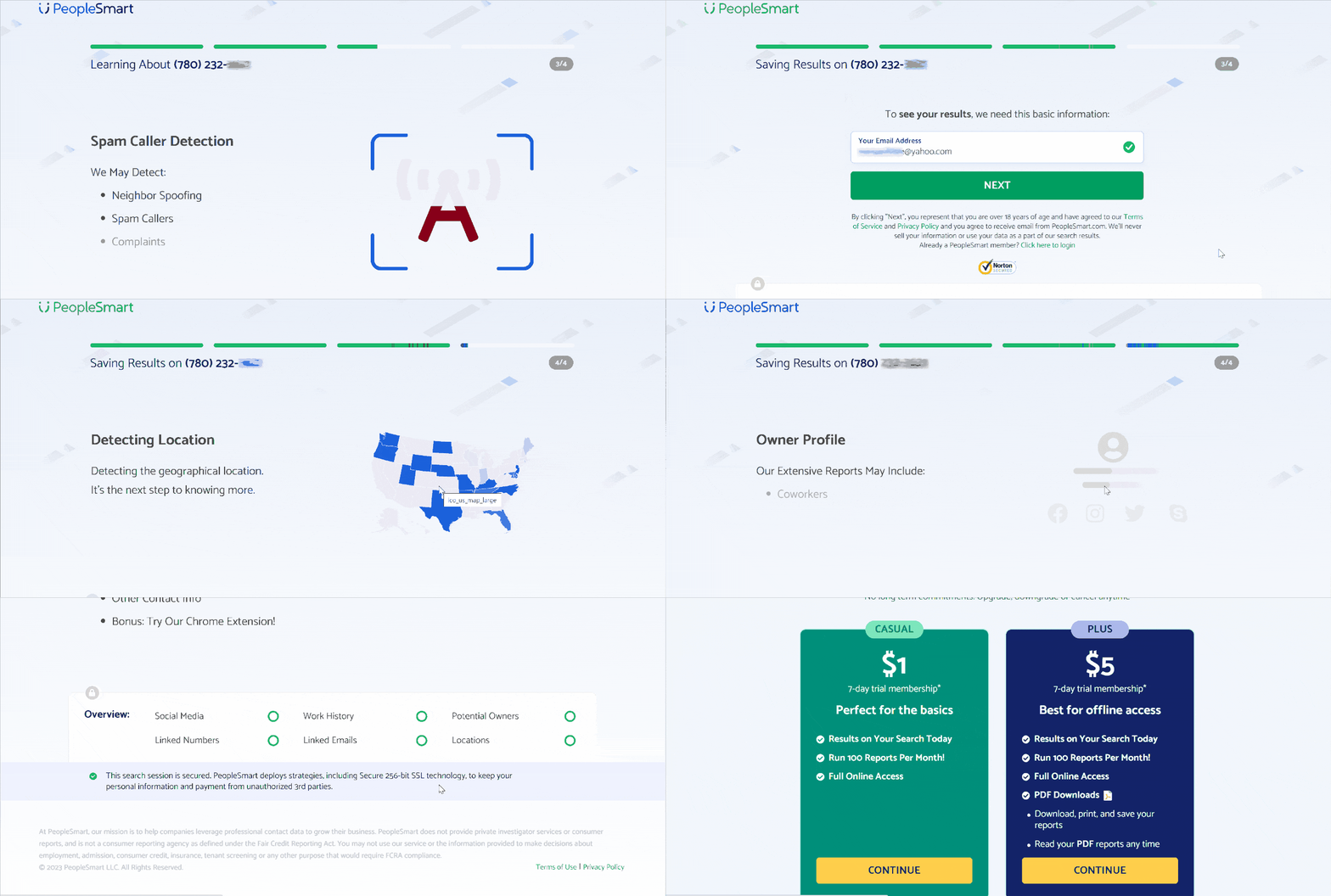
Although there isn’t a dedicated PeopleSmart app for iPhone users, the mobile-friendly website ensures a seamless experience when performing phone number lookups on the go.
| Quickness | Simplicity | Effectiveness | Safety |
|---|---|---|---|
| 4 | 4 | 3 | 4 |
Pros:
- extensive database;
- offers a convenient payment plan;
- additional features such as email search.
Cons:
- focuses only on information within the United States;
- subscription-based model;
- no mobile app availability;
- reliance on publicly available information.
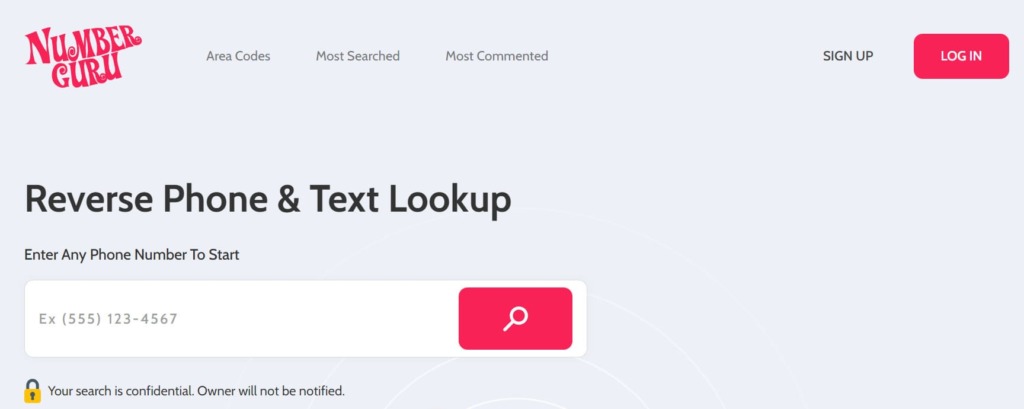
NumberGuru
NumberGuru is a highly regarded online service that allows users to perform reverse phone number lookups and obtain information about unknown callers. With a substantial user base and a prominent presence on social media platforms like Facebook, NumberGuru has gained popularity.
Additionally, the service has been downloaded by thousands of users from the App Store and has received a rating of 3.1 stars, reflecting its performance.
App for iOS:
Yes, size 69.7 MB, iOS 3.1 or later.
Price:
$9.99/mo.
User Experience:
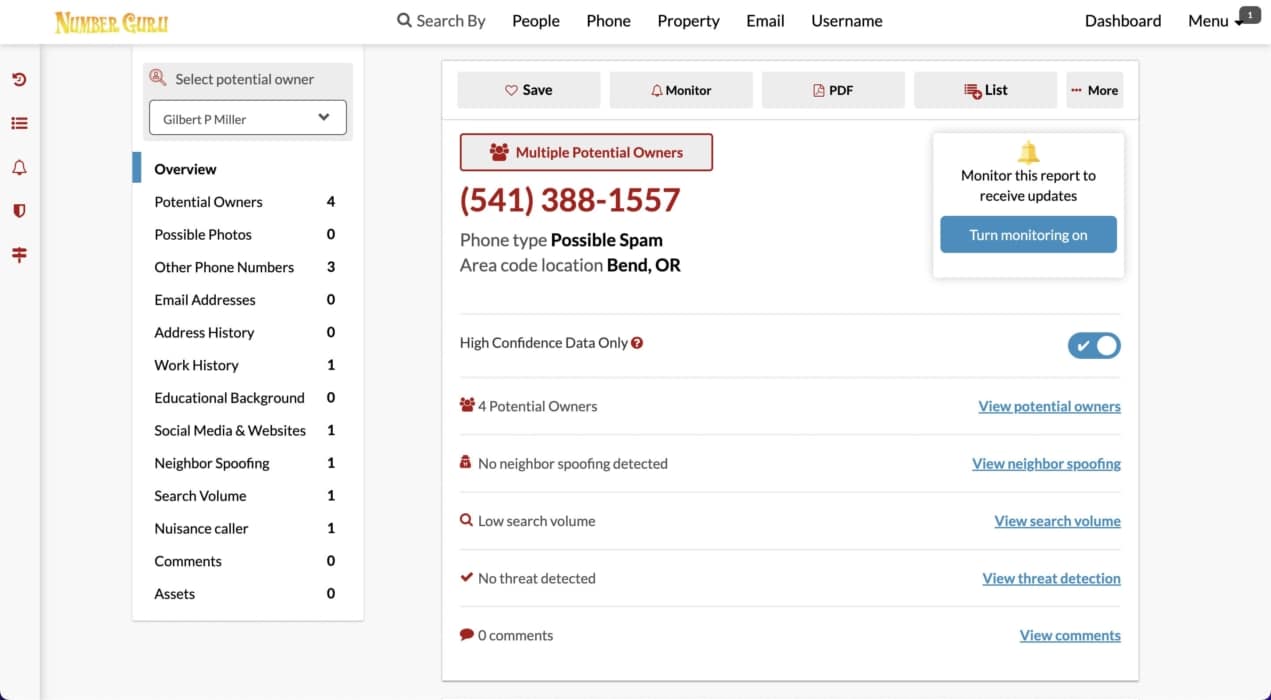
I found the NumberGuru service to be helpful for obtaining information about phone numbers. It provided me with essential details such as potential owners, location, and carrier information associated with the number.
The option to purchase a single report for just $1 was remarkably affordable. However, I did notice that the accuracy of some reports was not consistently reliable, particularly regarding names and precise locations.
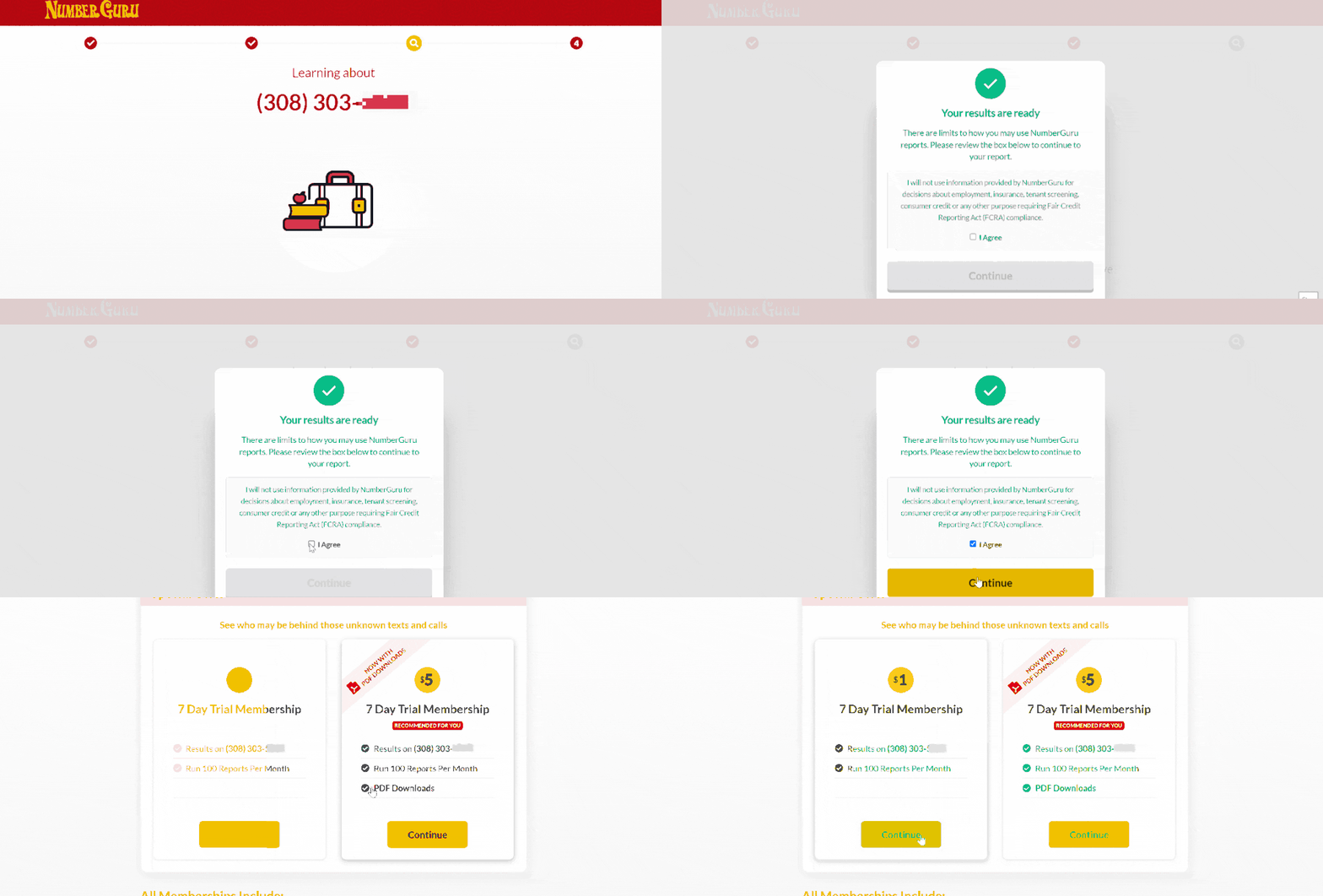
Nevertheless, the inclusion of a dedicated app for iPhones significantly enhances the user experience. It allows for convenient phone number lookups on the go, empowering users to identify anonymous caller, block spam calls, and report spam calls. It’s important to note that the app is currently exclusively available for users in the United States.
| Quickness | Simplicity | Effectiveness | Safety |
|---|---|---|---|
| 4 | 5 | 5 | 4 |
Pros:
- extensive caller database;
- mobile app accessibility;
- works anonymously.
Cons:
- limited international coverage;
- subscription-based service;
- reliance on only publicly available information.
Conclusion
Dealing with unknown callers and No Caller ID numbers on your iPhone can be a frustrating experience. However, there are methods and tools available to help you uncover the identity of these mysterious callers and block them effectively. Enabling call screening features on your iPhone, such as activating Call Trace provided by some carriers, can help you trace the origin of No Caller ID calls.
Additionally, using a third-party app like Truecaller, or Trapcall can assist in identifying unknown callers and blocking spam calls. If you want to find out who a No Caller ID or unknown caller is, you can use tools like NumberGuru or TruthFinder.
If you continue to receive disturbing calls, consider reaching out to your phone service provider or contacting the police for assistance for further investigation.
FAQ
While it can be challenging to determine the exact identity of an unknown caller, utilizing services like Truecaller or TruthFinder that can help provide some information about the caller based on available databases and user-generated reports.
To uncover the identity of a private caller on iPhone, you can try activating Call Trace provided by your phone carrier or use apps like NumberGuru for instant reverse lookup.
Discovering information about a No Caller ID number can be difficult, but services like Truecaller and Numberguru can help identify such callers by utilizing their databases and community-generated reports.
Tracing a *67 number can be challenging as it is intended to hide the caller’s identity. However, with the assistance of law enforcement or your phone carrier, who have the necessary tools and access to network logs, it may be possible to trace a *67 number.



 Monday-Sunday: 5:00am - 8:00pm (PT)
Leave a Comment