




 Affiliate Disclaimer
 Getting calls from unknown numbers can be irritating, but calls from No Caller ID can be even more infuriating. The mystery surrounding these anonymous calls can leave you feeling frustrated and worried. This is especially when they become persistent and amount to harassment.

If you’re tired of dealing with unidentified callers, it’s time to unmask them. In this article, we will provide methods to figure out No Caller ID, how to lookup a phone number in the USA to know who called or texted, and guide you on how to block No Caller ID numbers.
Don’t wait. Check the Phone Number Right Now
- Phone Lookup
- Number Tracking
Phone scams have become prevalent, with millions falling victim to fraudulent schemes. According to the Truecaller report, an estimated 29.8 billion USD was lost to phone scams in 2021. In 2022 alone, 1 in 3 Americans said they were victims of phone scams. Thus, it’s crucial to act and protect yourself from the potential threat of phone scams by knowing how to reveal who is calling even if the number does not reveal a Caller ID.
At HeyLocate, we understand the concerns and frustrations associated with No Caller ID calls. We have thoroughly tested various methods to unmask these mysterious callers. We’ll help you discover who called, do a free scammer phone number lookup, block such numbers, and reclaim control over your phone calls.
Top Pick Based on Our Research
After extensive research, we discovered the top three tools you can use to know who is calling you:
🥇 TruthFinder is a powerful tool that finds the owner of a phone number. It provides comprehensive background reports based on the phone number.
🥈 Numberguru app offers instant reverse lookup services. It allows you to search for information about a caller by simply entering their phone number.
🥉 Intelius‘s reverse phone lookup service uncovers the identity and additional details of an unidentified caller. The service provides comprehensive information sourced from both public databases and private resources.
Table of Services to Find Out Unknown Caller
Services Reviewed – 25
Services Selected – 10
| Service | Best For | Compatibility | App Size | Price | Rating |
|---|---|---|---|---|---|
| Spokeo | Owner’s name & location | Android 4.4+ | 17.8 MB | $19.95/mo $44.85 – 3-month plan $69.95/mo – Professional plan | 4.8 |
| TruthFinder | Background reports | Android 10.0+ iOS 14.0+ | 24 MB | $4.99/mo | 4.9 |
| Intelius | Revealing suspicious number | Android 10.0+ iOS 14.0+ | 1.1 MB | $34.95/mo | 4.8 |
| Instant Checkmate | Basic background checks | Android 4.4+ iOS 14.0+ | 10.7 MB | $5.99/mo | 4.8 |
| Searqle | Identifying unknown caller | Web-based | N/a | 3-day trial for $1 $44.99/mo $28.33/mo paid quarterly | 4.7 |
| USSearch | Discovering owner’s name, address, & social media | Android 4.0+ | 9.7 MB | $59/mo | 4.7 |
| BeenVerified | Basic info on caller | Android 6.0+ iOS 10.0+ | 25.7 MB | $26.89/mo $17.48/mo on 3-month membership | 4.7 |
| PeopleLooker | Full contact details of unknown caller | Android 4.4+ | 25 MB | $22.86/mo $18.28/mo on the 3-month plan | 4.7 |
| PeopleSmart | Identifying business contacts | Web-based | N/a | $39/mo – Basic $69/mo – Professional $99/mo – Business | 4.7 |
| Numberguru | Identify and blocking spam calls | Android 4.4+ iOS 11.0+ | 8 MB | $29.99/mo | 4.7 |
We took some resources from the top reviews of the best, and almost all of them were awful. So trust only verified sources of information or blogs of specialized services related to telecommunications. For example, like our HeyLocate blog.
What Does No Caller ID Mean?
A No Caller ID means the caller has blocked their information from being displayed on your caller ID. The incoming call will not display the caller’s number. No Caller ID is different from Unknown Caller. Let’s explore the differences.
No Caller ID vs. Unknown Caller
Many people wonder if a No Caller ID call means the caller is someone in their contacts. Based on our research, we found a tweet by Brittney that claimed No Caller ID calls were from contacts hiding their identity and Unknown Caller is from an unsaved number.
In fact, a No Caller ID call means the caller has disabled the Caller ID by inputting a special code like *67 before the number they want to call. They can do this for one call, or request their phone company not to allow their number to be visible on caller ID. This means you can have the number saved on your device, but it will not be displayed.
On the other hand, an Unknown call comes from a number you have not saved on your phone. While the caller ID was provided, your phone company did not recognize it.
How to Find a No Caller ID Number
To discover a No Caller ID number, use codes for call trace, spam and scam detecting apps or contact your phone company.
“The ability to identify such calls depends on several factors, including the technology used by the caller, the policies of the provider, and legal requirements. In some cases, providers may assist in identifying the caller, but it is not guaranteed”.

Codes for Call Trace
You can use specific codes to help trace the origin of a No Caller ID call. Major phone carriers like At&T provide codes like *57 to trace a call or identify information about a caller. If your phone company is AT&T, here are the steps to determine who a No Caller ID is.
Step 1: Hang Up the Phone
Hang up the phone if you have just received a call with no Caller ID, and press *57 (touch-tone) or 1157 (rotary). You should hear a confirmation tone and message if the trace is successful. Note down the time and date of the call to help you retrieve call trace Information.
If the call is not traced, you will hear an error message.
Step 2: Contact Your Local Law Enforcement Agency
At&T will only provide call tracing information to Law Enforcement officials. Thus, you will want to contact local law enforcement after you activate tracing the hidden call. Once you have informed the police, they will be able to give you the results of the traced call.
One of the ways that a person blocks their Caller ID is by adding the code *67 before the number they are calling. If someone has used this method to block their identity, you can press *69 to activate the last-call return service.
Most times, the service will auto-activate, however, if it doesn’t, press the call button. You will hear an automated recording of the last number that called you, as long as there’s any available Caller ID information. Note that some phone companies charge for this service.
Use Third-Party Apps
Another way how to unmask No Caller ID is by using third-party apps. These apps are available for Android and iOS, and they can help you see the caller’s identity, even if it’s a hidden phone number. These are some apps you can use to unmask unknown caller ID.
- TrueCaller will automatically unmask the No Caller ID and display the phone number calling you on the screen if the no Caller ID is someone in your contacts. In addition, it will display the person’s name if it’s in its database.

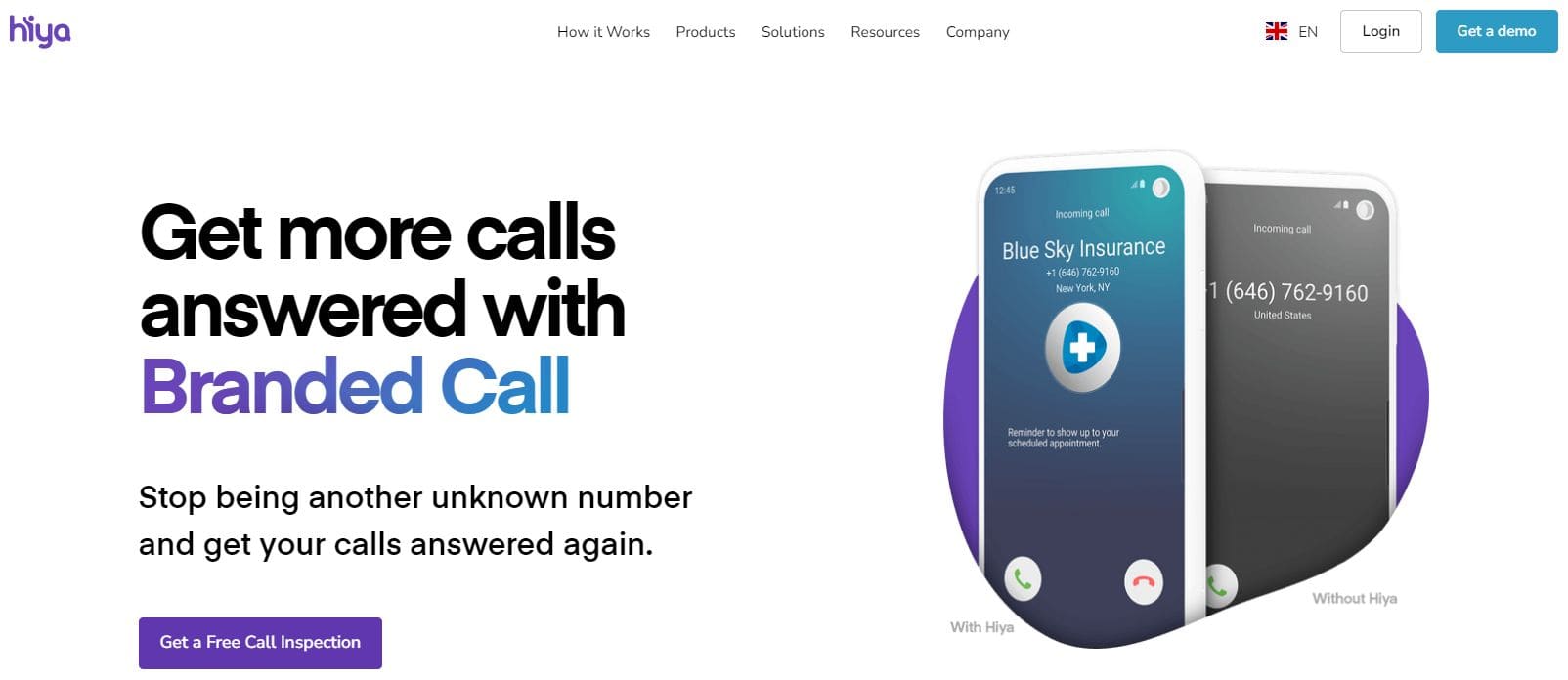
- Hiya is another efficient app to find out who a No Caller ID is. The app reveals the number and the name if it’s available in the app’s directory.

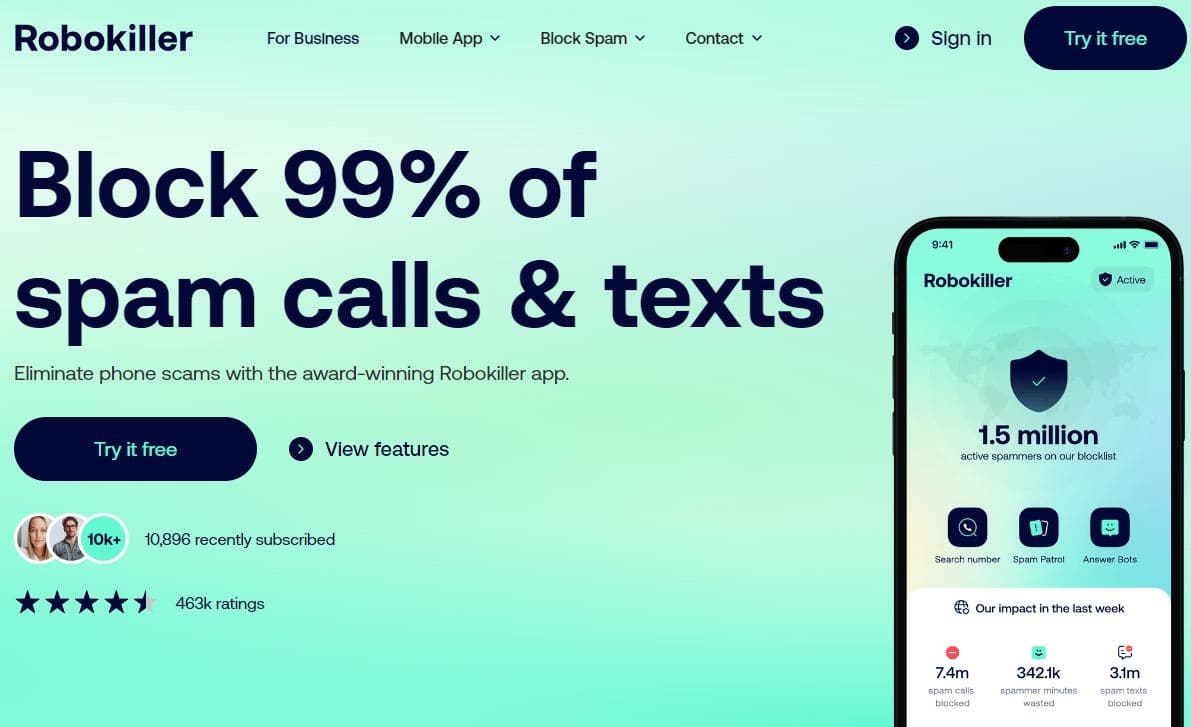
- Robokiller is a brilliant app that helps you figure out No Caller ID. It can also block 99% of spam calls from telemarketers, scammers, and robocalls.

- Showcaller can stop calls from No Caller ID and block them. It also has a record feature that allows you to record calls, especially if they are from a scammer.

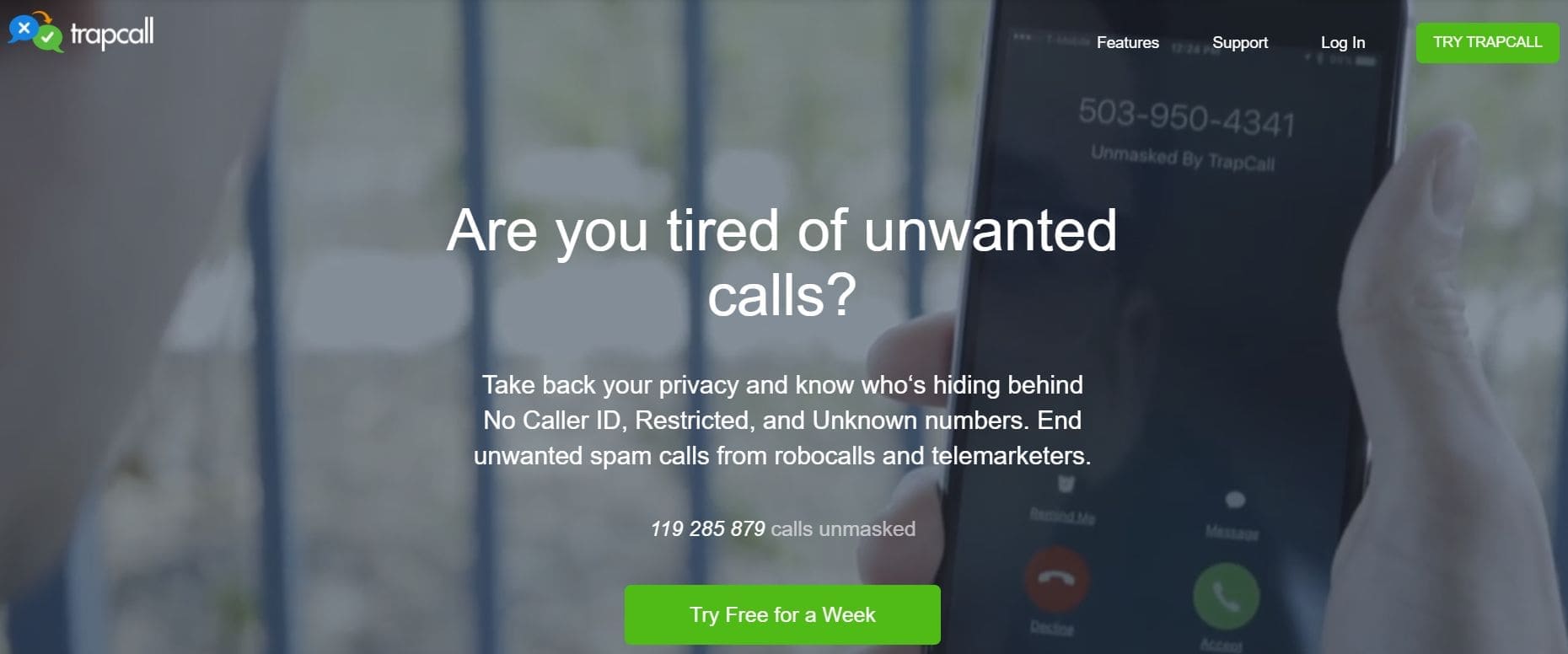
- Trapcall works to figure out No Caller ID and block unwanted calls. You can use it to track digital scammers, record incoming calls for evidence, and block known scam callers and telemarketers.

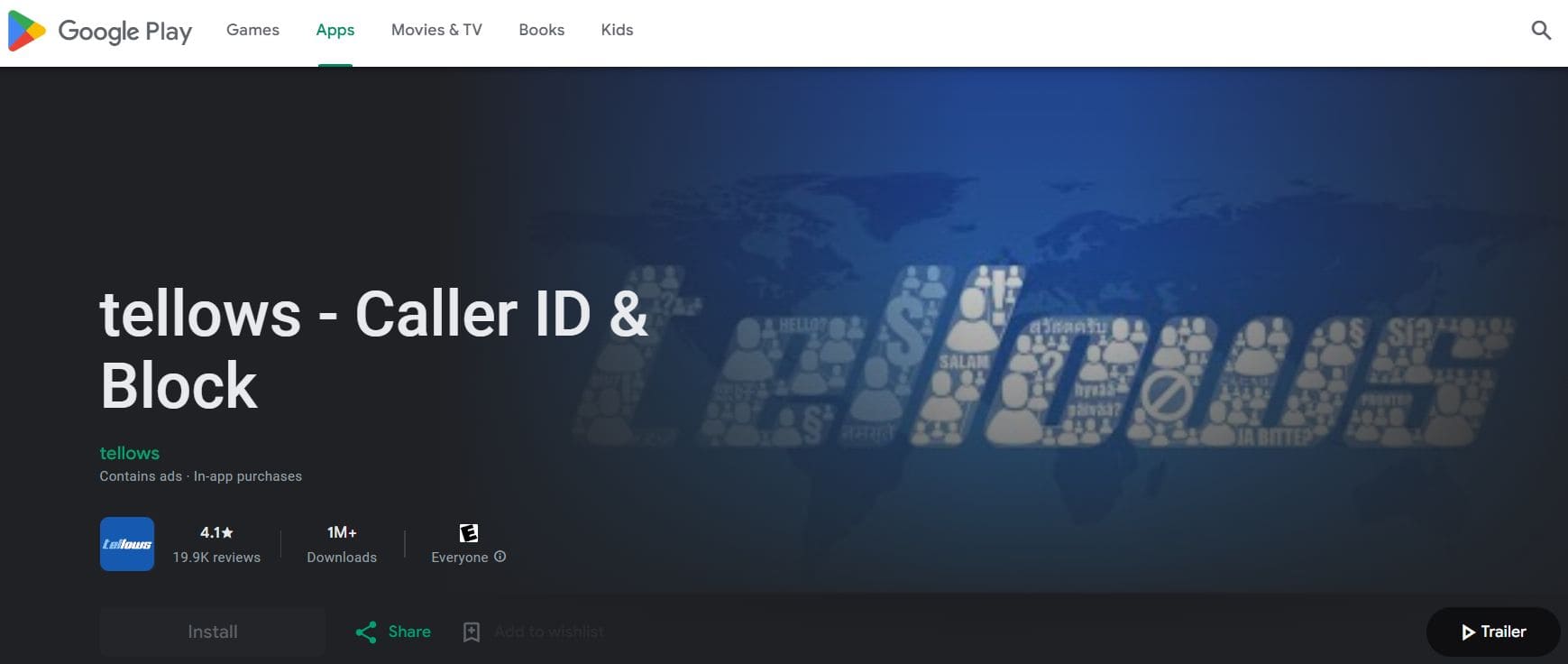
- Tellows will not block No Caller ID. Instead, it identifies the number and lets you decide whether to pick up the call. It will also warn you if a known scammer is calling.

Contact Your Phone Company
Contacting your phone company is ideal if all other free options fail. Your phone carrier can provide you with the phone number of an unknown caller if the call is displaying as No Caller ID. Your phone service provider can also help you identify the numbers of all incoming calls such that you can find the owner’s identity if their information is readily available online or on the Yellow Pages.
How to Find Out Unknown Caller
To find out unknown caller, you can try Google search, but more likely to reveal the phone number owner by using a reverse phone lookup tool. It is especially useful when you have discovered the phone number behind a no Caller ID, but you don’t know who they are.
These are the top recommendations for finding out the owner of an unknown caller’s number.
Spokeo
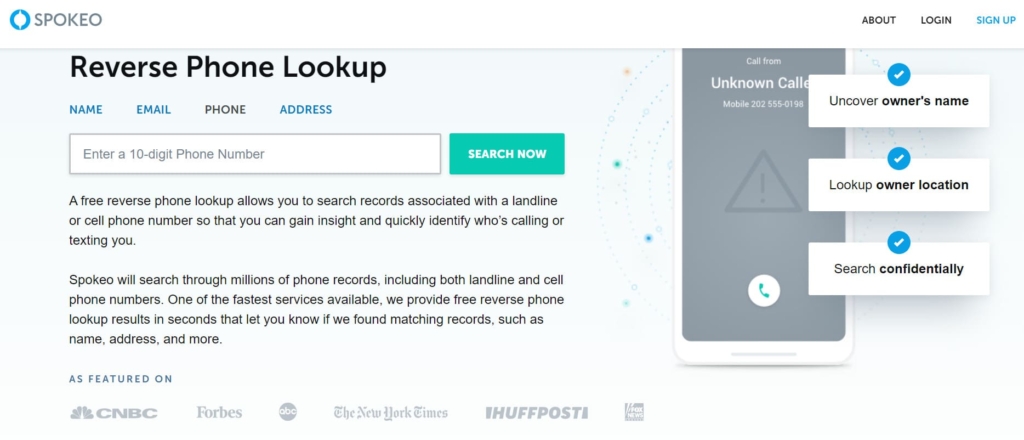
Spokeo offers a comprehensive reverse phone lookup service that allows you to search for information about a phone number. This service has 73,000 followers on Facebook and has a favorable 3.1-star rating on Consumer Affairs.
App:
Yes, Android 4.4+, 17.8MB.
Price:
- $19.95/mo;
- $44.85 – 3-month plan;
- $69.95/mo – Professional plan.
User Experience:
I used Spokeo to find out who called with a No Caller ID. Spokeo showed me the location of the unknown number, the phone type, and the carrier for free. I paid for a trial at only $0.95, and Spokeo revealed more details about the anonymous caller. It includes the person’s name, email, address, and social media details.
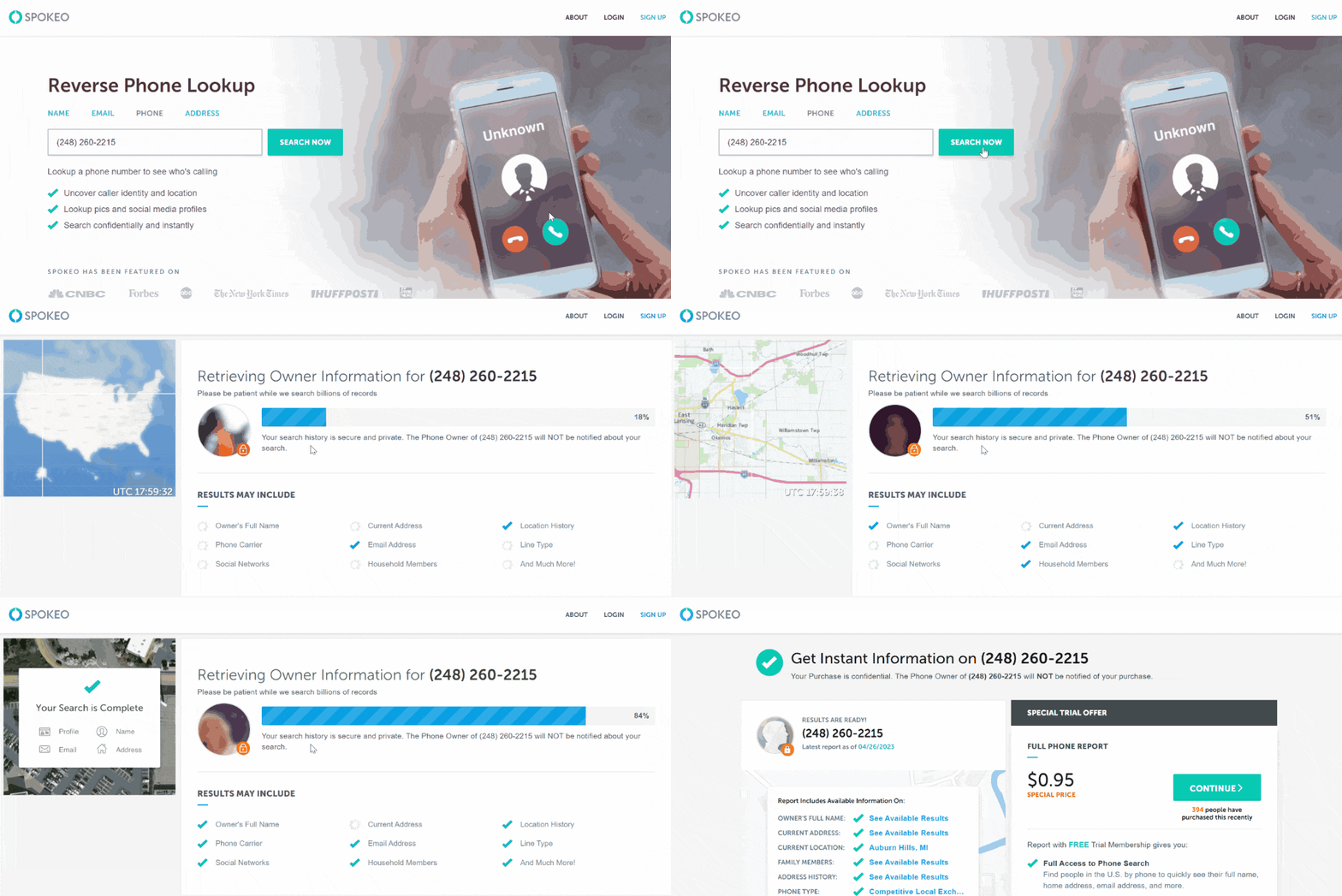
Spokeo has a background report option. I used it to find if the unknown caller number belonged to a spammer. Unfortunately, I could not buy a single report, and continuous use required subscribing to a monthly or quarterly plan once the trial ended.
I liked that Spokeo has an app that shows the caller’s name. It also identified missed calls and could block unwanted calls from telemarketers, scammers, fraudsters, and debt collectors.
| Quickness | Simplicity | Effectiveness | Safety |
|---|---|---|---|
| 4.9 | 4.8 | 4.8 | 5 |
Pros:
- shows some info for free;
- cheap trial to identify unknown callers;
- the app can identify the person calling;
- uses data from accurate sources.
Cons:
- some information needs to be updated;
- free search does not show the owner’s name.
Searqle
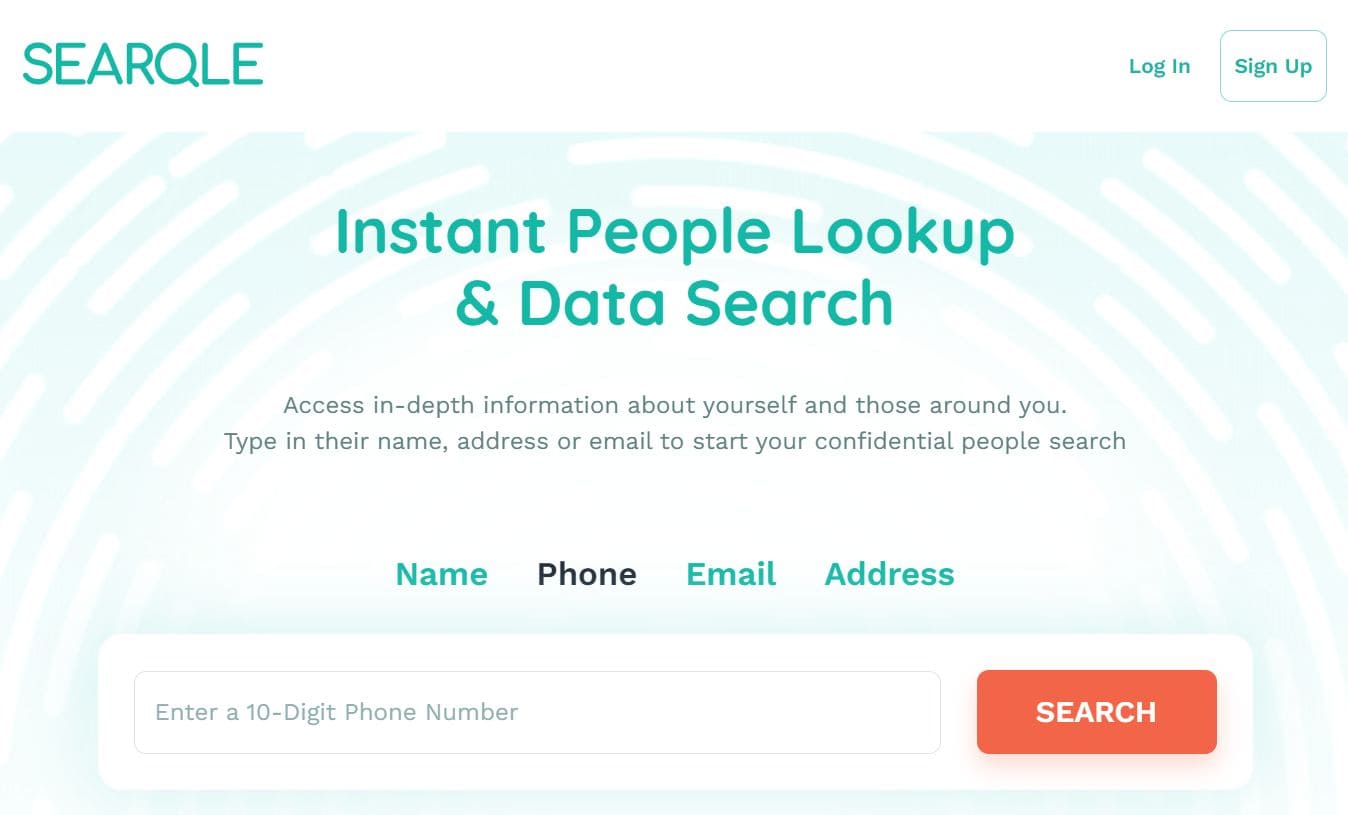
Searqle is a people and data search engine. It can find out the identity of a No Caller ID with the phone number. Searqle is a recent addition to the reverse lookup platforms. Hence, it’s yet to gain traction on the web.
App:
No.
Price:
- 3-day trial for $1;
- $44.99/mo;
- $28.33/mo paid quarterly.
User Experience:
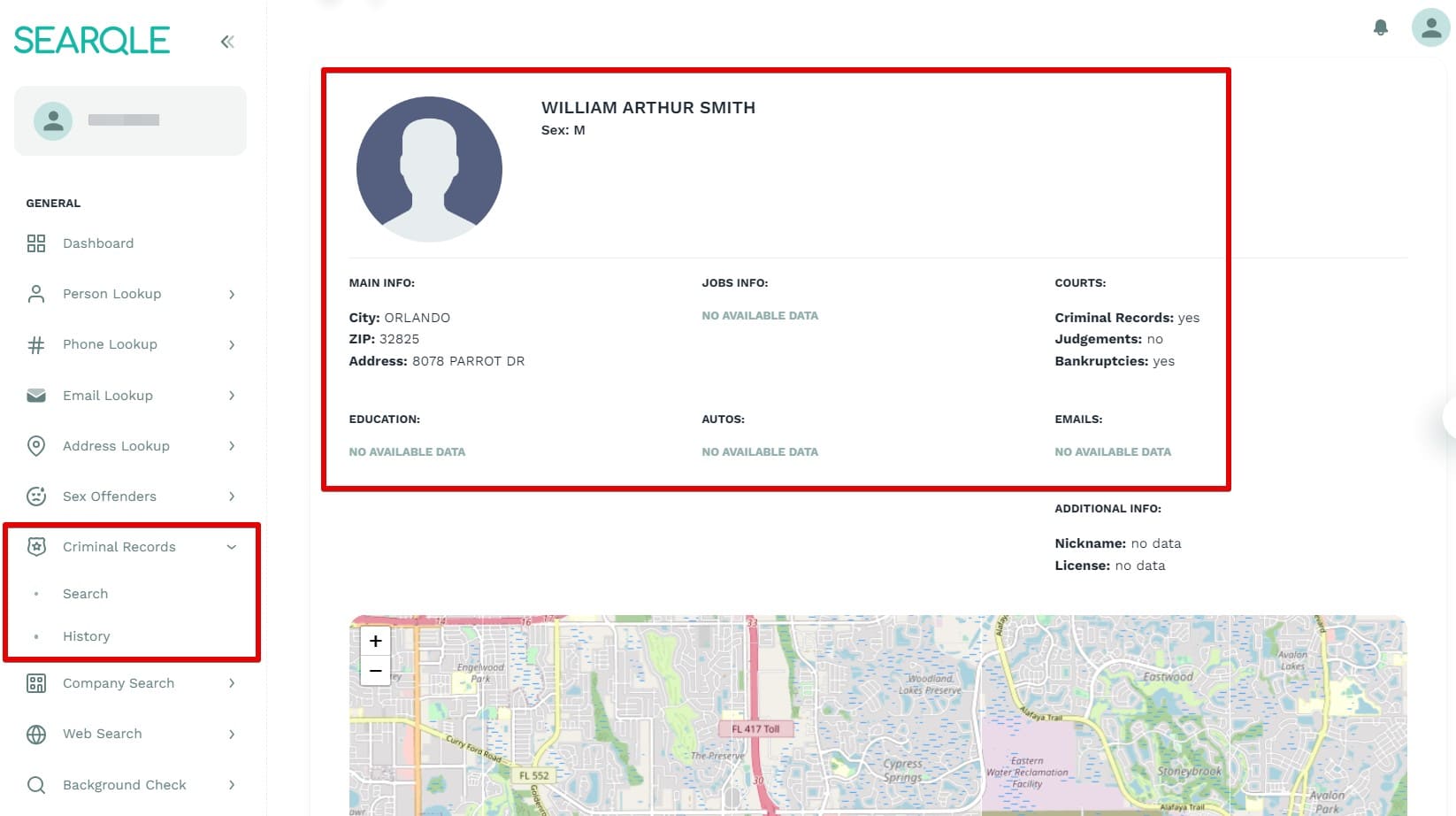
Searqle revealed the caller’s name, address, city, and ZIP code. It allowed me to verify the identity of a caller since I could identify whether it was a local or international call before answering the call. The platform also helped me uncover other details such as criminal records, job history, and court records.
| Quickness | Simplicity | Effectiveness | Safety |
|---|---|---|---|
| 4.7 | 4.6 | 4.7 | 4.8 |
Pros:
- detailed information;
- updated records;
- cheap 3-day trial;
Cons:
- lacks free reports;
- you can’s pay for a single report.
TruthFinder
TruthFinder is an excellent tool for finding out who owns a phone number. It has over 340K followers on Facebook, indicating it’s a pretty popular people search engine. TruthFinder has an A+ BBB rating and 4.6 stars rating on Consumer Affairs.
App:
Yes, Android 10.0+, iOS 14.0+, 24MB.
Price:
$4.99/mo.
User Experience:
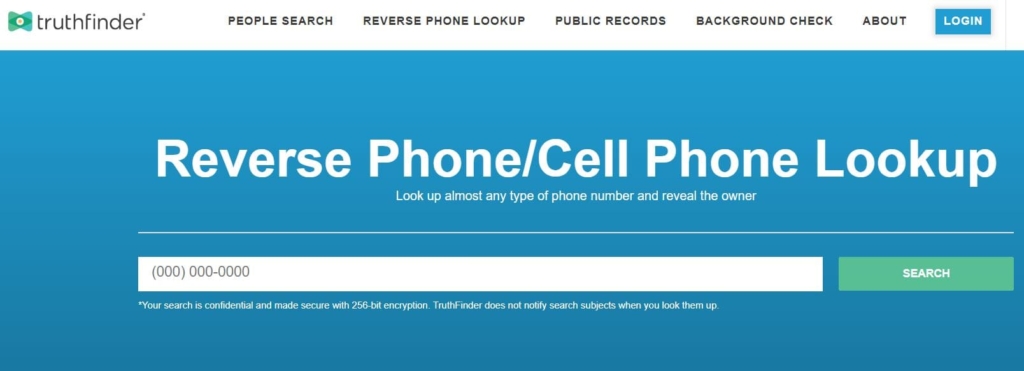
TruthFinder proved to be an exceptional service for discovering an unknown caller’s name. I used its reverse phone lookup feature, which showed me the owner’s name and location for free. Once I opened the full report, it revealed personal information, contact details, location history, and social information.
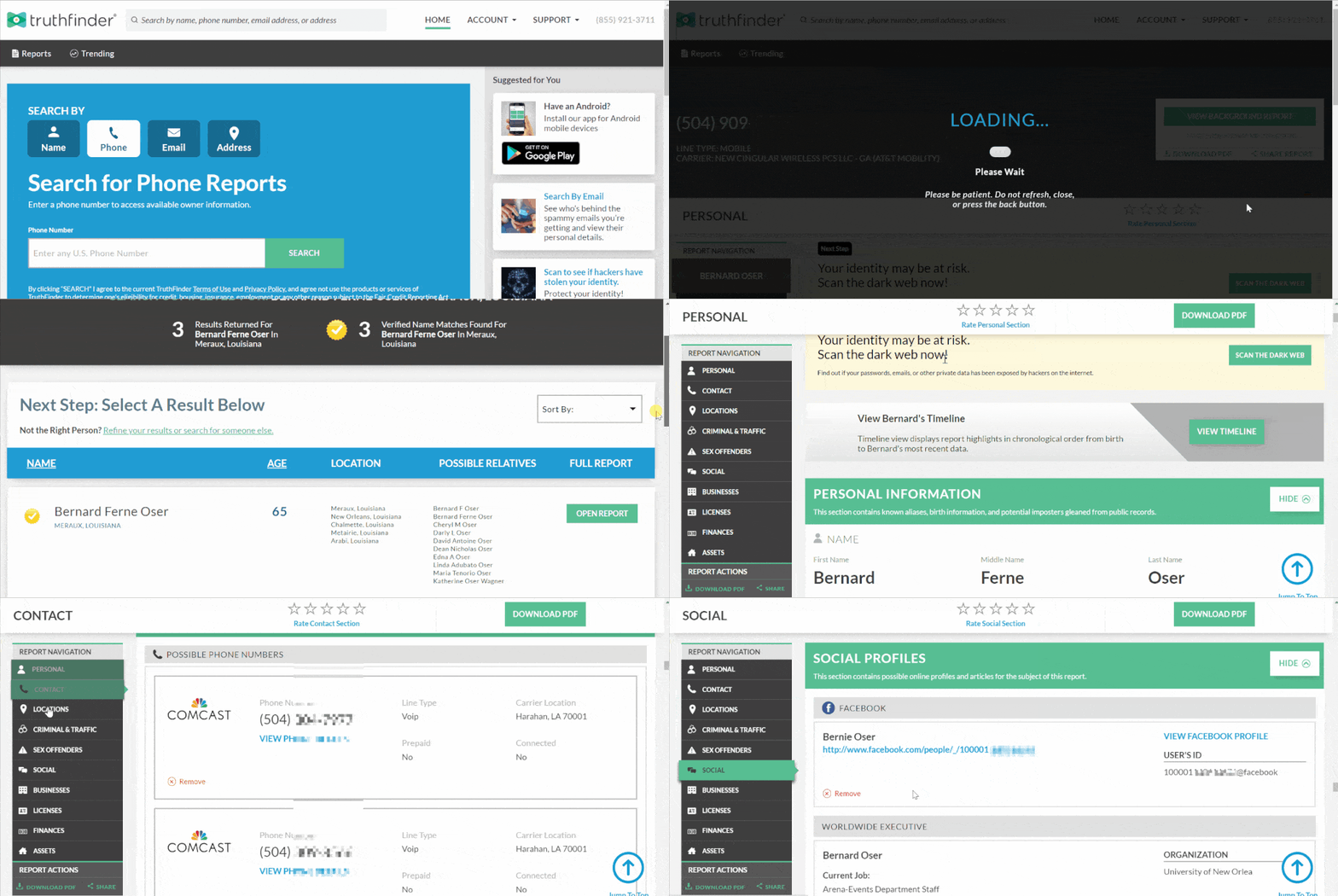
TruthFinder had the best background report among all other services to discover unknown phone number owners. It displayed detailed information, including the person’s businesses, finances, and assets. Since not all phone companies tell you more than the name, TruthFinder’s comprehensive report told me all I needed about the person.
TruthFinder’s app conducts fast reverse phone lookups on the go. It can reveal the person’s physical address and public records information.
| Quickness | Simplicity | Effectiveness | Safety |
|---|---|---|---|
| 4.9 | 5 | 4.9 | 5 |
Pros:
- shows an unknown caller’s social media profiles;
- can search the dark web;
- verifies a person’s phone number;
- does not notify the caller.
Cons:
- the app does not block unknown calls;
- charges extra for PDF reports.
Intelius
Intelius is a people search engine that finds information about a person from public databases. It boasts 32,000 followers on Facebook and a 3.49-star rating on Sitejabber.
App:
Yes, Android 10.0+, iOS 14.0+, 1.1MB.
Price:
$34.95/mo.
User Experience:
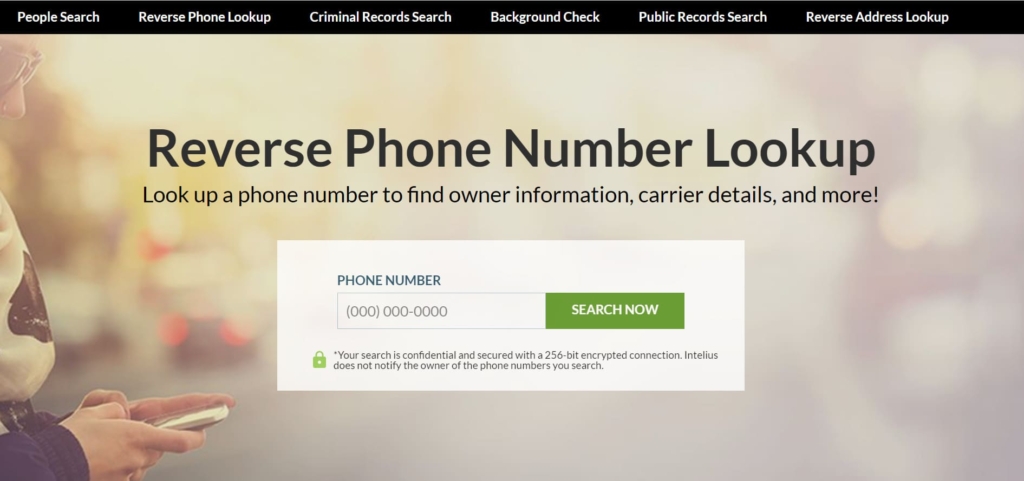
Intelius’s reverse phone lookup reveals an unknown caller’s name and other information. The service shows all the details from any public database and private sources. My search yielded results with the caller’s name and current location.
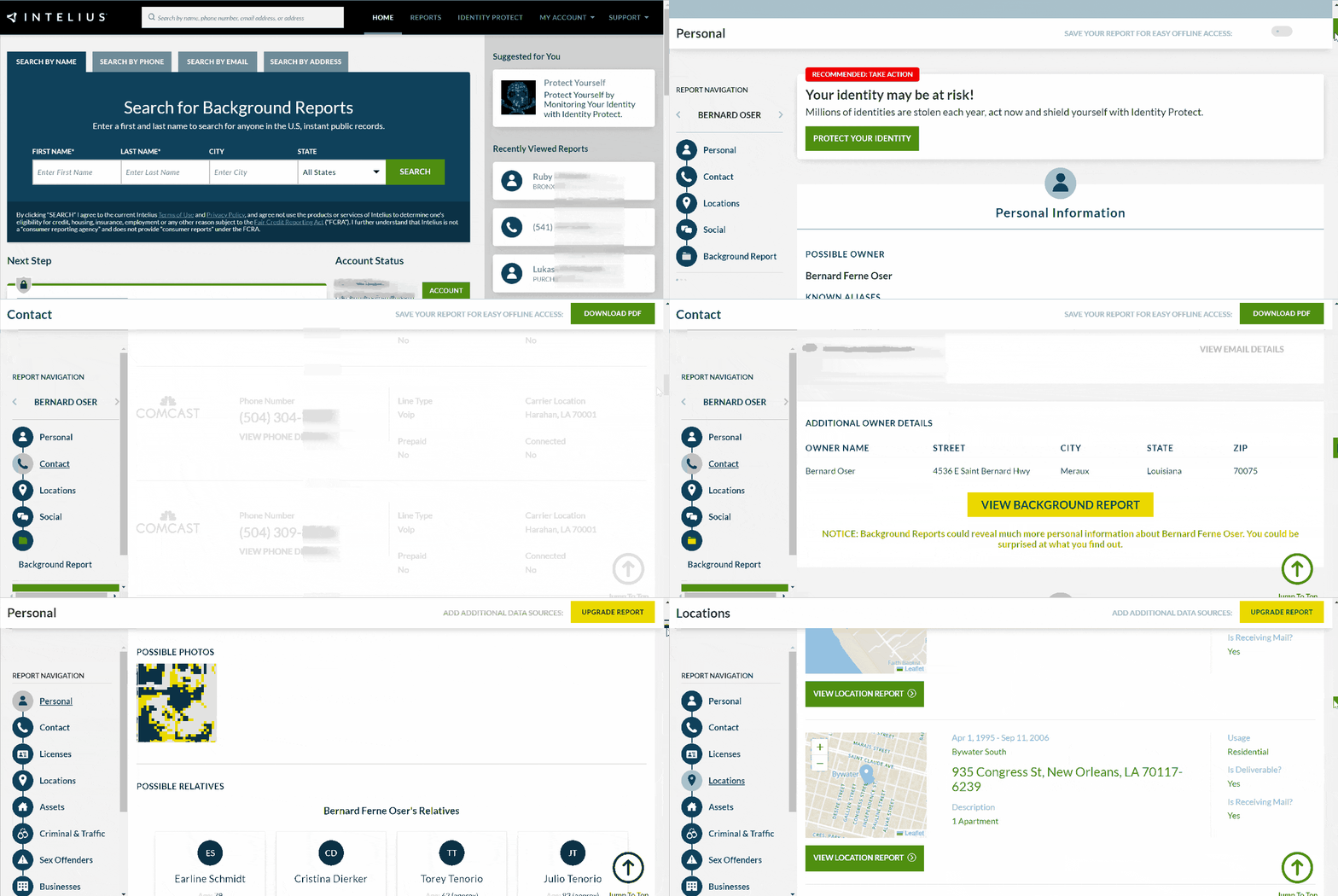
Once I opened the report, I found out the personal details of the caller, including their age, known aliases, job details, employment history, and possible relatives. I could confirm the call from an unknown person belonged to the individual since it listed all their phone numbers.
The Intelius app is available for Android and iPhone users. It’s a helpful app for discovering criminal records, possible photos, contact information, etc.
| Quickness | Simplicity | Effectiveness | Safety |
|---|---|---|---|
| 4.8 | 4.8 | 4.9 | 5 |
Pros:
- unlimited phone reports per subscription;
- reveals the owner’s name, address, photos, etc;
- has an extensive database of records;
- available mobile apps for Android and iOS.
Cons:
- does not blacklist unwanted numbers;
- some reports can lack necessary details.
Instant Checkmate
Instant Checkmate is a leading people search tool. The service is popular on Facebook, with over 200,000 followers. Besides, users have rated it highly since it garnered 4.1 stars on Consumer Affairs.
App:
Yes, Android 4.4+, iOS 14.0+, 10.7MB.
Price:
$5.99/mo.
User Experience:
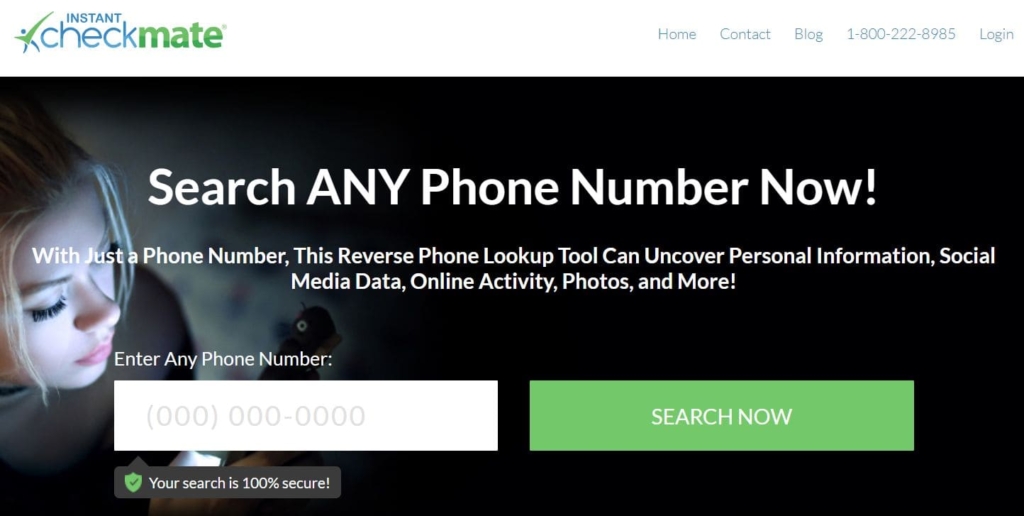
Instant Checkmate can reveal comprehensive information from unknown phone numbers. It gave me the owner’s location, phone type, and carrier for free.
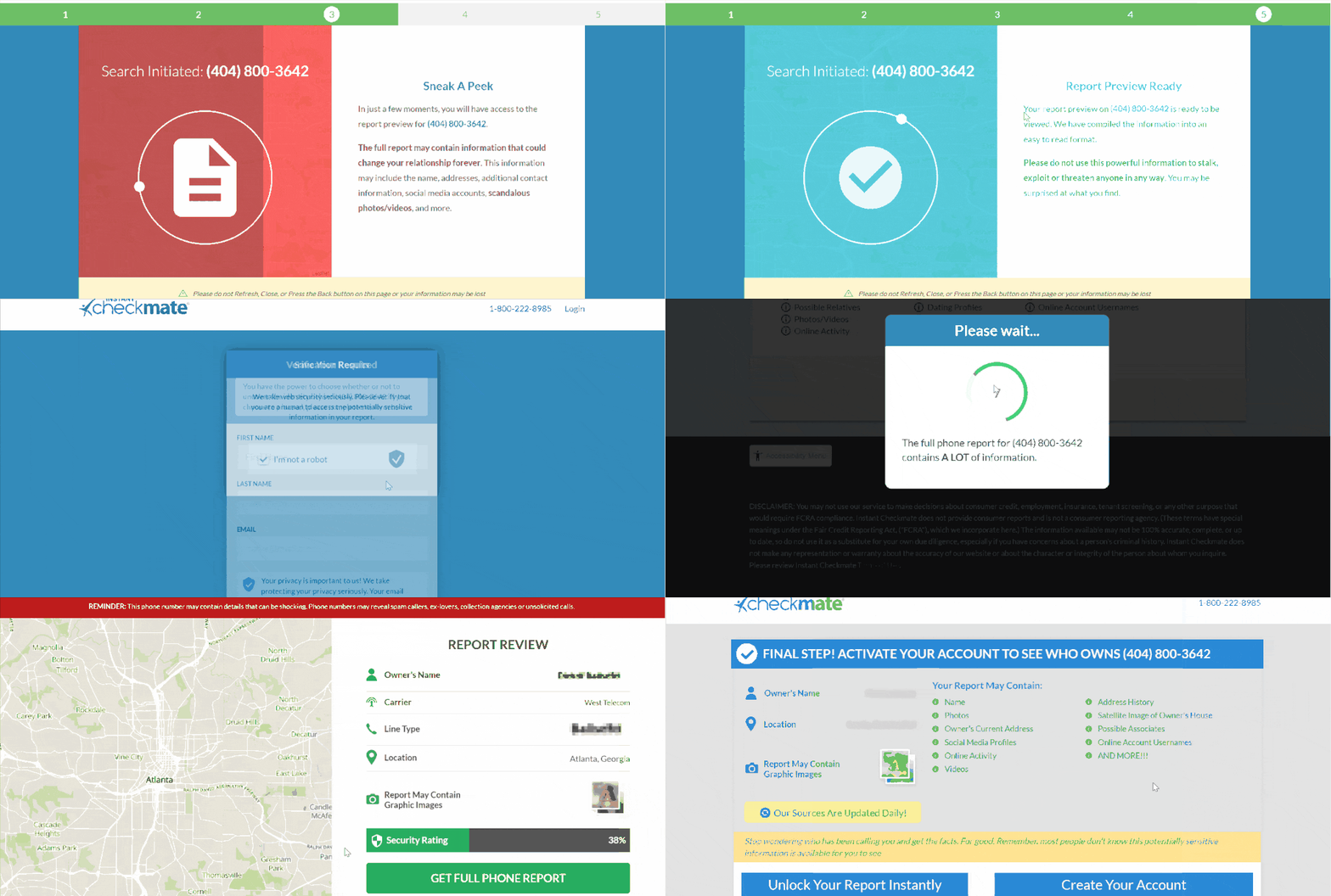
Instant Checkmate gave me free access to the service for this review. I used it to learn more about the unknown caller. Once I discovered their name and other contact details, I used the information to find out whether it was a spam caller.
Instant Checkmate revealed birth information, social media profiles, education history, and employment history. Thanks to the Instant Checkmate app, I liked that I could do all this on the go. Thus, with little fuss, I could recognize the person behind an unknown missed call and even know who called from an unknown or blocked number.
| Quickness | Simplicity | Effectiveness | Safety |
|---|---|---|---|
| 4.8 | 4.8 | 4.9 | 5 |
Pros:
- can monitor the dark web;
- affordable monthly plans;
- basic background check from the phone lookup service;
- app is free to download for iOS and Android.
Cons:
- cannot block spam calls;
- lacks anonymous caller id service.
USSearch
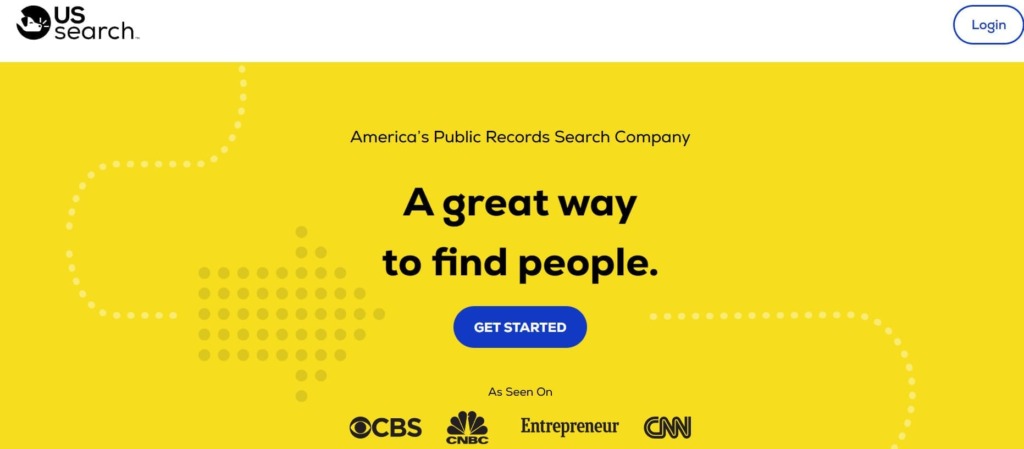
USSearch is another online search tool that helps you access information from public records and other sources. The company was founded in 1994 and provides users a means to find out about people online.
App:
Yes, Android 4.0+, 9.7MB.
Price:
$59/mo.
User Experience:
USSearch provided a detailed report with just a phone number. It revealed the person’s city for free. A paid search showed the person’s name, address, phone type, social media profiles, and online activity.
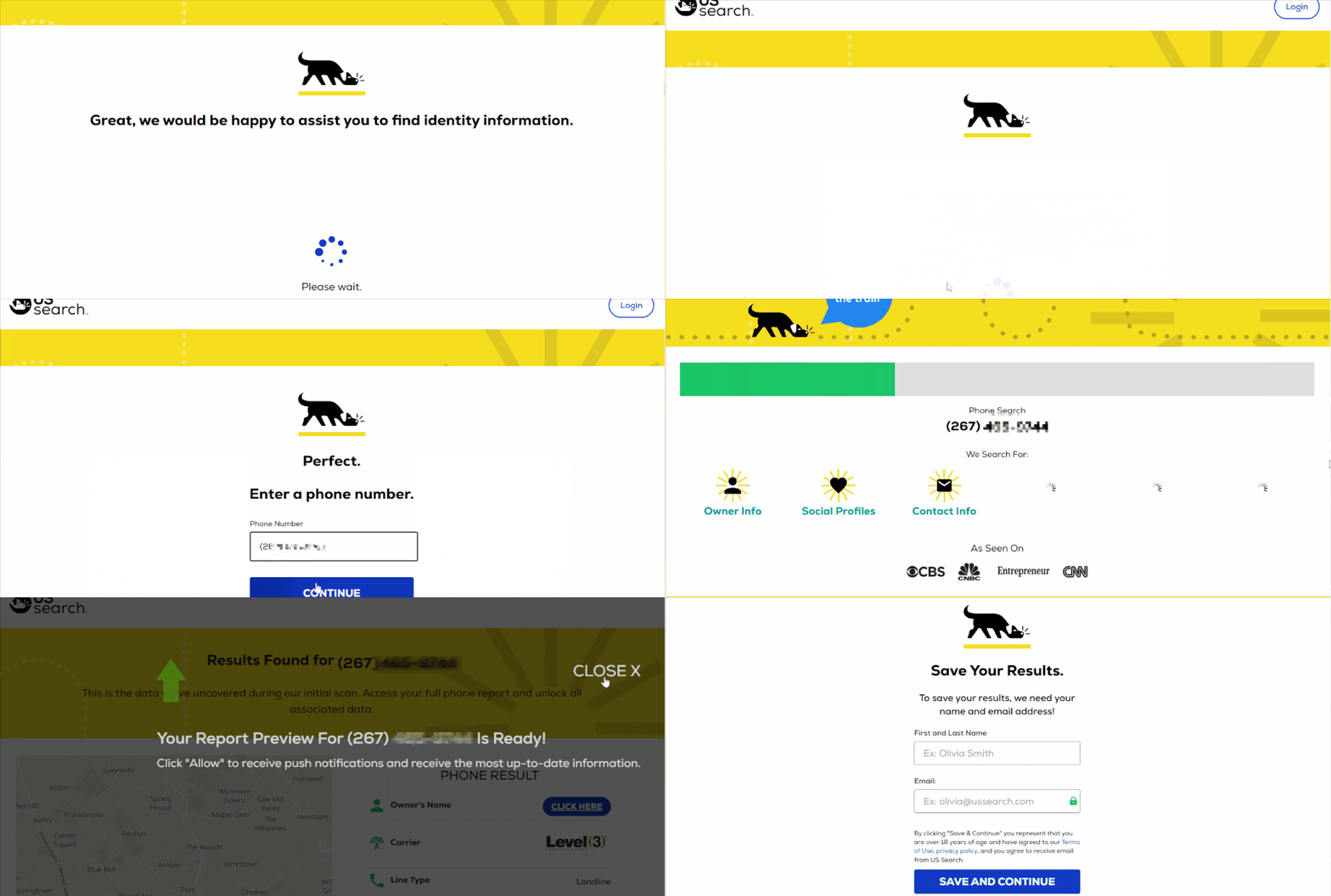
USSearch does not have the option to buy a single report. It requires a monthly subscription to access the search results. It also has an Android device app that helps perform reverse phone lookups whenever you want.
| Quickness | Simplicity | Effectiveness | Safety |
|---|---|---|---|
| 4.6 | 4.7 | 4.8 | 4.8 |
Pros:
- verifies the phone number and line type;
- can help stop an annoying caller;
- available app for searching unknown callers on mobile phones;
- identifies a suspicious number.
Cons:
- the monthly fee is a bit pricey for phone reports only;
- only available in the US.
BeenVerified
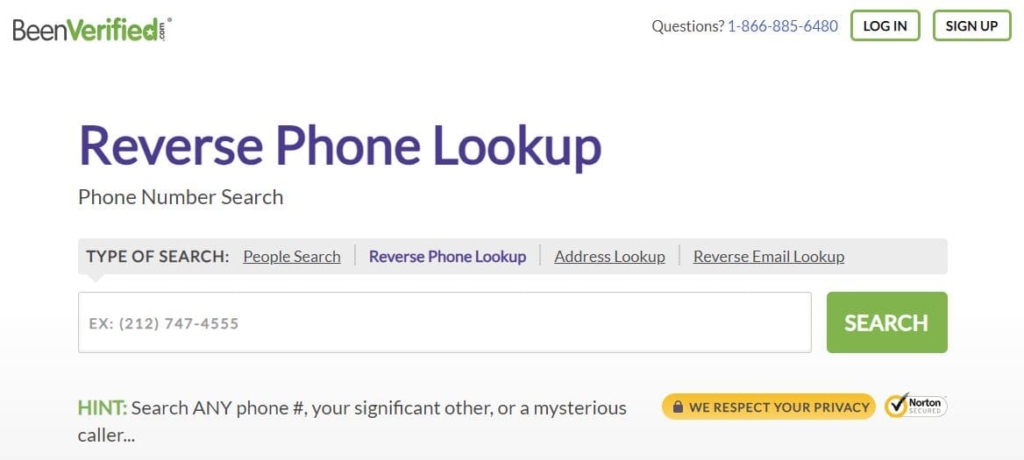
The BeenVerified website accesses information from public databases and makes it easy to find at an affordable fee. This service has 52,000 followers on Facebook and has a 4.4-star rating on Consumer Affairs.
App:
Yes, Android 6.0+, iOS 10.0+, 25.7MB.
Price:
- $26.89/mo;
- $17.48/mo on a 3-month membership.
User Experience:
BeenVerfied’s reverse phone lookup search returned results with the name of the person calling, age, businesses, location, and social media accounts. This service does not offer to buy one report. You’ll need a subscription that costs $26.89 per month.
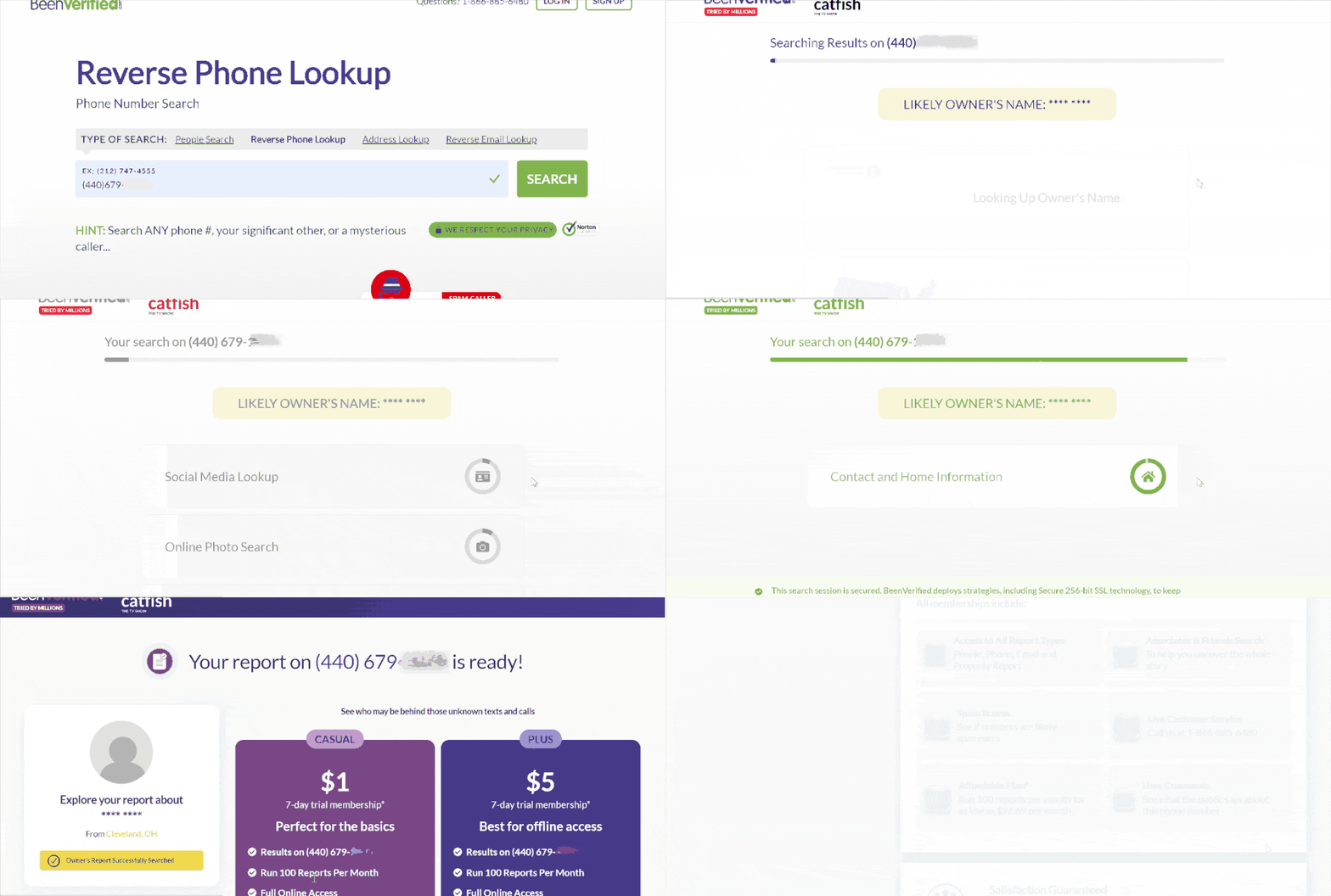
If you want to cancel the subscription after exploring BeenVerified’s features, you’ll need to contact customer support at 888-579-5910 or support@beenverified.com. With a subscription plan, you’ll be able to get updates with information about the number you’re searching for.
BeenVerified has a phone app available for Android and iOS devices. I used it to run people searches on my mobile phone. During my test, it helped check more information on scam calls from previous callers.
| Quickness | Simplicity | Effectiveness | Safety |
|---|---|---|---|
| 4.7 | 4.6 | 4.7 | 4.8 |
Pros:
- provides basic caller info;
- can show a number’s spam score;
- reveals comments from other users about the phone number;
- notifies you when it updates information.
Cons:
- some search results may take too long;
- monthly fee for only one report is a bit pricey.
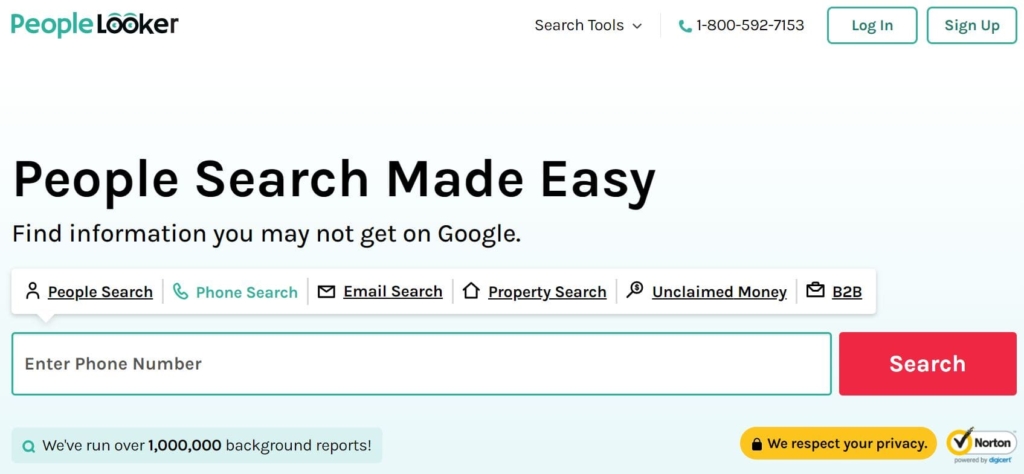
PeopleLooker
PeopleLooker makes millions of public data available online. This New York-based company has attracted 29,000 followers on Facebook and a 3-star rating on Trustpilot.
App:
Yes, Android 4.4+, 25MB.
Price:
- $22.86/mo;
- $18.28/mo on the 3-month plan.
User Experience:
PeopleLooker has one of the best reverse phone lookups across people search engines. Its results were available quickly, giving me the caller’s name, address, email, and other contact details. It also listed criminal records, potential relatives, other phone numbers, and social media profiles.
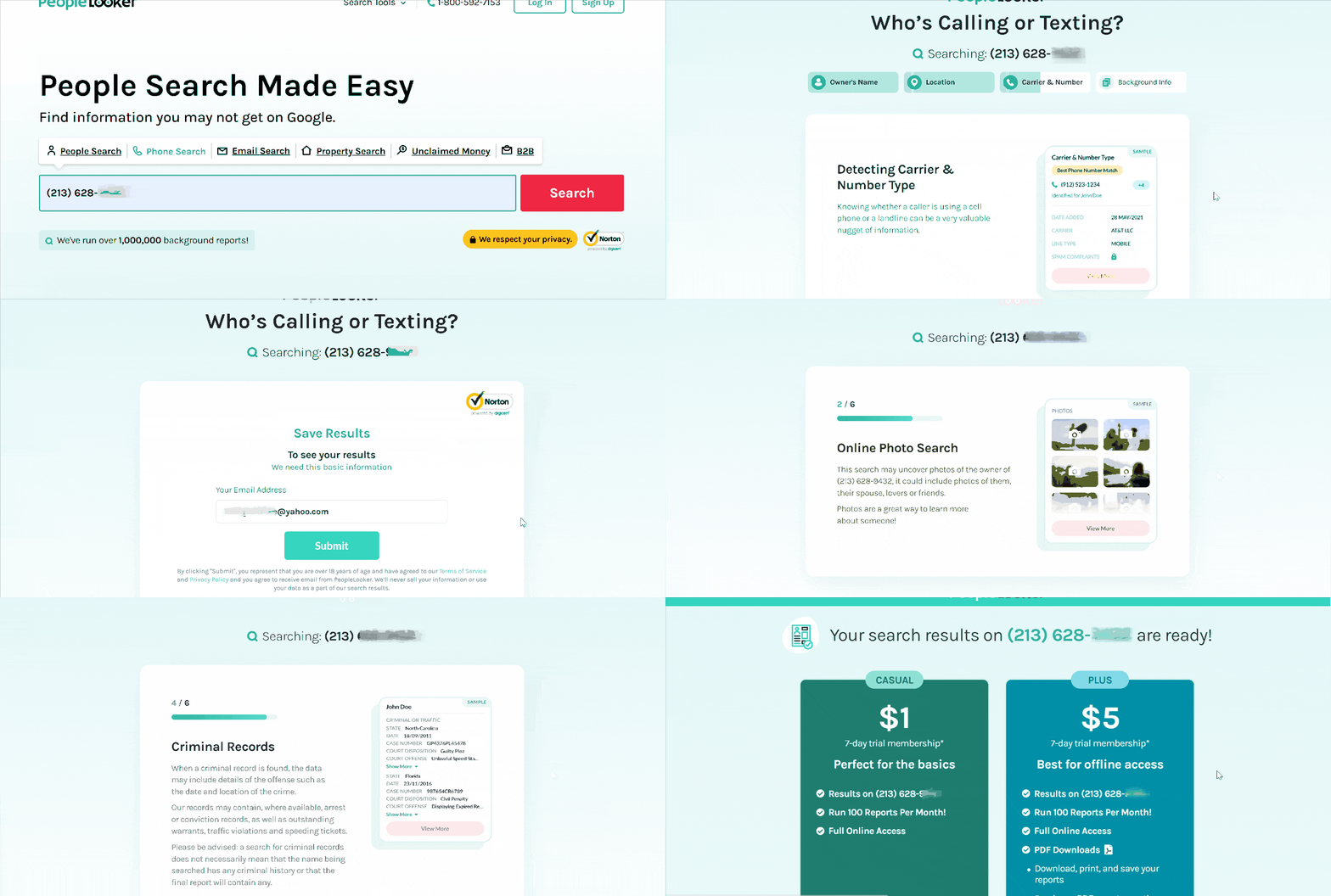
PeopleLooker did not have the option to pay for a single report. However, I liked that it has an Android app that helps find more information about an unknown caller. The app performed background checks, providing a comprehensive overview of the caller.
| Quickness | Simplicity | Effectiveness | Safety |
|---|---|---|---|
| 4.6 | 4.7 | 4.7 | 4.8 |
Pros:
- effective for discovering imposter scams;
- returns information from public records;
- reveals court and criminal records;
- all searches are private.
Cons:
- does not search the dark web;
- may require additional charges for some searches.
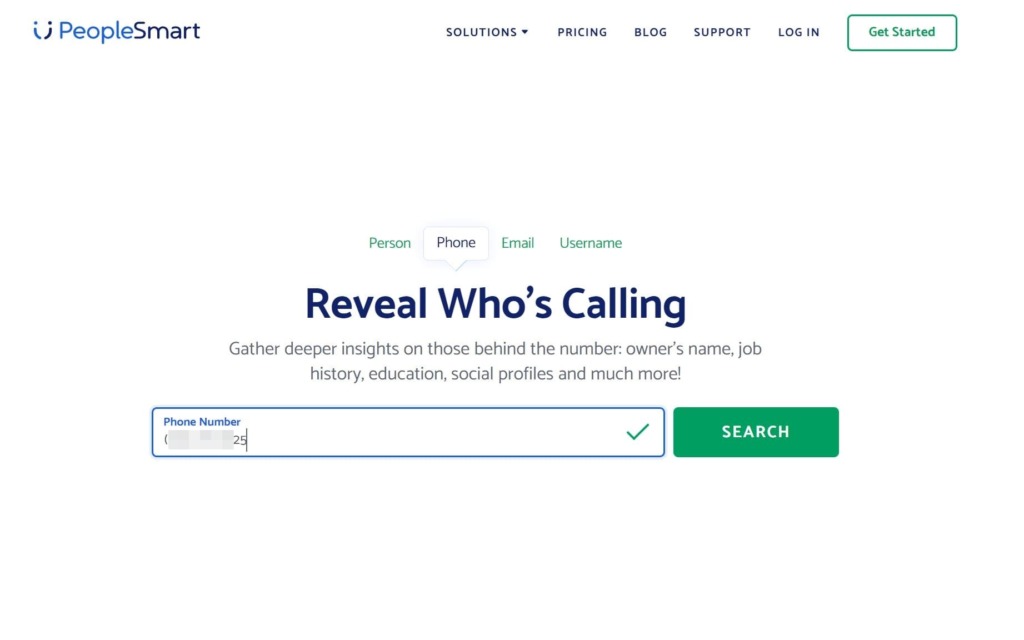
PeopleSmart
PeopleSmart is a search engine that helps people connect with one another. It’s designed to help professionals find leads and business contacts. PeopleSmart has a 3.8-star rating on Consumer Affairs and has garnered 37,000 followers on Facebook.
App:
No.
Price:
- $39/mo – Basic;
- $69/mo – Professionall;
- $99/mo – Business.
User Experience:
I used the $1 trial to find out information about an unknown caller, since none of the information was free. The service returned results that showed the caller’s name, job title, company, location, social media profiles, and email addresses.
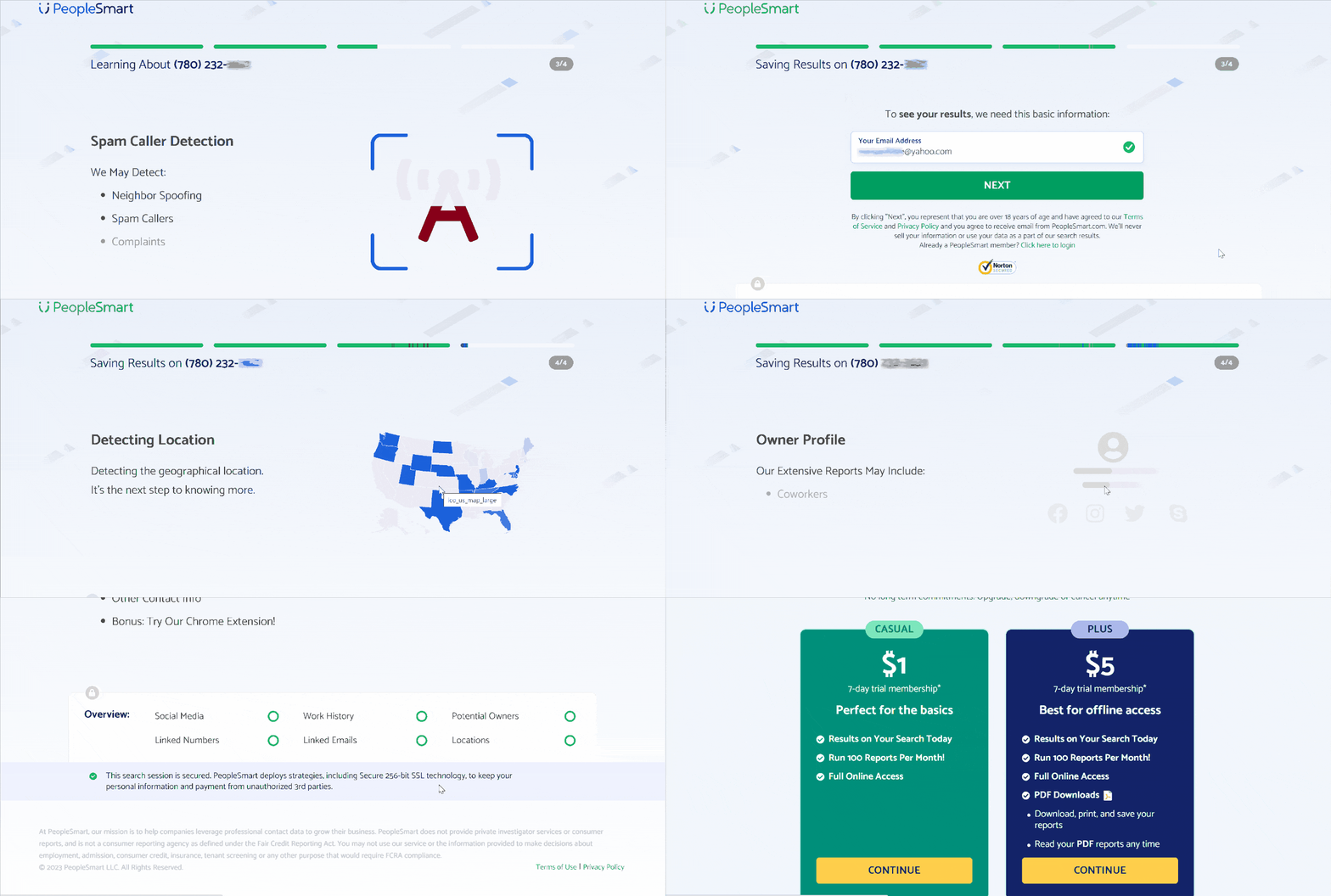
During my experimenting with PeopleSmart, I liked that it could keep track of the contacts I retrieved. I could retrieve reports I had viewed or even download a PDF on the dashboard. PeopleSmart did not have the option to pay for one report. I also did not find an app to perform reverse phone lookups on the go.
| Quickness | Simplicity | Effectiveness | Safety |
|---|---|---|---|
| 4.7 | 4.7 | 4.7 | 4.8 |
Pros:
- one subscription runs 50 reports per month;
- can monitor up to ten contacts;
- offers 24-hour customer support;
- can retrieve searched contacts.
Cons:
- may return multiple results, making it hard to narrow down;
- does not offer background reports.
NumberGuru
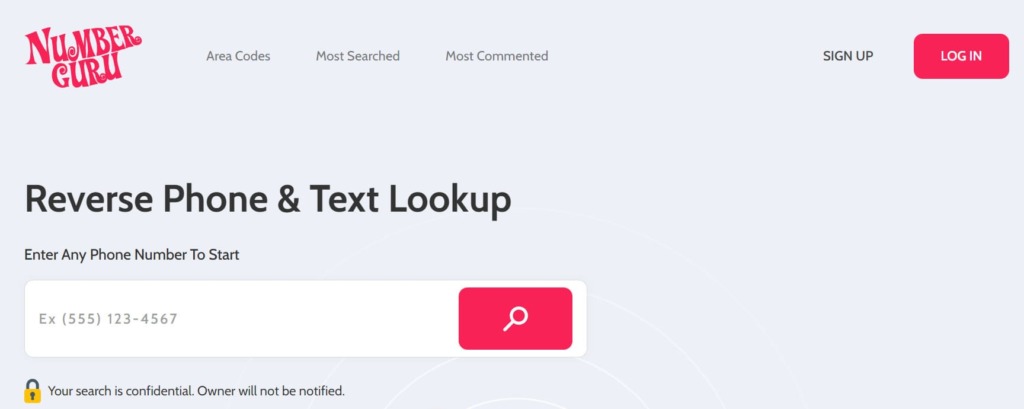
Numberguru allows you to find out the owner of any unknown caller. Its reverse lookup feature connects you to a vast phone director. NumberGuru has 5,000 followers on Facebook, and its app has over 10K downloads on the Google App Store.
App:
Yes, Android 4.4+, iOS 11.0+, 8MB.
Price:
$29.99/mo.
User Experience:
NumberGuru proved to be quite helpful in identifying unknown callers. During my test, it revealed the phone number’s location, phone carrier, spam score, and the type of caller. While NumberGuru did not have free reports, I liked that I could share information about the caller so that other users were warned of spam calls.
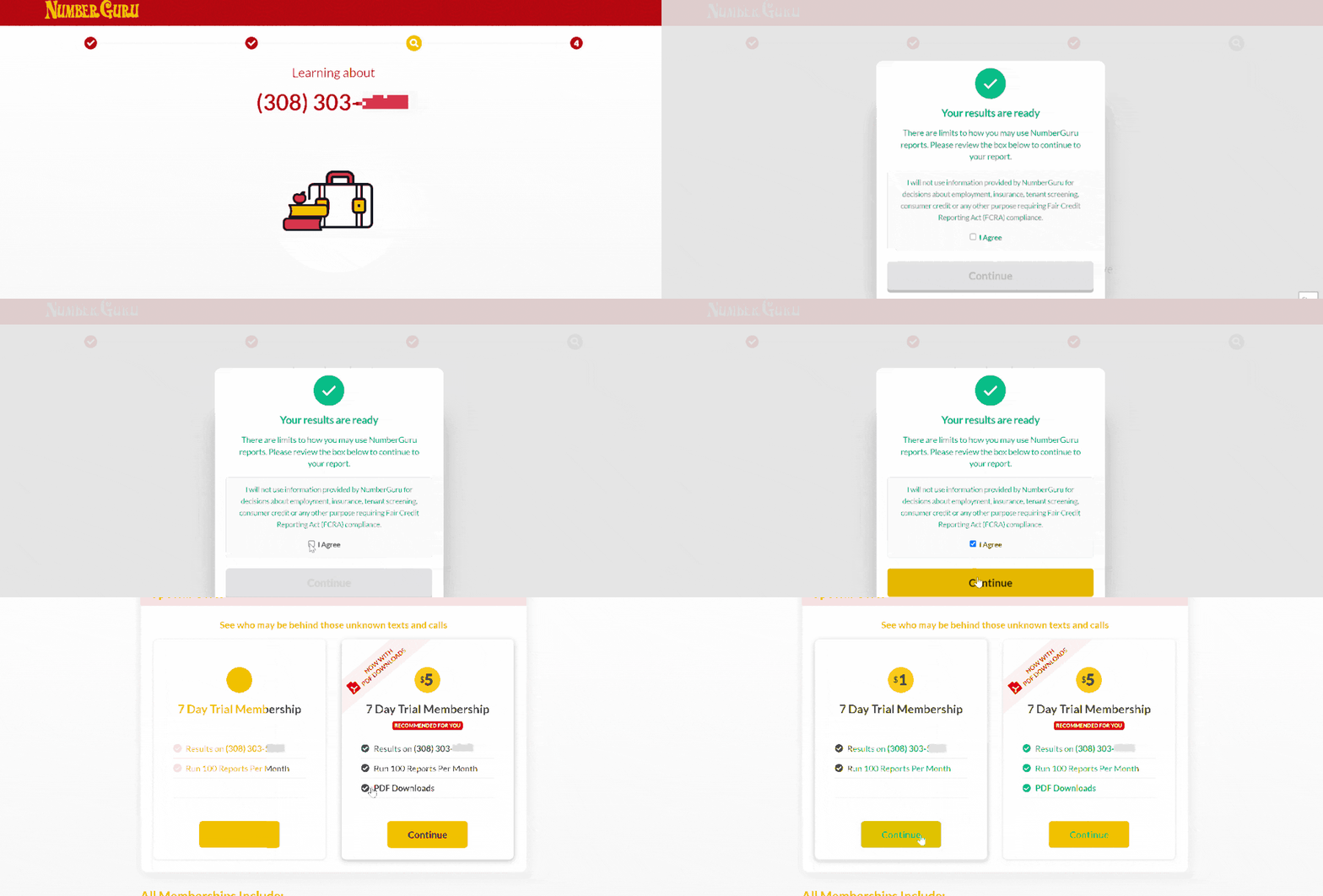
The NumberGuru app works similarly to the web interface. However, I could add phone numbers to my contact list to use the app to silence unknown callers. I was able to report scam calls and also see spam calls reported by other users.
| Quickness | Simplicity | Effectiveness | Safety |
|---|---|---|---|
| 4.7 | 4.6 | 4.8 | 4.8 |
Pros:
- allows reporting of spam calls;
- the app can add contacts to phonebook;
- shows possible name and location of owner;
- you can leave a comment to warn others of spam callers.
Cons:
- some information is out of date;
- additional costs for PDF downloads.
How to Block a No Caller ID
When you receive a call from a No Caller ID number, you can block it to avoid future calls from it. These are the steps to take on an Android phone:
- Open the Phone app and tap on the three-dot menu icon in the top-right corner of the screen.
- From the menu, select “Settings” or “Call settings.”
- Look for “Block numbers” or “Blocked contacts.”
- Tap on “Add a number” or “Block a number.” Enter “No Caller ID” or the specific phone number you want to block.
- Confirm the blocking action by tapping “Block” or a similar option.
- The No Caller ID or specific phone number will now be blocked, and you won’t receive calls from it anymore.
These steps may vary slightly depending on your Android device’s manufacturer and the operating system version you are using. If you encounter difficulties, consult your device’s user manual.
For iPhones, read our article “How to find out an unknown caller number on iPhone”.
Conclusion
There you go, guys. Here’s how to unmask No Caller ID and block such numbers. Remember to hang up and immediately tap *69 or *57 to initiate a trace on the call.
Our top pick app to identify No Caller ID from someone in your contacts is Truecaller. However, if the call comes from a new number, Trapcall is your best bet for identifying that number.
After identifying who is calling with No Caller ID, you will want to learn about the caller’s name, location, and other essential details. TruthFinder and Intelius can help dig for the information you could spend weeks looking for from government offices. And if you want an app that will tell you whether a call is from a scammer and help you block them, NumberGuru is our top recommendation.
If you can’t figure out the number calling with No Caller ID, after trying free apps, contact your service provider for how to trace No Caller ID and your local law enforcement. These guys are better equipped to stop No Caller ID calls, especially if they amount to harassment.
Frequently Asked Questions (FAQs)
You can use third-party apps like Trapcall to discover No Caller ID on iPhone. Dialing *57 or *69 to activate a trace on the number. Then, you can contact your phone’s carrier or the police to identify the phone number.
You can call back a No Caller ID by dialing *69 and following the instructions from your phone company.
Dial *57 or *69 immediately after hanging up to initiate a trace on a *67 number.
There are various methods of unmasking No Caller ID. First, apps like Truecaller will identify the number if it’s in your contact list. Your carrier may also provide this information.
*57 initiates a trace to the last number that called your phone.
The police can trace No Caller ID if you initiated a trace on the number after hanging up. However, it may be impossible to trace if the number is unavailable or was an out or area call.
People use No Caller ID because they don’t want you to see their information. It could be a telemarketer, a scammer, an organization looking for donations, etc.


 Monday-Sunday: 5:00am - 8:00pm (PT)
Leave a Comment